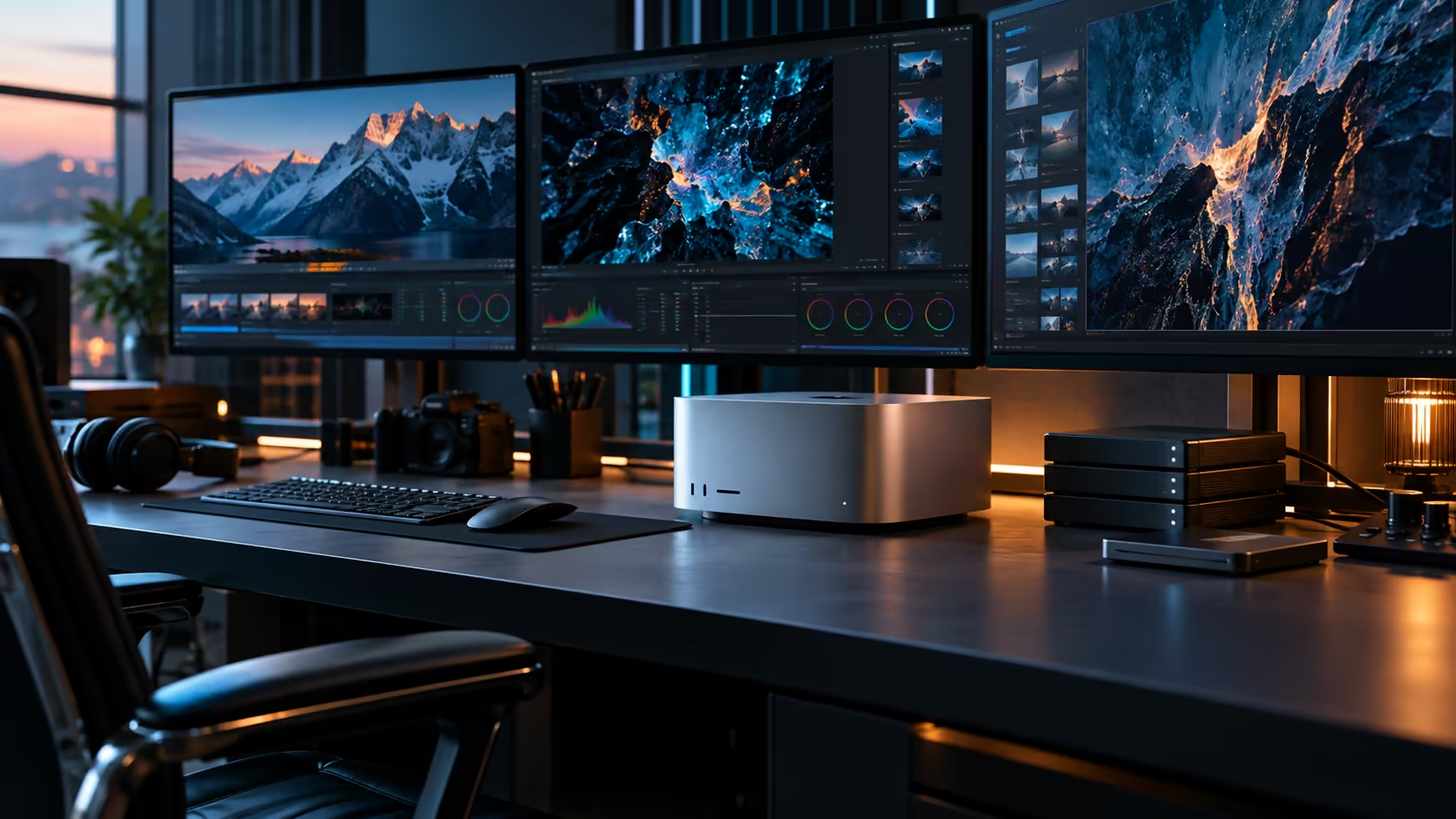
Every drive on a Mac Studio M5 Ultra attaches through a port rather than an internal slot, and with six Thunderbolt 5 sockets to work with, that's less of a limitation than it sounds once the storage architecture is planned properly.
Quick Answer
Connect high-speed external storage directly to one of the Mac Studio M5 Ultra's six Thunderbolt 5 ports for the cleanest, fastest link, reserving a second port for a NAS connection over 10Gb Ethernet if shared or archive storage is part of the plan. Some third-party Thunderbolt enclosures on the market support specific PCIe cards for specialised use cases; check any such product's own published compatibility list before assuming your card will work in it. The machine is R108,999.
🔌 Building a storage tier across six Thunderbolt ports
With more ports than the M5 Max, a proper storage tier becomes realistic without crowding out displays or a dock.
A fast external SSD for active project files takes one port directly, connected without a hub for the most consistent throughput. A network-attached storage unit, built out with your own drives, handles shared or archived work over the network rather than a direct cable, freeing Thunderbolt ports for storage that genuinely needs the direct connection.
📦 What a Thunderbolt enclosure actually adds versus a direct drive
Not every external storage need is solved by a single SSD, and enclosures fill a specific gap worth understanding.
An enclosure lets you house a bare drive, including a fast NVMe drive bought separately, in a Thunderbolt-connected housing rather than buying a pre-built external SSD outright. This is often the more cost-effective route for buyers who already have a spare NVMe drive or want to choose the drive and housing independently rather than as a single packaged product.
⚙️ PCIe expansion: what's genuinely provable and what isn't
This is worth being precise about, since the terminology gets used loosely across the market.
Some third-party manufacturers sell Thunderbolt-connected chassis specifically built to house a PCIe card for a narrow set of supported use cases, separate from Evetech's own product listings. Whether a specific card works in a specific chassis depends entirely on that chassis maker's own published compatibility list, which varies by product and changes over time. Treat this as a third-party accessory category to research independently rather than a confirmed capability of any particular machine, and check a prospective chassis and card combination directly with its manufacturer before purchasing either.
🗂️ Sizing the whole storage plan honestly
Work backwards from your actual project sizes rather than buying storage reactively as things fill up.
Estimate your largest active project's footprint, add archive and backup needs on top, and split that total across direct Thunderbolt storage for active work and networked storage for anything finished or shared. This upfront planning costs a few minutes and avoids the scramble of discovering a drive is full mid-project.
🇿🇦 Sourcing PCIe-capable enclosures locally
Since this is a narrow, specialised accessory category rather than something every retailer stocks, plan the research separately from the main purchase.
If a specific PCIe workflow genuinely matters to your setup, confirm availability and compatibility with the chassis manufacturer directly before assuming a local supplier carries it, since specialised Thunderbolt PCIe enclosures are a niche product even internationally. Budget extra lead time for anything imported specifically for this purpose, separate from the timeline for the Mac Studio itself.
🧰 A sensible order for building out this storage plan
Start simple and add complexity only once you've confirmed you actually need it.
Begin with one direct external SSD for active work, confirm it covers your real day-to-day need, then add a NAS for shared or archived storage once more than one project or person requires it. Treat any PCIe-specific expansion as a separate, later research project rather than something to solve on day one alongside everything else.
Frequently Asked Questions
How many Thunderbolt ports should I dedicate to storage?
At least one for active project storage, connected directly rather than through a hub. A second port can serve a NAS connection or additional direct storage depending on your workflow.
Can I add a graphics card or capture card externally over Thunderbolt?
Only via a third-party enclosure built specifically for that purpose, and only for cards its maker explicitly lists as supported. This is not something Evetech's own listings confirm for any specific combination.
Is a Thunderbolt enclosure with my own drive cheaper than a pre-built external SSD?
Often yes, particularly if you already have a spare NVMe drive. Buying the enclosure and drive separately can also let you choose each independently rather than accepting a fixed pre-built combination.
Should shared storage connect over Thunderbolt or the network?
Over the network, typically via a NAS on the 10Gb Ethernet port, which frees Thunderbolt ports for storage that specifically needs a direct connection.
Ready to plan a storage tier across this machine's six Thunderbolt ports?
Compare direct SSDs, enclosures and networked storage for your actual project needs.