


Lag spikes on Vumatel in Durban almost always come from your local setup or peering, not the line's raw speed, so the fix is methodical. Start with a wired connection, test latency, then address router QoS and peering before blaming the ISP.
Quick Answer
Lag spikes while gaming on Vumatel in Durban are usually caused by Wi-Fi interference, an overloaded router, or peering routes to distant game servers, not low fibre speed. Switch to a wired Ethernet connection, run a Waveform Bufferbloat test, and enable QoS on a capable router; these steps resolve most Durban Vumatel lag spikes and typically restore a stable sub-30ms ping to local servers.
Step-By-Step Lag Fix For Durban Vumatel
First, go wired: an Ethernet cable to the router eliminates the Wi-Fi interference that causes most spikes. Next, run a Waveform Bufferbloat test and a PingPlotter trace to your game server; spikes under load point to bufferbloat, which QoS fixes. Reboot the Vumatel ONT and router to clear stale sessions. If PingPlotter shows latency climbing at a specific hop, the issue is routing or peering to that server region, common when the game server sits in Johannesburg or overseas rather than locally.
Router, QoS And Peering Notes
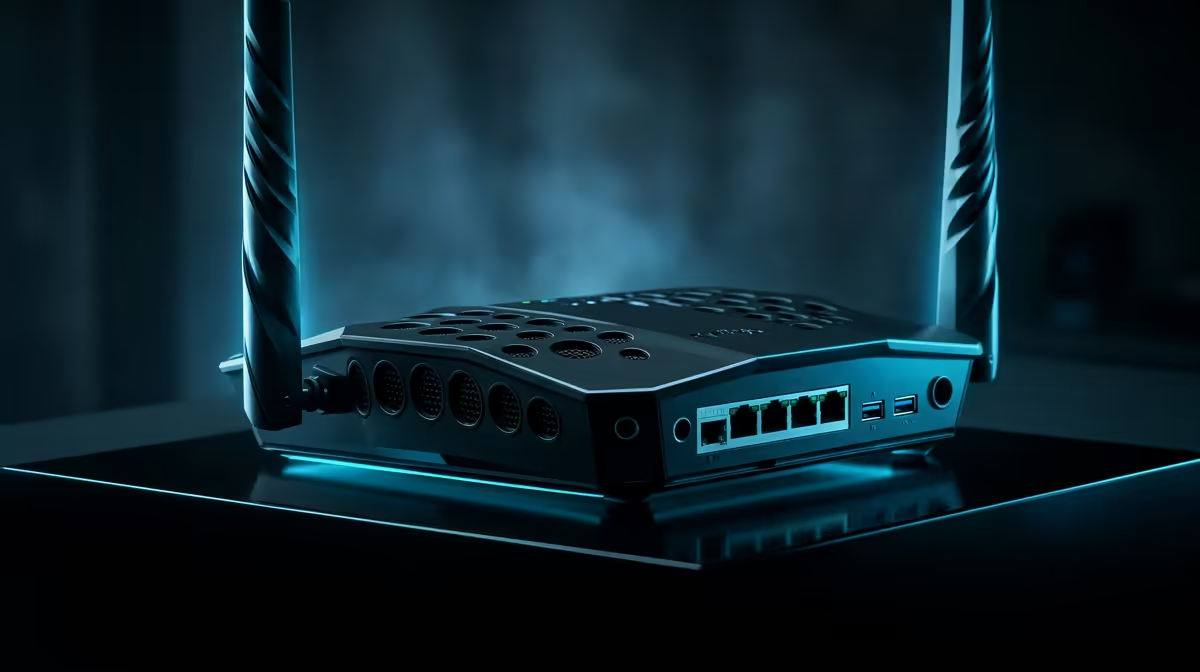
A router with smart QoS (SQM) tames bufferbloat by prioritising game traffic when the line is busy, which kills spikes during downloads or streaming on the same connection. Capable routers from TP-Link, ASUS and Mercusys (from around R900 at Evetech) offer this. For game servers, choosing a Johannesburg-region server over a European one cuts base ping for Durban players. Keep firmware updated and place the router centrally if any device must use Wi-Fi.
FAQ
Why do I get lag spikes on Vumatel in Durban?
Usually Wi-Fi interference, bufferbloat from a busy line, or peering routes to distant servers, not low speed. A wired connection plus QoS resolves most spikes for Durban Vumatel users.
How do I test for bufferbloat?
Run a Waveform Bufferbloat test, which grades latency under load, and use PingPlotter to trace your game server. Spikes that appear only under load point to bufferbloat that QoS can fix.
Does a better router stop lag spikes?
Often, yes. A router with smart QoS prioritises game traffic during congestion, eliminating spikes caused when downloads or streams share the line. Capable models start around R900 at Evetech.
Waveform Bufferbloat test on your Durban Vumatel line, then enable SQM QoS on a capable router; if the test grades poorly under load, that QoS fix alone will remove most of your in-game lag spikes.











