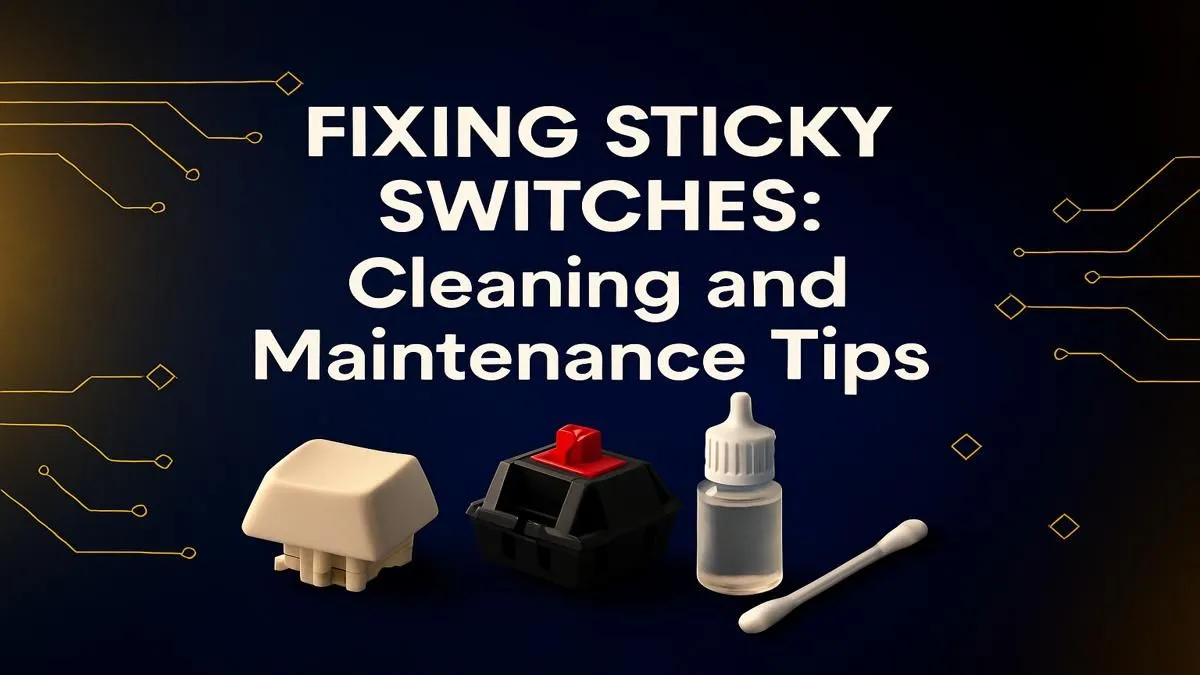
It’s a classic Mzansi horror story. You reach for your drink… and disaster strikes. A splash of Creme Soda across your WASD keys. Suddenly, your strafe is sticky, your sprint is sluggish. Don’t panic. That frustratingly tacky key doesn’t mean your board is destined for the bin. This guide will show you exactly how to fix sticky keyboard keys.
First Aid for a Sticky Situation
Before you start a full-blown operation, sometimes a quick response is all you need to fix a sticky keyboard key. This is for minor spills or the slow build-up of dust and grime.
First, the most important step: unplug your keyboard immediately! ⚡ Tipping it upside down to let any excess liquid drain out is your next move. For a surface-level clean, dampen a microfibre cloth with a bit of isopropyl alcohol (at least 70%) and wipe down the affected area. Use a cotton swab to gently clean around the edges of the sticky keycaps. For many minor spills, this is often enough to restore smooth movement.
The Deep Clean: A Full Keyboard Refresh
If a surface wipe-down didn't solve the problem, it’s time for a deeper clean. The method for cleaning a sticky keyboard varies slightly depending on whether you have a membrane or mechanical keyboard.
For Membrane Keyboards
These keyboards are common and often more budget-friendly. The good news is they are relatively simple to clean. After unplugging it, use a keycap puller or a small, flat tool to gently pry off the sticky keycap(s). This exposes the rubber dome underneath.
Use a cotton swab dipped in isopropyl alcohol to carefully clean the keycap, the rubber dome, and the plastic housing. Make sure everything is 100% dry before snapping the keycap back on. If the spill was extensive and many keys are affected, it might be more time-effective to browse some of the great deals on affordable gaming keyboards in South Africa instead.
For Mechanical Keyboards 🔧
Mechanical keyboards are a gamer's favourite, but their design means sugary drinks can get right into the switch mechanism. This is where a proper sticky keyboard fix requires more care.
- Take a "Before" Photo: Trust us on this. It helps you remember where all the keys go.
- Remove the Keycaps: Using a keycap puller, carefully remove the keycaps around the affected area. This is also a fantastic opportunity to give your board a new look and feel if you decide to grab a fresh set of keycaps.
- Clean the Switch: With the keycap off, you can see the switch stem. Press the stem down with a cotton swab and carefully clean around it with isopropyl alcohol. Actuate the switch a few times to work the alcohol in and dissolve the gunk.
- Wait: Let it evaporate completely. Patience is key.
- Test: Re-assemble and test the key. If it's still sticky, the spill may have gotten deep inside the mechanism. At this point, advanced users might want to desolder the switch and look into replacement keyboard switches, but for most, this signals it might be time for an upgrade.
Pro Cleaning Tip 🧼
A cheap, dedicated keycap puller is your best friend. Trying to pry off keycaps with a screwdriver or knife can easily scratch your keyboard's body or damage the keycaps themselves. It's a small investment that makes the process much safer and easier.
Knowing When to Call It a Day
Sometimes, a keyboard is beyond a simple clean. If keys are completely unresponsive after drying, or if the keyboard is behaving erratically (like typing random characters), the liquid may have caused a short circuit on the PCB. At this point, the effort to repair it often outweighs the cost of a new one.
This can be a blessing in disguise. It’s the perfect excuse to upgrade your entire station with a slick new all-in-one keyboard and mouse combo or improve your long-session comfort by adding a comfortable wrist rest to your setup.
Prevention is the Best Fix
The easiest way to fix sticky keyboard keys is to prevent them from happening in the first place. Try to keep drinks and snacks away from your battle station. A quick weekly dusting with compressed air or a soft brush can also stop the slow build-up of biltong dust and other debris that can lead to keys sticking over time. ✨
But hey, accidents happen. And if your current keyboard has seen one too many battles (or spills), maybe it's time to treat yourself. Check out the latest gaming keyboard deals and get a fresh start with a board that's clean, responsive, and ready for victory.
Sticky Keys Got You Stuck?
A clean keyboard is a fast keyboard. But if your old board has seen better days, a fresh start is often the best fix. Explore our massive range of gaming keyboards and find the perfect upgrade to dominate your game.