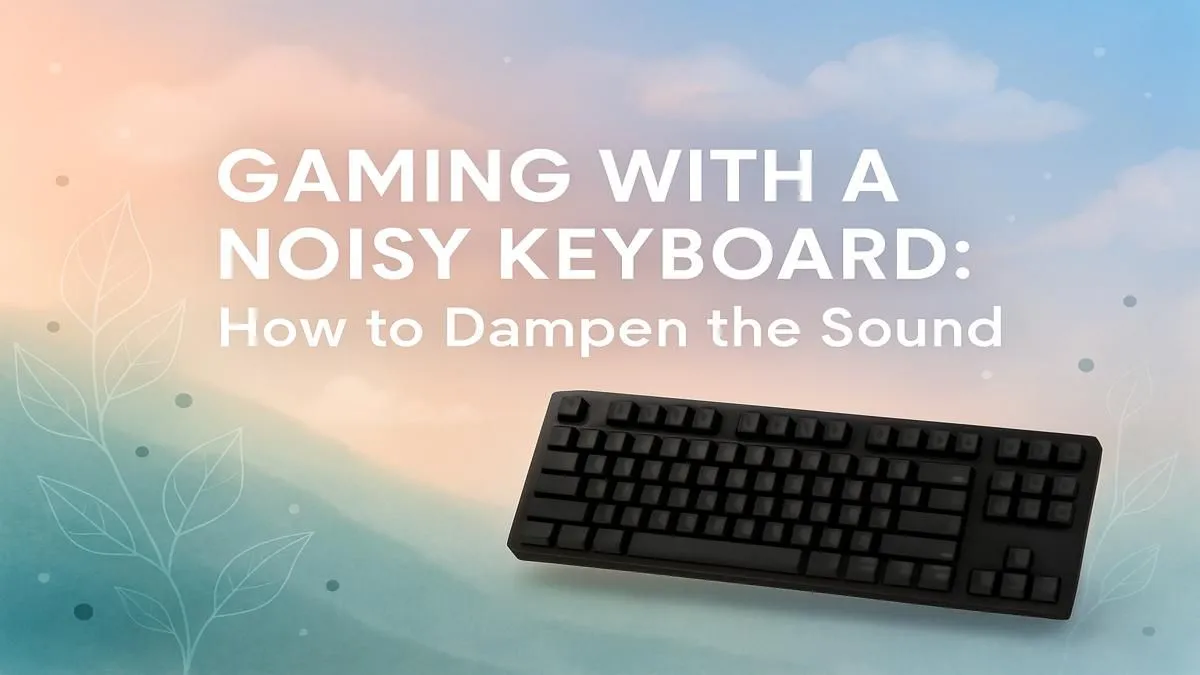
Is that clack-clack-clack from your keyboard ruining your late-night gaming session? Or maybe your stream viewers are complaining about the typewriter sounds drowning out your voice. We get it. A loud mechanical keyboard can be a problem. But don't stress, there are several ways to make your keyboard quieter.
From simple DIY mods to choosing the right hardware, this guide will walk you through the best methods to silence your keyboard for good. 🤫
Why is Your Mechanical Keyboard So Loud Anyway?
Before we fix the noise, let's understand it. The sound from a mechanical keyboard comes from a few places:
- The Switch: The switch itself has moving parts. "Clicky" switches (like Cherry MX Blues) are designed to make a sharp click.
- Bottoming Out: This is the thock sound you hear when you press the key all the way down and the keycap stem hits the switch housing.
- Topping Out: The opposite of bottoming out, this is the clack when the key returns to its resting position.
- Case Echo: The hollow space inside your keyboard's case can act like an echo chamber, amplifying all these sounds.
Understanding these sources is the first step to achieving a quieter gaming keyboard.
DIY Mods to Make Your Keyboard Quieter 🔧
If you enjoy a bit of tinkering, you can significantly reduce keyboard noise with a few simple mods. These are popular in the custom keyboard community and are easier than you think.
Start with O-Rings
The easiest and cheapest way to make your keyboard quieter is by installing rubber O-rings. These tiny rings sit on the stem of your keycaps. When you press a key, the O-ring cushions the impact, softening the "bottom-out" sound. It's a quick, reversible mod that makes a noticeable difference.
Swap to Quieter Switches
The most effective way to silence a keyboard is to change the switches themselves. If your keyboard is "hot-swappable," this is a simple plug-and-play process. There are three main types of switches:
- Clicky (e.g., Blue): Loud and proud. Avoid these if you want quiet.
- Tactile (e.g., Brown): A small bump you can feel, but quieter than clicky switches.
- Linear (e.g., Red, Black): Smooth all the way down, with no click or bump. These are the quietest by nature.
For the ultimate stealth setup, look for "Silent" linear switches. You can explore a massive variety of keyboard switches to find the perfect feel and sound level for your rig.
Change the Sound with New Keycaps
Believe it or not, your keycaps affect the sound. Most stock keyboards come with thin ABS plastic keycaps, which can sound high-pitched and hollow. Upgrading to a set of thicker PBT keyboard keycaps can create a deeper, more satisfying, and often quieter sound profile.
Streamer Pro Tip ⚡
If you're a streamer, physical mods are great, but software can be your secret weapon. Use NVIDIA Broadcast's "Noise Removal" filter. It uses AI to isolate your voice and eliminate background noise, including keyboard clicks. Your viewers will thank you for the crystal-clear audio!
Optimise Your Desk for Peace and Quiet
Your desk setup can also contribute to the noise. A large desk mat or mouse pad is a fantastic investment. It absorbs vibrations that would otherwise travel from your keyboard through your desk, effectively dampening the sound. A good setup also includes proper ergonomics, where adding a comfortable wrist rest can encourage a lighter typing style, further reducing noise.
When to Mod vs. When to Buy a New Quiet Keyboard ✨
So, should you mod your current board or just buy a new one?
If you love your keyboard's layout and it's hot-swappable, modding is a fun and rewarding project. However, if your keyboard has soldered switches or you just don't have the time, buying a new keyboard designed for silence is the smarter move.
Luckily, the demand for quieter peripherals means there are amazing options available. You can find some of the best gaming keyboard deals on boards that come pre-installed with silent switches. Even many of the cheapest gaming keyboards in South Africa now feature quieter linear switch options. And if you're looking to refresh your entire setup, grabbing a new keyboard and mouse combo can offer fantastic value for money.
Ready for a Quieter Setup?
Whether you're modding your current board or looking for a stealthy new one, silence is golden. Stop annoying your flatmates and give your stream viewers crystal-clear audio. Explore our incredible gaming keyboard deals and find the perfect quiet keyboard for your setup today.