



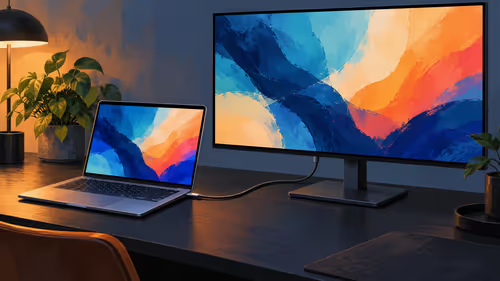
Can a USB-C Monitor Charge a PROLED MacBook Pro While Showing Video?
A USB-C display can carry video and power. Evetech listed the ViewSonic TD1655 for R5,299 on 29 October 2026; its 60W limit is below Apple charging recommendations.
Read moreMost monitor arms include internal channels or clips guiding display and power cables from the panel down the arm to the desk base, preventing snag when the arm moves. Route cables before final position-locking so nothing pulls taut at maximum arm reach.
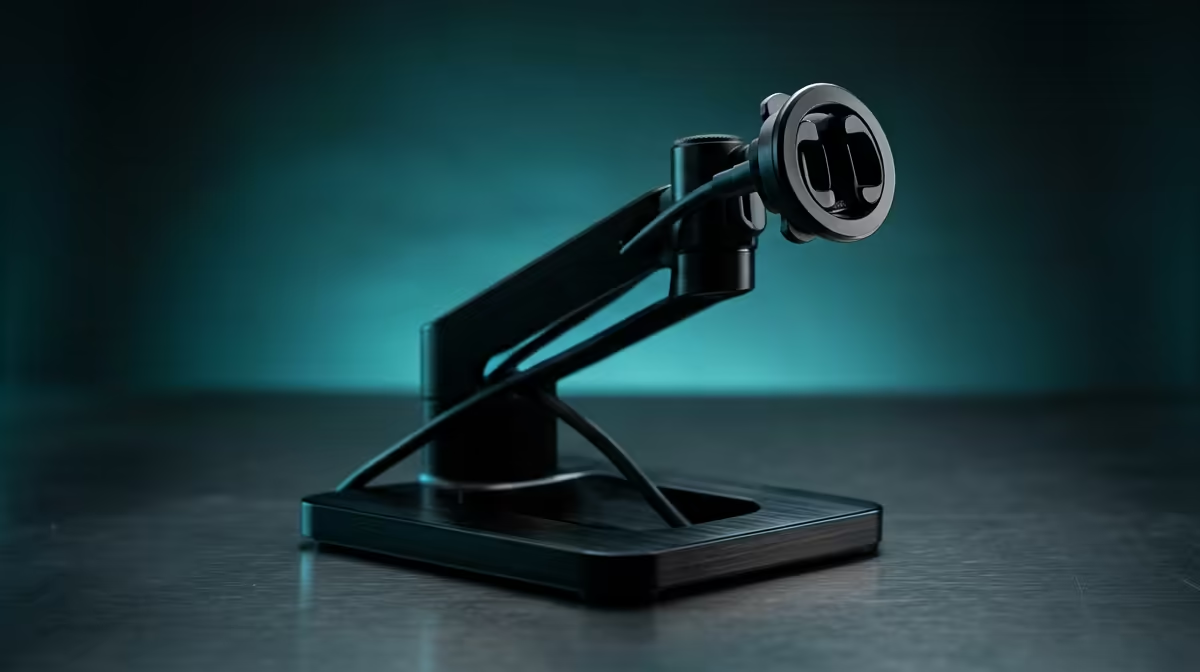
A monitor floating on an arm only looks clean if the cables behind it disappear too. Routing and hiding cables on a monitor arm is mostly about using the channels and clips the arm already gives you, leaving the right amount of slack at each joint, and getting the bundle off the desk surface and under the rear edge. Do it before you lock the arm into its final position and nothing pulls taut when the screen swings.
Run the display cable and the power cable through the arm's internal channels or clips from the panel down to the base, leaving a small slack loop at each hinge so the monitor can pivot freely. The moment the cables reach the desk, send them straight down and under the rear edge so they never sit on the surface.
Most quality monitor arms include internal routing channels or snap-on clips that guide the display and power cables along the arm from the panel to the desk base. Open the channel covers, lay both cables inside, and close them. This keeps the wires hugging the metal so they trace the silhouette of the arm and visually vanish against it.
If your arm has no internal channel, you can get the same effect with reusable velcro straps. Bind the cables tightly along the back of each arm segment so they follow the structure rather than dangling. The goal either way is the same: make the cables part of the arm's shape instead of a separate mess hanging off it.
The most common mistake is routing the cables tight while the monitor sits in one position, then watching them strain the moment you tilt or raise the screen. Every joint that moves needs a small slack loop so the cable can flex without pulling. Find the arm's full range first: extend it all the way out, raise it to maximum height, and rotate it to portrait if it supports that.
Route the cables with the arm at its most demanding reach, then bring it back to your normal position. The leftover slack at each hinge takes up the difference. A cable that is taut at full extension will eventually unseat a connector or fray, so err toward a little extra length at every pivot point.
Do the routing while the arm is still loose enough to move through its whole range. Once you have confirmed nothing pulls tight at maximum reach, lock the tension and clamp settings. Trying to thread cables after the arm is fully tightened means working against a stiff joint and risking a pinched wire. A tidy run also keeps the whole surface uncluttered, which matters as much as the arm itself; the gaming and ergonomic desk range at Evetech shows how a clean station built around the right desk finishes off a workspace.
Once both cables reach the base of the arm, they should immediately drop under the desk rather than crossing the surface. Use an under-desk cable tray, a J-channel, or a couple of adhesive clips to carry the bundle to your power hub or wall outlet. A cable sleeve helps when several lines follow the same path, gathering display, power, and any USB runs into one neat trunk.
This last step is what sells the whole setup. The arm can be perfectly routed, but a tangle pooling on the desk undoes it. Keep the surface clear and let the bundle live underneath. For people kitting out a full station, the most popular desk accessories at Evetech are worth a glance alongside your cable plan, since a well-equipped and tidy desk makes a workspace you actually want to use.
Most quality arms include internal channels or snap-on clips that guide cables from the panel to the base. Cheaper arms may not, but you can replicate the effect by binding cables along the back of each segment with reusable velcro straps so they follow the arm's shape.
Enough that the cable never pulls tight when the arm is at full extension, maximum height, or rotated. Route with the arm at its most demanding reach first, then return it to your normal position; the leftover slack loop absorbs the movement.
Before locking it. Thread and dress the cables while the arm still moves freely through its whole range, confirm nothing strains at maximum reach, then tighten the tension and clamp. Routing after final lock risks pinching a wire against a stiff joint.
Send the bundle straight down off the back edge rather than across the surface. An under-desk tray, a J-channel, or adhesive clips carry it to your power hub, and a cable sleeve tidies multiple lines into one trunk that stays out of sight.
A clean monitor setup deserves a workspace to match. Pair a tidy arm with the right surface from the desk range at Evetech and finish your desk properly.
Most quality arms include internal channels or snap-on clips that guide cables from the panel to the base. Cheaper arms may not, but you can replicate the effect by binding cables along the back of each segment with reusable velcro straps so they follow the arm's shape.
Enough that the cable never pulls tight when the arm is at full extension, maximum height, or rotated. Route with the arm at its most demanding reach first, then return it to your normal position; the leftover slack loop absorbs the movement.
Before locking it. Thread and dress the cables while the arm still moves freely through its whole range, confirm nothing strains at maximum reach, then tighten the tension and clamp. Routing after final lock risks pinching a wire against a stiff joint.
Send the bundle straight down off the back edge rather than across the surface. An under-desk tray, a J-channel, or adhesive clips carry it to your power hub, and a cable sleeve tidies multiple lines into one trunk that stays out of sight.
A USB-C display can carry video and power. Evetech listed the ViewSonic TD1655 for R5,299 on 29 October 2026; its 60W limit is below Apple charging recommendations.
Read more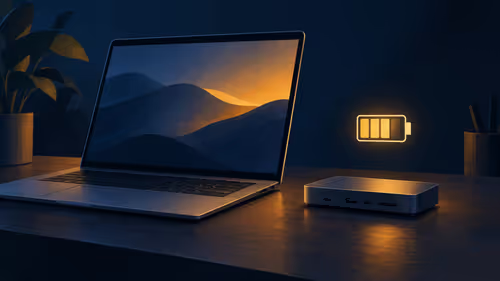
Check the charger, dock and laptop power requirements before using USB-C pass-through. Evetech listed the Port Designs 901913 dock at R1,399 on 29 October 2026.
Read more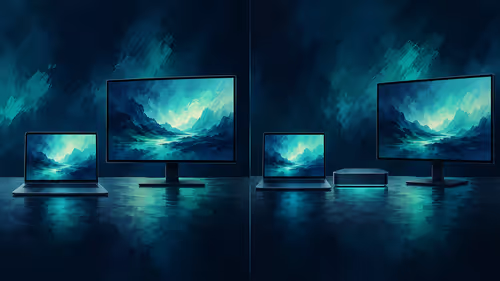
A direct connection can suit one screen; a dock adds ports but has its own video limits. The Port Designs 901913 dock was R1,399 at Evetech on 29 October 2026.
Read more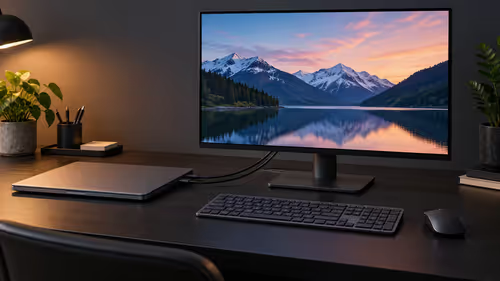
A Mac laptop can use an external screen with its lid closed when connected to power, an external keyboard and mouse. Evetech listed a Lenovo monitor at R2,099 on 29 October 2026.
Read more
Buy now or upgrade later: PC cases decisions should be shortlisted around the job it must do. South African buyers should compare CPU, GPU, RAM, and screen quality, warranty path, and upgrade room before treating any pick as best.
Read more
First-time PC gaming can suit an all-in-one PC in SA when the buyer wants a simple, space-saving starting point. A tower with RX 7600 or RTX 5060 is still the stronger option where upgrade flexibility and broader gaming growth are priorities.
Read more
Edge not saving passwords needs a check of the browser profile and Microsoft Password Manager settings. Saving, generating and filling a password are separate actions; confirm which one fails before changing account data.

ASUS PG259QWS Ace is the 720Hz model in the newly available 24.5-inch OLED Ace pair. The separate XG259QWPG Ace is 540Hz. Check the exact model, connection and real game performance before choosing a screen.

System76 Thelio Prime is an 11-litre Linux desktop due 18 November, with Ryzen 9000 processors and configuration-dependent graphics. Check application support, connections and the selected build before treating its small footprint as the whole buying decision.

Edge default search engine controls searches typed in the address bar. Choose a supported search provider in browser settings, then test the address bar separately from a website search box or a new-tab page before assuming the change failed.
Edge not saving passwords needs a check of the browser profile and Microsoft Password Manager settings. Saving, generating and filling a password are separate actions; confirm which one fails before changing account data.
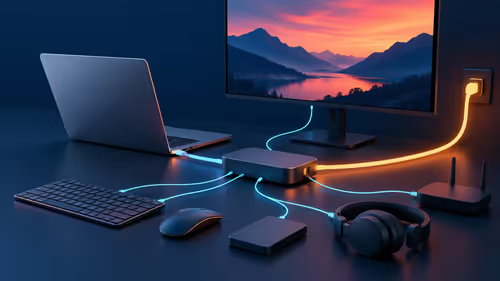
Targus DOCK402 combines a mobile dock with a built-in GaN charger. Its useful buying checks are host power negotiation, USB-C video support and the single-display limit, rather than assuming every USB-C laptop gets the maximum charging and resolution.
Edge default search engine controls searches typed in the address bar. Choose a supported search provider in browser settings, then test the address bar separately from a website search box or a new-tab page before assuming the change failed.
Edge block pop-ups can stop unwanted windows while permitting a trusted site that needs one. Check the exact site exception and distinguish pop-up windows from adverts inside a page and website notifications before turning off protection broadly.
Edge not saving passwords needs a check of the browser profile and Microsoft Password Manager settings. Saving, generating and filling a password are separate actions; confirm which one fails before changing account data.
Edge energy saver reduces browser resource use and may affect visible smoothness. It was previously called efficiency mode and is separate from Windows Task Manager efficiency mode. Choose the browser setting for the workload you are testing.

Edge find on page opens with Ctrl+F on Windows. Type a short phrase from the page and move between matches; a web search, scanned image and different loaded page are separate cases.
Edge exit full screen uses F11 on Windows to toggle the browser view. Browser full screen, a maximised window, page zoom and a video player are different states; identify which one changed before altering display settings.