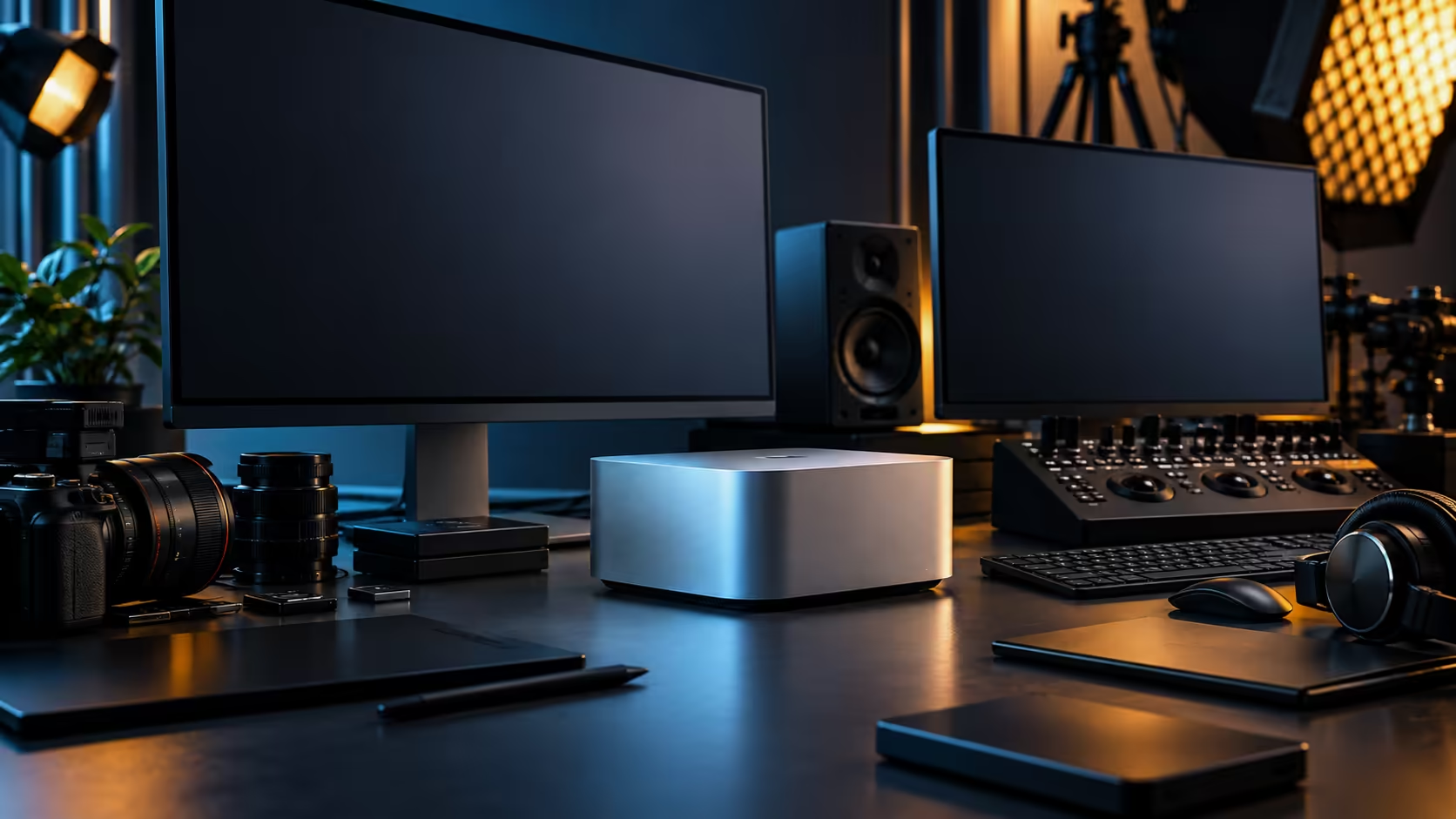
A multi-monitor plan on a Mac Studio M5 Max starts at the back of the machine, not in System Settings. Four Thunderbolt 5 ports and one HDMI output are the physical starting point, and the order you connect them in decides whether the desk wakes up correctly every morning or shuffles your windows around once a week. At R49,499 for the 36GB configuration, it is worth spending twenty minutes on the layout rather than discovering it by trial.
Quick Answer
Give every panel its own port before you reach for an adapter or a hub. The Mac Studio M5 Max has four USB-C ports supporting Thunderbolt 5 plus a dedicated HDMI output, so the physical connections come first and the chip's own display ceiling is the separate number to settle before you buy stands. The 36GB, 512GB machine is R49,499.
🔌 Map the ports before you buy a single cable
Write down what you have and what each screen needs, because the machine gives you several different kinds of connection and they are not equivalent.
There are four USB-C ports supporting Thunderbolt 5, two further USB-C ports, two USB-A ports, one HDMI output, a 10Gb LAN socket, an SD card reader and a 3.5mm combo jack. For displays, the Thunderbolt ports and the HDMI output are what matter.
The practical rule is one panel, one port. A direct Thunderbolt connection to a monitor that speaks USB-C carries video, data and power in one cable and is the arrangement least likely to misbehave on wake. The HDMI output is the natural home for a television, a projector, or an older panel that has no USB-C input at all.
Check what each monitor actually accepts before ordering cables. A screen with a DisplayPort input and no USB-C needs a Thunderbolt to DisplayPort lead, not an HDMI adapter chain, and the monitor accessories range is where those leads and adapters live.
🖥️ How many screens the chip will actually drive
This is the number people get wrong, and it is genuinely worth confirming rather than assuming.
The count of ports on the back is not the same thing as the count of displays the chip will drive at once. Apple silicon has a display engine limit that varies by chip tier, and it is stated per model on Apple's own specification page. Confirm it there for the M5 Max before you commit to a five-screen layout and buy five stands.
Resolution and refresh rate spend from the same budget. A display engine that comfortably handles several panels at 60Hz may support fewer at high refresh rates or at 6K, because the bandwidth per panel changes. If your plan is three 4K screens at 60Hz, that is a very different request from three 5K screens at 120Hz.
Daisy chaining is the other thing to check per panel rather than assume. Some monitors pass a signal through to a second screen from one port; many do not. Where it works it saves a port, which matters if you are trying to reach a high panel count.
🎬 A layout that suits a South African edit suite
For video work, the sensible arrangement is rarely the maximum number of screens.
Two good panels plus a dedicated reference monitor beats four general-purpose screens for colour work, because the reference panel is the only one whose calibration you have to trust. Put the timeline on the largest screen, the programme monitor on the reference panel connected directly by Thunderbolt, and scopes or a browser on the third.
Wired networking deserves a thought here too. The 10Gb LAN port on the back is far more useful than it looks in a two-person suite, because moving a day of footage between a workstation and a local NAS over cable is the difference between a coffee break and an afternoon. Uploading the finished master is the part a local fibre line governs, and upload is almost always the slower half of an SA fibre package, so plan a long export to run overnight rather than expecting to deliver in an hour.
Storage follows the same logic. The machine ships with a 512GB SSD, which fills quickly at 4K, so the working drive is usually external over Thunderbolt and the SD card reader on the front handles ingest directly from camera cards.
🔧 Setting the arrangement so it stays put
Once everything is plugged in, open System Settings, then Displays, and drag the panels into the physical order they sit in on the desk. Set the main display, the one that carries the menu bar, by dragging the white bar onto it.
Give each panel a name you will recognise later. Macs identify screens partly by port, and when a monitor sleeps deeply or is switched to another input, macOS can treat it as having disappeared and reflow windows onto the remaining screens. Consistent naming and consistent ports make that far less likely, and plugging a given screen back into the same socket every time is the cheapest fix there is.
If windows still shuffle after sleep, the usual culprit is a monitor that powers down entirely rather than sleeping. Setting that panel to stay on a fixed input, rather than auto-detecting, solves it more often than any macOS setting will. For a machine that sits on a desk rather than under one, compare the current mini PC range and the wider monitor range against the port layout you have planned.
Frequently Asked Questions
How many external displays can the Mac Studio M5 Max drive?
The ceiling is set by the chip, not by the sockets, so five connectors does not automatically mean five screens. Settle that figure before buying stands, because the port count on the back is not the same number.
Should I use the HDMI port or a Thunderbolt port for my main screen?
Thunderbolt, where the monitor supports it. A direct USB-C connection carries video, data and power in one cable and behaves more predictably on wake.
Why do my windows move after the Mac sleeps?
Usually because a monitor powers off entirely instead of sleeping, so macOS treats it as removed. Fixing that panel to a set input rather than auto-detect normally stops it.
Does resolution affect how many screens I can run?
Yes. Higher resolutions and refresh rates use more of the same bandwidth budget, so a layout that works at 60Hz may not at 120Hz.
Is 512GB enough storage for video work?
Rarely on its own at 4K. Most edit setups keep the internal drive for the system and applications and run footage from an external Thunderbolt drive.
Ready to plan a multi-screen desk that wakes up the same way every morning?
Map the ports and confirm the display ceiling first, then buy the cables that match each panel's input.