


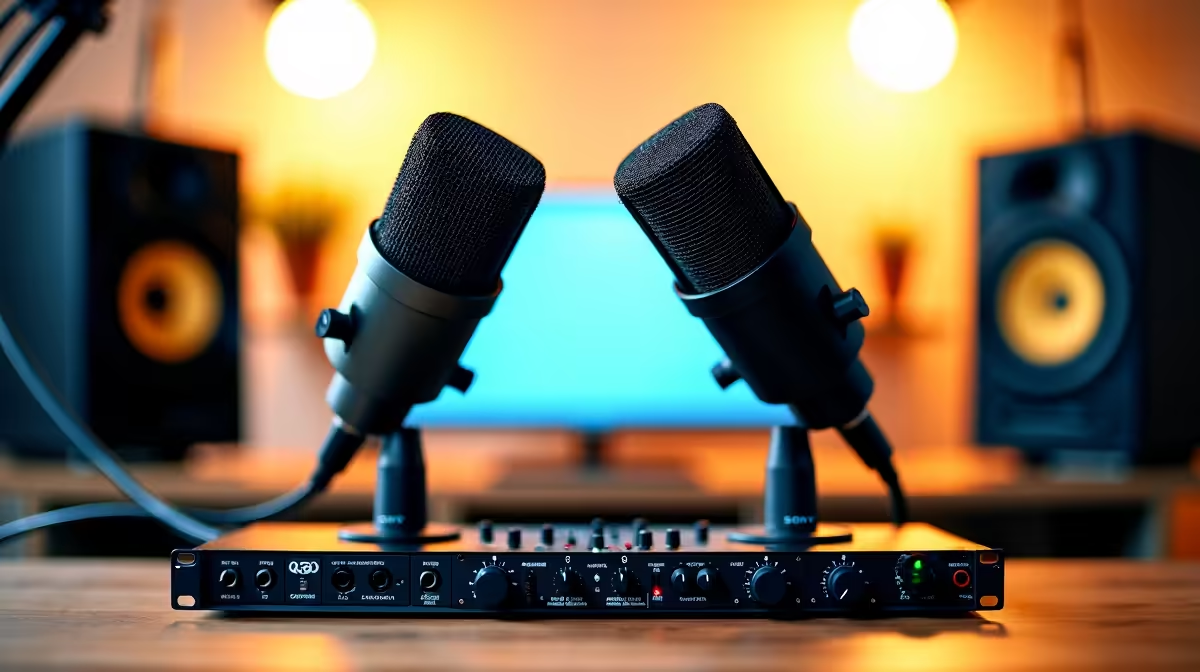
Two people sharing one mic always sounds like a compromise, and editing a single mixed track is misery when one host clips and the other mumbles. A single four-input interface fixes both problems at once. Running a two-person podcast through one unit like a four-in interface gives each host their own preamp, their own gain, and their own track, so editing later is clean rather than a salvage job.
Quick Answer
Plug two XLR microphones into a four-input interface, the Focusrite Scarlett 4i4 4th Gen being the benchmark choice at this level, each mic on its own preamp. In your recording software, route input 1 to track 1 and input 2 to track 2 so each voice is captured separately, giving you independent gain per host and two clean tracks you can edit and balance on their own.
What You Need Before You Start
The whole setup rests on one rule: each mic gets its own physical input and its own track. To do that you need a few specific things rather than just "a microphone and a laptop".
- An interface with at least two XLR mic inputs and two independent preamps, like the Scarlett 4i4 4th Gen.
- Two dynamic XLR microphones, which suit untreated rooms far better than sensitive condenser mics.
- Two XLR to XLR cables, one per mic.
- Two pairs of closed-back headphones so neither host bleeds sound into the mics.
- A recording application, often called a DAW, that can record multiple inputs to separate tracks.
Step One: Connect The Microphones
Run an XLR cable from the first microphone into input 1 on the interface, and the second microphone into input 2. On the Scarlett 4i4 those are the front-panel combo inputs. Seat each connector until it clicks so a knock during recording does not pull a cable loose mid-episode.
If you are using condenser microphones rather than dynamics, you will also need to switch on 48V phantom power for those inputs. Dynamic mics do not need phantom power and are the easier, more forgiving choice for a spare-room studio.
Step Two: Set Gain Per Host Independently
This is where one interface earns its place. Each input has its own gain control, so a soft-spoken host and a loud one no longer fight over a single knob. Have each person speak at their normal podcasting volume while you watch that input's meter.
Aim for healthy peaks that sit well below the clip point, leaving comfortable headroom so an excited laugh or a raised voice does not distort. Set host one's gain on input 1, then set host two's gain on input 2 separately. The whole point of two preamps is that you tune each voice to its own ideal level.
Step Three: Assign Each Input To Its Own Track
In your recording software, create two mono audio tracks. Set track 1's input to interface input 1, and track 2's input to interface input 2. Arm both tracks for recording. This is the move that keeps the hosts on separate tracks rather than glued into one stereo file.
Why Separate Tracks Matter So Much
When each voice lives on its own track, you can fix problems in isolation later: lower one person's level, cut a cough from a single host without touching the other, or apply different processing to each voice. A single mixed track bakes every flaw in permanently. Recording separately is the difference between editing and starting over.
Step Four: Set Up Monitoring
Both hosts need to hear themselves clearly. Many interfaces, including the Scarlett 4i4, offer direct or low-latency monitoring so each person hears their own voice without the delay that comes from routing it through the computer. Use the interface's control software to build a monitor mix and feed it to the headphone outputs. Set headphone levels to a comfortable volume that does not leak back into the mics. A good pair of closed-back cans matters here, and the top headsets at Evetech shows which isolating closed-back options other creators are using.
Step Five: Record A Test And Check Levels
Before the real episode, record a short test with both hosts talking, including over each other. Stop, listen back to each track on its own, and confirm both are clean, neither clips, and the levels roughly match. Adjust the per-input gain if one voice sits too low. Two minutes of testing saves a ruined recording. For the mics, headphones and cables that complete the chain, the headphone and headset range at Evetech covers the pieces a two-host setup needs.
Frequently Asked Questions
Why not just use one microphone between two people?
A shared mic forces both hosts to lean in, picks up the room unevenly, and traps both voices on one track. With two mics on a four-input interface, each person has consistent placement, independent gain, and a separate track, which makes the recording sound professional and the edit far simpler.
Do I need a four-input interface, or will a two-input do?
Two clean mic inputs is the real requirement, and many two-input interfaces meet it. A four-input unit like the Scarlett 4i4 simply leaves room to add a guest mic or an instrument later. The non-negotiable part is two independent preamps feeding two separate tracks.
Dynamic or condenser microphones for two hosts?
Dynamic microphones are the safer choice for most home setups. They reject more room noise and handle untreated spaces better, which matters when two people are talking in a spare room. Condensers are more sensitive and pick up far more of the environment, so they reward a treated room.
How do I stop the two microphones from picking up each other?
Use directional dynamic mics, position each host speaking into their own mic from a close, consistent distance, and keep headphone levels low so playback does not leak. Recording each mic to its own track also lets you tidy any bleed during editing rather than fighting it live.
What is the benefit of recording each host to a separate track?
Total control in the edit. You can balance levels, remove a single cough, or process each voice differently without affecting the other host. A combined track locks every decision in at record time, so separate tracks are what make a clean, polished episode possible.
One interface, two mics, two tracks is all it takes to make a two-host show sound properly produced. Pick up the mics, cables and closed-back headphones you need from the headphone and headset range at Evetech and get both voices recording cleanly from episode one.











