


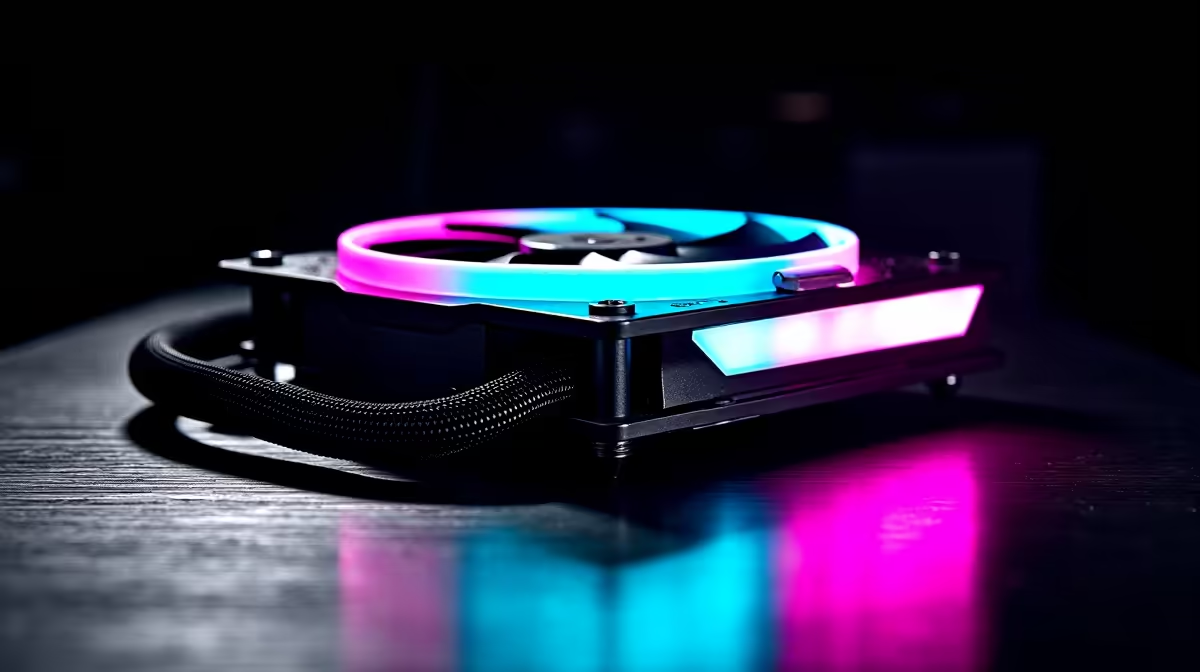
Summer gaming in South Africa is brutal on your PC. When the ambient temperature spikes, your frame rates shouldn't drop. Upgrading your cooling system is essential to protect your hardware. If you are planning a brand-new rig, you might have a vital question. Can a liquid cooler work for both Intel and AMD? The short answer is yes... but there are a few mounting details you must know before spending your ZAR.
Universal Compatibility Explained
Most modern motherboards use completely different mounting holes for Intel and AMD processors. However, manufacturers know that locking you into one ecosystem hurts everyone. Because of this, almost every modern liquid cooler (AIO) ships with multiple mounting brackets in the box.
Whether you rock a fiery Ryzen processor or a high-clocking Core i9, you simply swap out the backplate. When you shop for CPU coolers, always check the spec sheet. You will usually see LGA 1700 for Intel and AM5 for AMD listed right next to each other.
The Importance of Chassis Space 🚀
A liquid cooler only performs well if your chassis can breathe. You need a chassis that actually fits your hardware and allows fresh air to circulate. Modern computer cases are built with liquid cooling in mind. Just make sure your chosen case supports your radiator size... usually 240mm or 360mm.
Your cooler needs a comfortable home. If you want maximum value, Gamdias gaming cases offer excellent airflow for your ZAR. Alternatively, Evetech gaming cases are custom-designed for local gamers... blending sleek aesthetics with brilliant radiator support.
Mastering Airflow and Fans 🔧
Your radiator relies heavily on high static pressure case fans to push air through the dense metal fins. Standard airflow fans simply will not cut it when faced with radiator resistance. If you want premium performance and ultra-low noise levels, pairing your radiator with Corsair fans is a brilliant move. They offer premium bearings that last for years.
Aesthetics... To RGB or Not to RGB? ✨
Building a PC is a deeply personal journey. Some gamers want their rig to light up the room with vibrant RGB fans. Others prefer a stealthy, professional blackout look using fans without lighting. Fortunately, whether you choose Team Blue or Team Red, your cooling setup can match your exact colour preference.
Installation Pro Tip ⚡
Always mount your radiator so the pump is not the highest point in the loop. This prevents air bubbles from getting trapped in the CPU block... extending the lifespan of your liquid cooler and keeping noise levels completely silent.
Thermal Paste and Maintenance
Swapping between Intel and AMD also means dealing with thermal paste. Most premium liquid coolers come with pre-applied thermal compound. If you are moving an existing cooler to a new board, you must clean the copper plate. Use isopropyl alcohol and apply a fresh drop of high-quality thermal paste.
This ensures optimal heat transfer... keeping your processor chilled during intense gaming sessions. Remember that AMD processors tend to run slightly hotter by design. A robust liquid cooling loop handles these temperature spikes effortlessly. You get sustained boost clocks and smoother gameplay across all your favourite titles.
Investing in a proper cooling setup protects your core components. It also gives you massive headroom for future upgrades. Whether you stick with Intel or switch to AMD down the line, your cooling loop will be ready.
Ready to Chill Your Rig? Keeping your CPU cool is the secret to unlocking maximum gaming performance in South Africa. Explore our massive range of CPU coolers and find the perfect cooling solution to conquer your world.











