


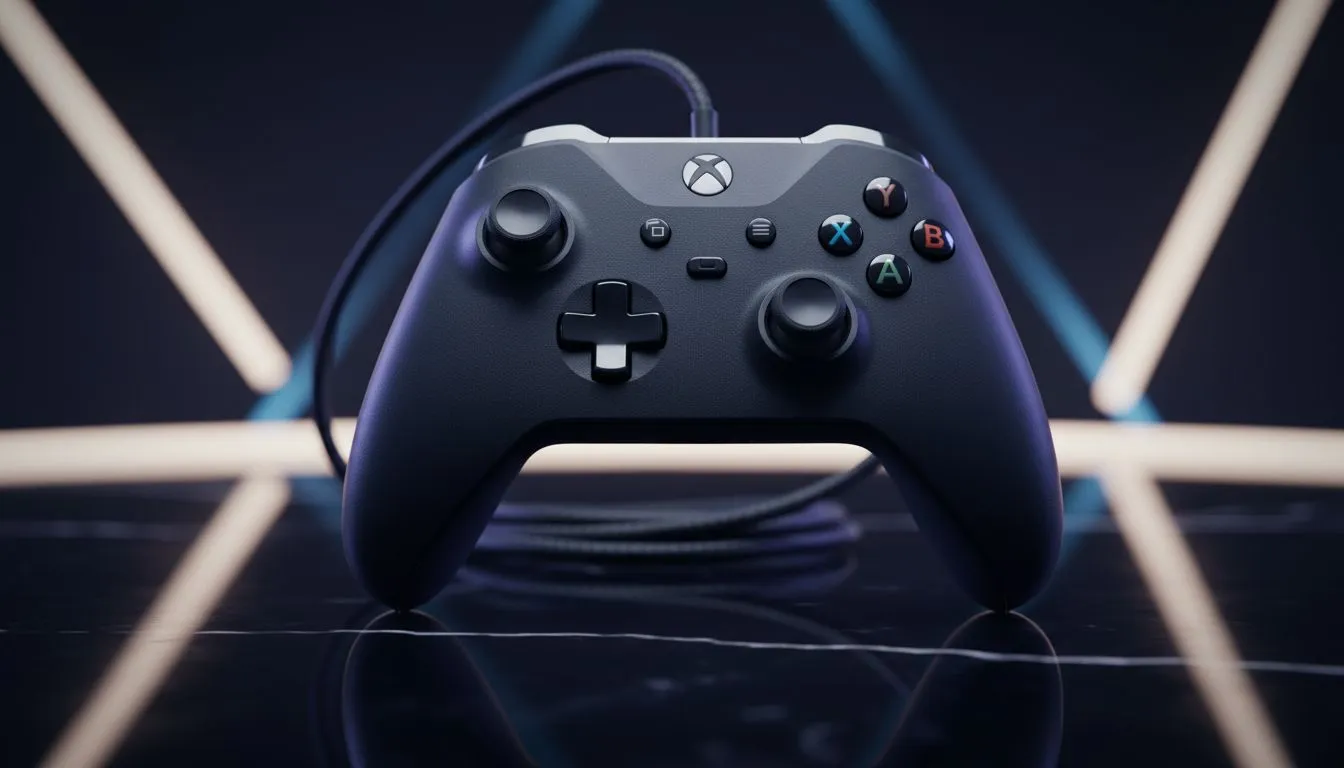
Ever had your clutch play ruined by a sticky trigger or a frayed cable? In South Africa, dust and heat are the silent killers of our gaming gear. Learning how to maintain a wired Xbox controller is the difference between a five-year companion and an expensive paperweight. Whether you are grinding Ranked or exploring open worlds, a little care goes a long way in saving your hard-earned Rands.
Keep Your Gear in Peak Condition
Dust is the enemy of performance... especially in our dry climate. To properly maintain a wired Xbox controller, start with the basics. Use a soft microfibre cloth for the shell. For those stubborn spots around the buttons, a toothpick works wonders. Avoid harsh chemicals that might strip the finish... stick to 70% isopropyl alcohol on a cotton bud. This keeps the triggers from sticking during intense firefights. 🔧
Mastering Cable Longevity
The cable is the lifeline of your setup. Many players wrap the cord tightly around the controller... this causes internal fraying and connection drops. Instead, loop the cable loosely in a "figure eight" pattern. If you are looking for a pro-grade option with a detachable, reinforced cable to avoid these issues, the Razer Wolverine V3 Tournament Edition 8K is built to endure the most intense sessions.
The Deadzone Fix ⚡
If you notice slight stick drift, try cleaning the base of the analogue sticks with a drop of high-purity isopropyl alcohol. Rotate the stick several times to distribute the liquid. This often clears out the microscopic debris causing phantom inputs without needing to open the casing.
Storage and Environment
Don't leave your controller on the floor where it collects pet hair and carpet fibres. Our South African summers can get brutal... excessive heat warps plastic and degrades internal components. Store your gear in a drawer or a dedicated stand when not in use. If your current pad is beyond saving due to neglect, you can buy gaming controllers from our extensive collection to get back into the action. ✨
Knowing When to Upgrade
Sometimes, even the best maintenance cannot save a worn-out membrane. If your triggers feel mushy or the USB connector has become loose, it might be time for a fresh start. Many local competitive players prefer the precision of Razer gaming controllers for their mechanical tactile switches. These switches are rated for millions of clicks, ensuring your care tips for years of use actually pay off. 🚀
Ready to Level Up Your Setup? Proper care keeps you in the game, but the right hardware keeps you on top of the leaderboard. Explore our massive range of gaming controllers and find the perfect tool to dominate your next match.











