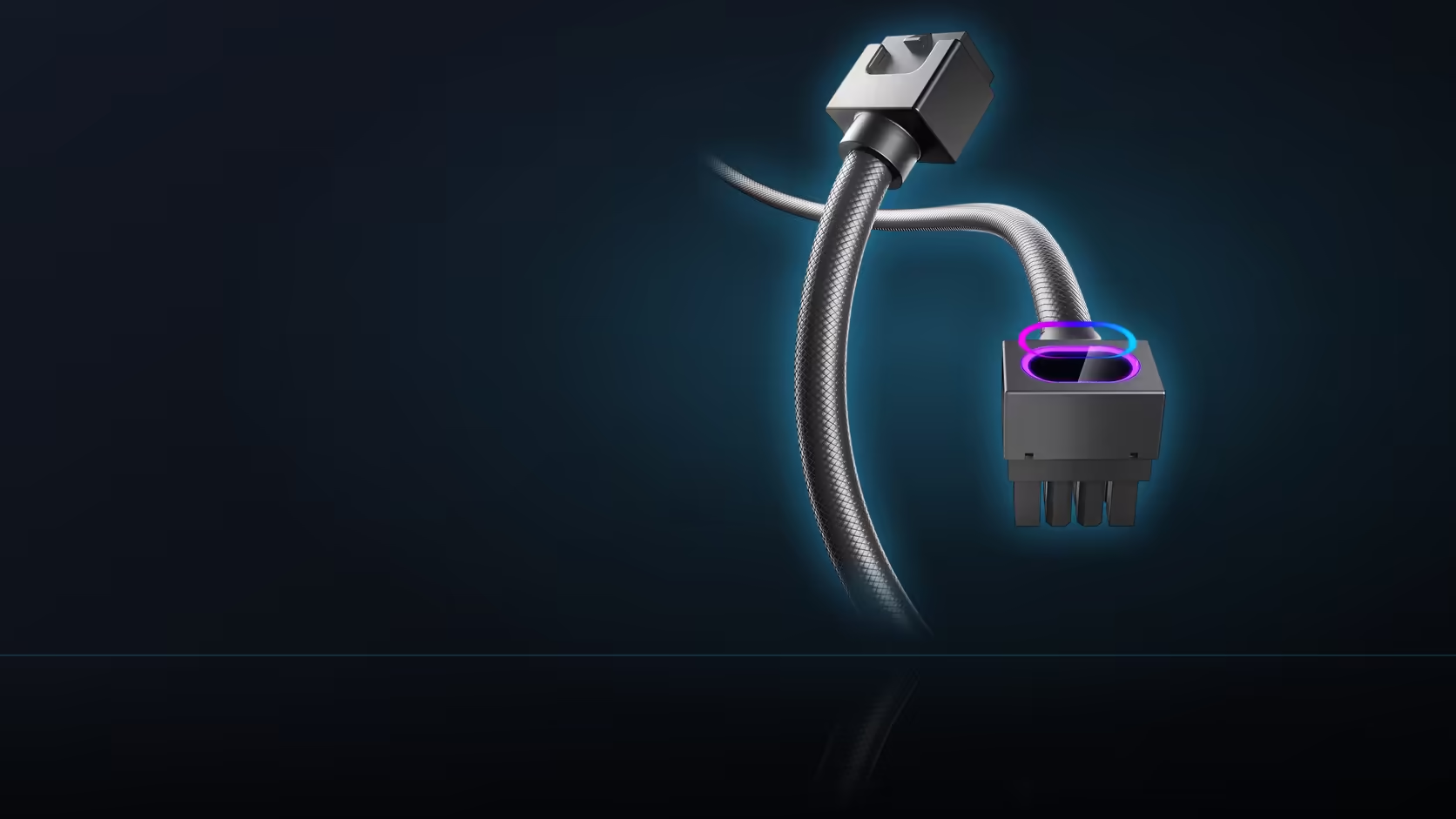
Some connections inside a finished PC are set once and never touched again. Others get revisited every time the build changes. Deciding which is which before the case is closed up properly - rather than discovering it later, cable-tied under a finished loom - is what separates a build that stays easy to work on from one that fights you every time it changes.
Quick Answer
Mark lighting leads and hub ports as connections that will likely need reaching again, and leave real slack around them when routing cables. Power connections at the board and the graphics card are usually seated once and left alone, so they can be tied down tightly without leaving access room. Deciding this before the build is closed avoids unpicking a finished cable loom later.
🔁 The connections that get revisited
Addressable lighting leads are the connections most likely to be touched again after a build is finished, simply because lighting accessories tend to be added, swapped or moved far more often than structural components are. A build that starts with two lit accessories today is a reasonable candidate to gain a third within a year, and every one of those additions means reaching whatever header or hub port the existing accessories are already using. Hub ports on the ASH-S1 fall into the same category for the same reason - if the plan is to grow the lighting setup over time, the hub's own ports need to stay accessible, not buried behind everything else that gets routed after it.
🔒 What is usually set once and left
Power connections at the motherboard and the graphics card are, by contrast, typically seated once during assembly and never touched again unless a major component fails or gets replaced outright. The same goes for CPU power once a cooler is mounted over it. These are the connections safe to route tightly and tie down without leaving spare slack for future access, since revisiting them is the exception rather than something to plan around.
🗺️ Why this decision belongs before the build closes up
Cable routing and tying happens once, in practice, even on builds that get opened up again later for other reasons - and a connection buried under a neatly finished loom is genuinely difficult to reach without undoing work that took real effort to get tidy in the first place. Deciding in advance which connectors need room to be reached again means the initial routing pass already accounts for it, rather than forcing a rework the first time a new item from the case fan range gets added.
🎛️ The hub deserves special attention here
The ASH-S1 hub carries up to eighteen positions across its PWM and ARGB sides, which is considerably more than any single accessory in the range, so leaving access to both banks matters more for the hub than it does for almost anything else in a build. A hub tucked into a corner with cables tied tightly around every side leaves no room to add a nineteenth connection later, even though the hub itself still has ports physically free - the problem becomes access, not capacity.
🔧 Smaller accessories still need a little thought
The M.2 heatsink cover is a useful example of a part that needs partial access: its lighting lead should stay reachable in case it needs disconnecting, but the four screws holding the cover itself only get revisited if the drive underneath it changes, which is a far rarer event. Treating every connection on an accessory identically - either all reachable or all buried - misses that a single product can have parts that fall into both categories at once.
✍️ Preserving slack, and writing it down
The practical mechanism for all of this is simple: leave genuine slack at the connections marked as likely to be revisited, and keep cable ties loose in the immediate area around them rather than binding everything into one tight bundle. A short written note - even just a line in a build log - of which connection is where turns a later search through a finished case into a quick lookup instead of a guessing game, which matters considerably more on a hub with eighteen positions than on a single fan header. Anyone planning this kind of build should look at the case accessories range with future access already in mind, not just the initial fit.
Frequently Asked Questions
Which connections tend to get revisited most often?
Addressable lighting leads, since accessories are added and moved as a build evolves, and hub ports for exactly the same reason.
Which connections are usually set once and left alone?
Power connections at the board and the graphics card, which typically stay seated unless a major component is replaced outright.
Why does this decision need to happen before the build is finished?
Because routing and tying usually happens once, and a connection buried under a completed loom is genuinely difficult to reach afterward.
What makes the hub's ports worth extra attention?
It carries up to eighteen positions across both its sides, so keeping both banks accessible matters more than for almost any single accessory.
Does the M.2 cover need access after it is fitted?
Its lighting lead does, since it may need disconnecting, though the four mounting screws are only revisited if the drive itself changes.
How is access actually preserved in practice?
By leaving real slack at the connections marked for future use and keeping nearby cable ties loose rather than pulled tight.
Should the connector layout be written down anywhere?
A short note of which connection sits where turns a later search into a quick lookup, which is especially useful on a hub with many ports.
Planning a build you expect to keep upgrading?
Browse Evetech's case accessories to see which AsiaHorse parts are worth positioning for easy future access.