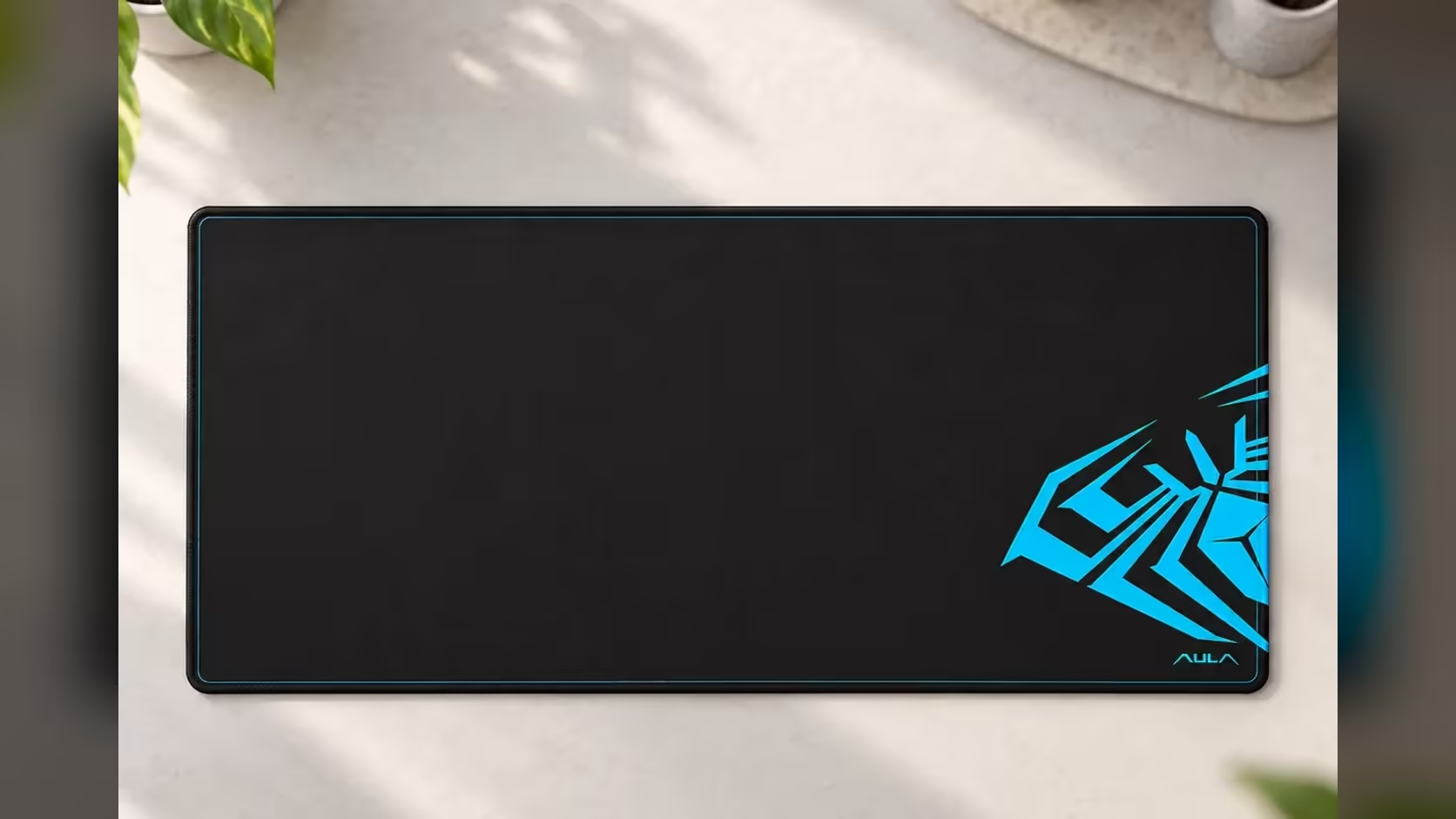
A laptop on a bare desk works, but it is rarely comfortable. The mouse skids on smooth surfaces, the laptop slides when you type, and the desk takes scratches from both. An extended pad gives the whole setup a single base to work on. At 900 x 400mm, the AULA MP-XL is big enough to be a desk pad for a laptop and mouse together, and this guide covers how to lay it out.
Quick Answer
The AULA MP-XL's 900 x 400mm surface holds a laptop on one side and a mouse on the other. Its anti-slip rubber base keeps it from creeping as you type, the Speed-type polyester fabric gives the mouse a fast glide, and the 3mm pad rolls up when the laptop travels. It is black with a blue AULA graphic. Evetech sells the MP-XL for R129.
💻 Will a 15-inch laptop fit?
Most 15-inch laptops are roughly 350 to 360mm wide, and many 14-inch models are smaller. On a 900mm pad, that leaves well over 500mm for the mouse, which is more room than most people will ever use. Even a larger 16- or 17-inch machine leaves a generous mouse lane.
Depth is comfortable too. The pad is 400mm from front to back, and most laptops are around 240 to 260mm deep, so you can sit the laptop back a little and still rest your wrists on the fabric in front.
Laptop on the pad, or beside it?
Both work. Placing the laptop on the pad gives it a soft, grippy base that protects the desk and stops it sliding. If your laptop runs warm and you prefer it on a hard surface, sit it beside the pad and use the full 900mm width for the mouse and any accessories.
🗂️ Layouts that work
Laptop flat on the desk
Put the laptop on the left portion of the pad and the mouse on the right, or the reverse for left-handers. The whole setup stays on one surface, and nothing slides.
Laptop on a stand
A laptop stand lifts the screen to a better height, but it usually means adding an external keyboard. In that case, put the stand behind the pad or at its back edge, the keyboard at the front, and the mouse beside it. The MP-XL's size makes this work neatly.
Adding an external keyboard later
There is plenty of room. A laptop on a stand behind the pad, a keyboard of almost any size on the fabric and a mouse beside it all fit within 900 x 400mm. Most full-size keyboards are around 430 to 470mm wide, leaving a comfortable mouse lane on the other side.
🖱️ What the mouse gains
A laptop's trackpad is fine for short tasks, but a mouse is faster and more precise for anything longer. On the MP-XL, the mouse gets a consistent Speed-type fabric surface rated for optical and laser sensors, so it tracks cleanly across the whole pad. On a glossy or glass desk, a mouse can struggle to track at all, so a pad solves a real problem.
The anti-slip rubber base matters for a laptop setup specifically, because typing on a laptop sitting on the pad pushes it around. The rubber grips the desk so the pad, and everything on it, stays put.
🎒 Home, campus and back again
The MP-XL is only 3mm thick and rolls up for transport and storage, then lies flat again without losing its shape. That makes it practical to carry between home and a campus desk, a shared office or a study space.
A few tips for carrying it:
- Roll it with the fabric facing out, so it tends to lie flat more quickly once unrolled.
- Keep it in a tube or the side of a bag, away from anything sharp.
- Unroll it early at your destination, so it has a moment to settle before you start working.
The stitched edges help it survive the trips, since they stop the border from fraying where it gets handled most. The fabric surface is easy to clean with a light wipe.
To compare it with other large pads, browse Evetech's gaming mouse pads or the desk mats category for full-desk options. Evetech carries the black MP-XL, and it is sold with a 1 Year Local Warranty.
Frequently Asked Questions
Will a 15-inch laptop fit with room for a mouse?
Yes. Most 15-inch laptops are about 350 to 360mm wide, leaving over 500mm of the 900mm pad for the mouse.
Should the laptop sit on the pad or beside it?
Either. On the pad it is protected and stops sliding; beside it leaves the full width for the mouse.
How does a laptop stand change the layout?
Put the stand at the back of the pad, an external keyboard in front and the mouse to one side.
Can I carry it between home and campus?
Yes. It is 3mm thick, rolls up for transport and lies flat again once unrolled.
What does the mouse gain from the fabric?
A consistent Speed-type surface rated for optical and laser sensors, which tracks better than a glossy desk.
Will it still fit if I add an external keyboard later?
Yes. A laptop on a stand, a keyboard and a mouse all fit on 900 x 400mm.
Turning a laptop into a proper desk setup?
Explore Evetech's gaming mouse pads and desk mats, and give your laptop and mouse one surface to share.