Quick Answer
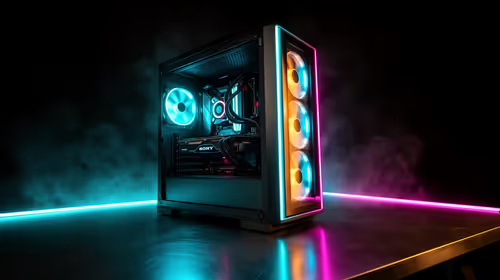
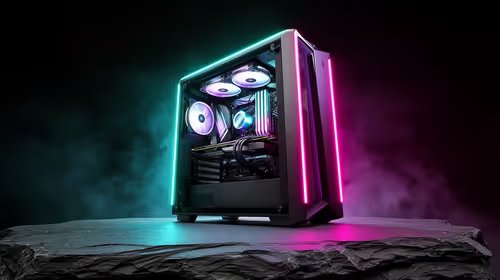
The right PC for Nioh 2 is a modest modern gaming tower that holds stable FPS before spending on cosmetic extras. Expect about 90-120 fps at 1080p High, with the strongest value coming from local warranty support, a suitable SSD, and a monitor that matches the frame-rate target.
Target Spec That Makes Sense
Use the budget on parts that affect play first: AMD Ryzen 5 5600 or Intel Core i5-13400F, Radeon RX 7600 or GeForce RTX 4060 class, 16GB to 32GB DDR4/DDR5, a 1TB NVMe SSD, and a 650W 80 Plus PSU. The PC version is capped around 120 fps, so a huge GPU only makes sense if the same PC must handle newer games too. In South Africa, the practical check is whether the tower ships with clear local support and enough storage for Windows, launchers and the game install.
For a build around R15,000 to R20,000, keep the graphics card as the anchor. Nioh 2 needs about 85GB of storage, but a smaller SSD fills quickly once Windows, drivers and a few games are installed.
Expected FPS And Settings
At this tier, expect roughly 90-120 fps at 1080p High. That suits SA buyers using common 1080p 144Hz monitors, because extra FPS only matters when the screen can display it and the game engine can use it. High preset, shadows one step down on entry GPUs, 120 fps mode on, and controller latency kept low with a wired USB pad.
If the PC is mainly for Nioh 2, do not overspend on the CPU before the GPU and SSD are right. If the same machine must also run newer shooters, video capture, Discord and browser tabs, move up one GPU tier before adding cosmetic case upgrades.
Budget Fit For SA Buyers
A around R15,000 to R20,000 tower should be judged by what it leaves out as much as what it includes. At the lower end, accepting a simpler case or 500GB SSD can be fine; cutting down to 8GB RAM or a weak PSU is not. Around R20,000, the better short list has 16GB to 32GB DDR4/DDR5, an NVMe SSD, and a named GPU class such as Radeon RX 7600 or GeForce RTX 4060 class.
This tier gives stronger 1% lows and more room for 144hz. For Johannesburg, Cape Town and Durban buyers, local delivery and warranty handling are part of the real value because a gaming PC is heavy and awkward to troubleshoot. Keep the invoice, check the PSU wattage, and make sure the monitor cable matches the GPU output before checkout.
What Not To Overbuy
Nioh 2 is a fast action RPG, so the spend should match that job. A higher budget can still make sense for quieter cooling, a 2TB SSD, streaming, or a future 1440p game library, but it will not always make Nioh 2 feel dramatically different. Put the first upgrade money into the monitor if the current screen is still 60Hz.
FAQ
What FPS should SA buyers expect in Nioh 2?
Expect about 90-120 fps at 1080p High with a Radeon RX 7600 or GeForce RTX 4060 class and AMD Ryzen 5 5600 or Intel Core i5-13400F class build. Heavier scenes can dip, so judge the PC by stable 1% lows rather than only the highest number shown in a benchmark.
Is around R15,000 to R20,000 enough for Nioh 2?
Yes, around R15,000 to R20,000 is enough when the GPU class, RAM and SSD are chosen properly. If the budget is tight, keep 16GB to 32GB DDR4/DDR5 and the named GPU class before spending extra on case lighting or oversized cooling.
Should I buy a complete gaming PC or upgrade one part first?
Buy a complete PC if the current machine is older than a 6-core CPU, has only 8GB RAM, or uses a small SATA SSD. Upgrade one part first only when the existing PSU, case airflow and motherboard can support the new GPU cleanly.