


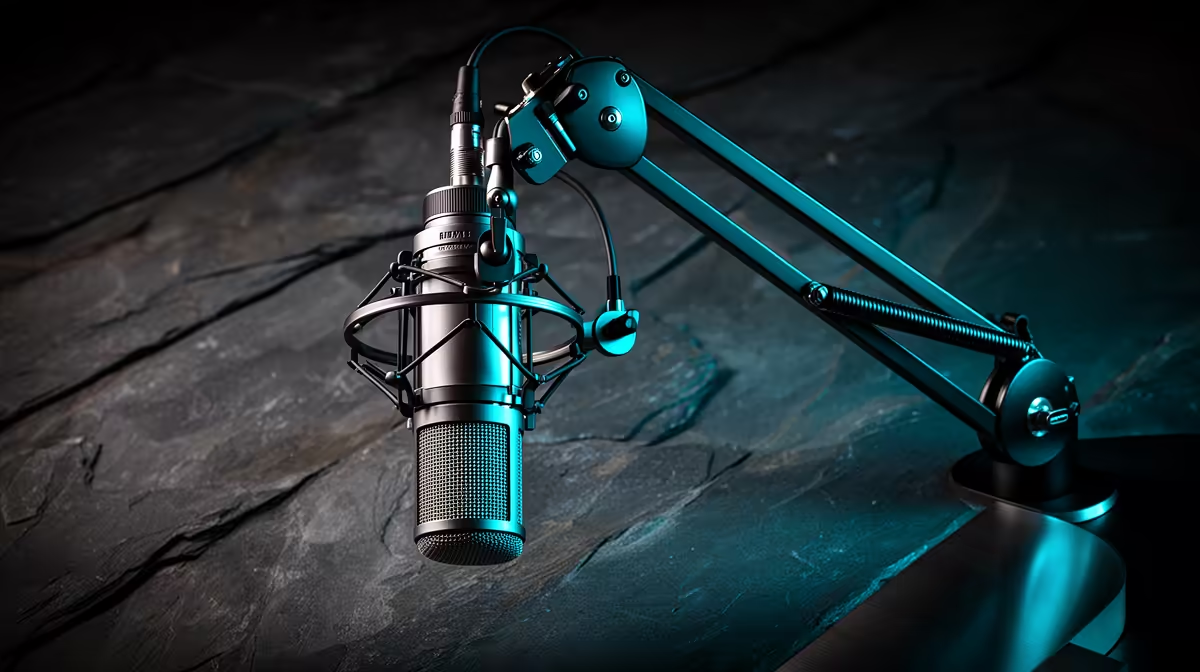
Most microphones arrive on a stand with no placement guidance and stay wherever the user first put them. A 360-degree rotating boom arm changes that by making correct placement achievable, repeatable, and fast. The combination of full rotation, independent joint adjustment, and stable spring tension means you can dial in the ideal capsule position once, lock it down, and return to the same configuration every session without guessing.
Quick Answer
Set the capsule 10 to 15cm from your mouth, angled 30 to 45 degrees off-axis so plosive air bypasses the diaphragm. Use the 360-degree rotation to fine-tune height and reach, then swing the arm fully aside when you stop. Lock the hex tensioners to hold position without creep.
🔧 The Correct Distance and Why It Changes Everything
The starting point for any placement decision is the gap between your mouth and the capsule. The target range for most dynamic and cardioid condenser mics is 10 to 15cm, roughly the width of a standard keyboard from the space bar to the top row.
At that distance your voice arrives at the diaphragm with enough energy to dominate the signal clearly. The direct-to-reverberant ratio is high, meaning more of what the mic captures is your actual voice and less is room reflection. Move back to 30 or 40cm and that ratio flips. The room starts contributing noticeably, which is why recordings made from a distance sound hollow and distant even with a quality capsule.
The boom arm is what makes consistent 10 to 15cm placement practical. A desk stand forces you to lean toward the surface or prop the stand on something to achieve the right height. A boom arm mounted at the desk edge places the capsule exactly where it needs to be, at mouth height, extended to the right distance, with no desk furniture in the way. Set the position, tighten the joints, and every session starts at the same geometry.
Reach and Arm Length
An arm with 60 to 80cm of reach lets you mount the clamp behind the monitor and still bring the capsule to 10 to 15cm from your mouth without straining the cable. Most quality steel arms handle up to 1.5kg with firm tensioners; verify your mic's weight is within that range before buying.
🎯 Off-Axis Placement and Plosive Reduction
Positioning the capsule slightly off-axis is the single most effective plosive reduction technique available before any filter is applied, and the 360-degree boom arm is what makes it easy to set precisely.
Plosive consonants, the hard bursts that accompany sounds like p, b and t, leave your mouth as a fast-moving column of air along your central axis. If the capsule is positioned directly in front of your mouth, that air column hits the diaphragm and registers as a low-frequency thud. If the capsule is angled 30 to 45 degrees off-axis, pointed from slightly above toward your mouth rather than straight at it, the air column passes below the capsule while the sound waves your voice generates still reach the diaphragm from an acceptable angle.
The full rotation capability of the arm is what enables precise off-axis positioning. You can swing the arm horizontally to bring the capsule in from the side, then tilt the mic mount downward so the capsule faces your mouth from above. That combination redirects the air column completely while keeping the voice on a clean path to the capsule. A desk stand cannot replicate this easily.
Pro Tip ⚡
Aim the top of the capsule toward the bridge of your nose rather than the centre of your mouth. This angle tilts plosive air downward past the diaphragm, keeps vocal warmth intact from the proximity effect, and sits naturally on a boom arm without any awkward adapter angles. Speak a line of b and p sounds into your recording software to confirm the thump is gone before committing to the position.
⚡ Using the 360-Degree Rotation for Workflow
The rotation capability solves the practical problem of the mic occupying desk space when not in use. A 360-degree rotating arm swings the mic fully aside in a single motion, whether behind the monitor or completely clear, without disassembly. For a dual-use desk that serves both recording and work or gaming, that ability to position and then clear is a meaningful quality-of-life gain.
💰 Locking Down Position With Spring Tensioners
The hex tensioners on a boom arm's joints are where most users make a mistake. The factory setting is typically too loose for heavier mics and too tight for lighter ones, and neither keeps position reliably across a full session.
The correct approach is to set the arm to the recording position and then tighten the tensioner at each joint until the arm holds that position under the mic's weight without drifting. Overtighten and the rotation becomes stiff enough to be annoying on fine adjustment. The target feel is firm resistance with no slow creep downward after you release.
Dynamic mics in particular are heavier than small-diaphragm condensers. If the arm is holding a dynamic capsule and you notice it gradually sagging toward the desk over the course of a session, the tensioner needs another quarter turn. Check the rated load on the arm against your mic's weight before assuming the arm is at fault.
Frequently Asked Questions
What is the ideal microphone distance when using a boom arm?
Set the capsule 10 to 15cm from your mouth. At that range your voice level at the diaphragm is high enough to dominate room noise clearly, and the proximity effect adds warmth without bass overload. Moving the mic further than 20cm lets room reflections contribute more to the signal and makes recordings sound hollow. The boom arm is what makes returning to that exact distance every session repeatable.
Why should I angle the mic off-axis rather than pointing it straight at my mouth?
Angling the capsule 30 to 45 degrees off-axis redirects the column of air from plosive consonants past the diaphragm rather than into it. The acoustic sound waves carrying your voice still reach the capsule cleanly from the angle, but the physical air burst that causes the low-frequency thump misses. Combined with a pop filter, off-axis positioning removes most plosive problems at the source without any post-processing.
How does 360-degree rotation improve placement compared to a standard arm?
Full rotation lets you approach the optimal capsule position from any direction, whether from above, from the side, or from slightly behind the normal forward extension. That flexibility means you can position the mic to avoid a specific noise source, clear a monitor, or achieve an off-axis angle that a fixed-axis arm would force you to work around. It also lets you swing the mic completely clear of the desk when not recording, without disassembly.
Should the mic point at my mouth or higher, toward the nose?
Aim the capsule slightly higher, toward the bridge of the nose. This keeps the diaphragm above the mouth's central axis, so plosive air travels downward and forward rather than directly into the capsule. Vocal body and presence remain intact because the capsule is still close enough for proximity effect. The angle also feels more natural for extended sessions than looking directly at a capsule at mouth height.
How do I stop the boom arm drooping during a session?
Tighten the hex spring tensioners at each joint to match the mic's weight. The arm should hold its set position under load without slow drift when you release it. For heavier dynamic mics, this often requires a firmer tensioner setting than the factory default. Check the arm's rated load matches or exceeds your mic's weight. If the arm continues to sag after tensioner adjustment, the arm's rated capacity may be insufficient for the capsule.
Ready to lock in the mic position that makes every recording cleaner? Browse the 360-degree adjustable boom arm range for South African streamers and podcasters, and place your capsule exactly where the audio science says it should be.











