


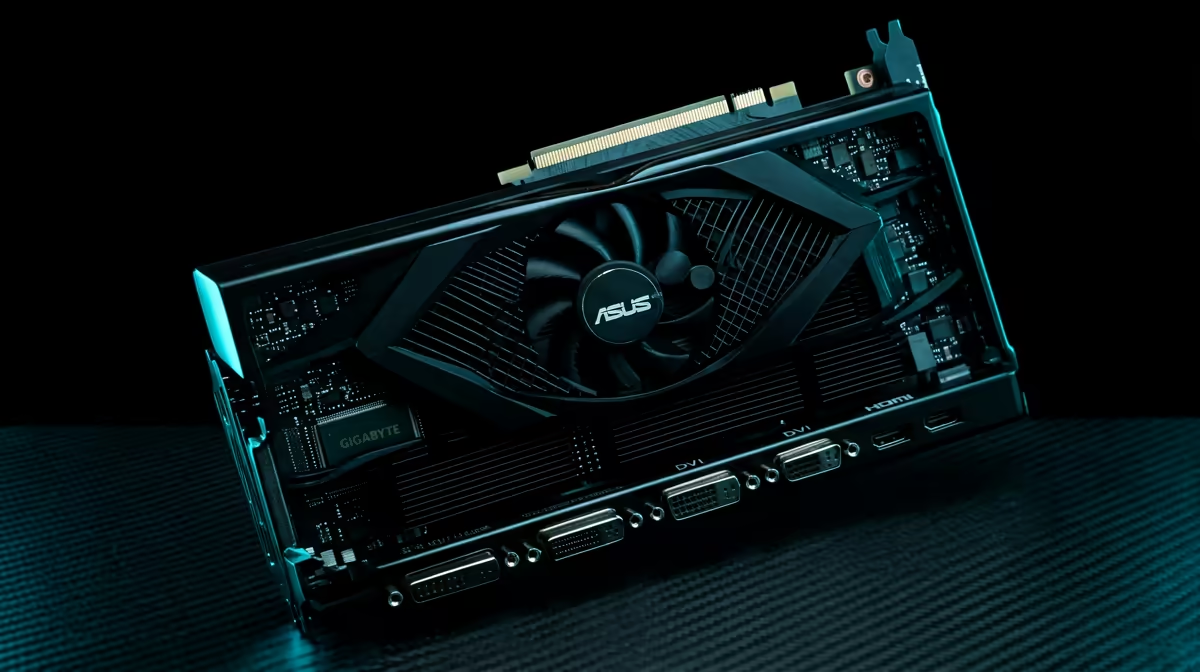
Palit RTX 5060 Ti Infinity 3 PC Build: Best Budget Components for SA Gamers
South Africa’s gaming and upgrade season always has the same question… “How do I get strong FPS without overspending?” If you’re shopping on a budget but still want smooth 1080p performance (and a clear path to better settings), a carefully chosen build matters more than flashy brands.
This guide walks you through a Palit RTX 5060 Ti Infinity 3 PC Build: Best Budget Components approach. We’ll focus on parts that complement each other, avoid bottlenecks, and keep your wallet happy in ZAR. 🔧
Palit RTX 5060 Ti Infinity 3 PC Build: Best Budget Components (What to Buy First)
When you’re building around a mid-range GPU, your goal is simple: feed it fast enough to reach its potential.
Start with the GPU (and why the pairing matters)
Your “anchor” is the Palit RTX 5060 Ti Infinity 3. To build intelligently around it, match it with:
- A CPU that won’t choke frame rates in competitive games
- Enough RAM for modern titles and multitasking
- A power supply that has headroom for stability
Pick a motherboard that supports your plan
On a budget build, “good enough” is fine… as long as it supports:
- The CPU you choose
- The RAM speed you actually plan to run
- Enough M.2 storage options for your OS and key games
Don’t starve storage or memory
Even with a great GPU, slow storage and tight RAM budgets can cause stutters during loading and streaming. Aim for:
- A solid NVMe SSD (OS + frequently played games)
- Dual-channel RAM (most platforms benefit from it)
Productivity Pro Tip 🔧
On a budget build, plan your first upgrade before you buy. Choose an NVMe SSD size you can live with for 6 to 12 months, then leave one extra M.2 slot free on the motherboard for your next drive. It saves money later and avoids painful reinstall headaches.
Palit RTX 5060 Ti Infinity 3 PC Build: Best Budget Components (Component Choices That Hold Up)
Below is a practical “best budget” style template you can adapt at Evetech. The idea is to buy parts that stay useful together, not parts that force upgrades immediately.
Graphics card: Palit RTX 5060 Ti Infinity 3
If you want to browse more GeForce options or compare variants, use Evetech’s listings:
- All GeForce graphics cards: Explore GeForce graphics cards
- All graphics card brands and models (browsing mode): Browse nvidia/ati graphics cards
If you prefer checking other Radeon options for comparison or pricing, you can also view:
And for MSI-branded cards (useful when you’re comparing total build cost day-to-day):
(Why include this? Because “best budget” is often about what’s actually available in your price bracket this week.) 🚀
CPU: choose for gaming first
For gaming-first builds, pick a CPU that keeps the GPU fed in your target games. If your CPU is too weak, you’ll see lower-than-expected FPS even with a capable GPU.
RAM: 16GB minimum, upgrade-friendly
Modern titles chew through memory, especially when you run Discord, a browser tab, and game launchers together. A balanced budget path is:
- 16GB now
- Plan an easy step-up later if your platform supports it
Storage: NVMe for fast installs and fewer hangups
An NVMe SSD helps with quicker installs and smoother asset streaming. For gaming, it’s one of the most noticeable “quality of life” upgrades.
PSU: don’t buy the cheapest unit you can find
A stable power supply protects your system, especially under gaming loads. Choose a PSU with enough capacity and reputable build quality so your PC doesn’t become a troubleshooting project. ⚡
Case and cooling: keep temps under control
Budget builds often get hot… and heat can mean quieter components, stable clocks, and longevity. Focus on airflow and match fans to your case layout.
Palit RTX 5060 Ti Infinity 3 PC Build: Best Budget Components (A Simple Build Plan)
Let’s make it easy. Here’s a plan you can follow in minutes:
- Set your target budget in ZAR (including monitor and peripherals if relevant).
- Choose the RTX 5060 Ti as your fixed anchor.
- Match CPU + motherboard so you don’t bottleneck frame rates.
- Lock in RAM and NVMe SSD so loading and multitasking stay smooth.
- Choose a reliable PSU and airflow-focused case for stability.
Micro-story: “The upgrade that stopped the stutters”
One common scenario in SA households: someone spends on a new GPU first, then the system still stutters. Usually it’s RAM tightness, a near-full SSD, or background processes. If you plan the rest properly, the GPU feels instantly better… not after three rounds of troubleshooting.
Palit RTX 5060 Ti Infinity 3 PC Build: Best Budget Components (What to Check Before You Buy)
Before you click “Add to cart”, double-check:
- Motherboard compatibility with the CPU you picked
- RAM type and speed support on that motherboard
- PSU connectors and wattage headroom for the GPU and CPU combination
- Case clearance for your cooler and GPU size
If you’re unsure, it’s worth asking the team at Evetech. They deal with real builds every day, and they can help you avoid mismatches. ✨
Ready to Find Your Perfect Match? If you want the best budget path without wasting money on mismatched parts, start shopping with confidence. Browse our latest deals and bundles and build around the hardware that actually fits your budget and upgrade goals in South Africa. Explore Evetech laptop specials and get your next rig sorted.











