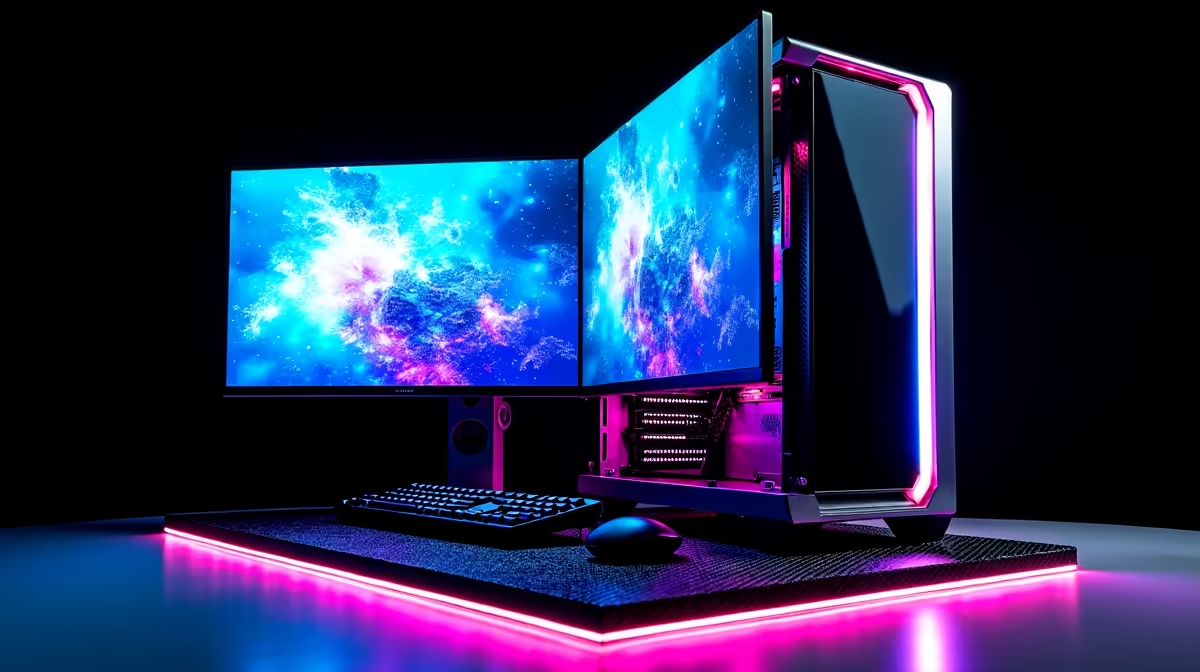
Tired of watching a progress bar crawl while Stable Diffusion thinks? Or maybe you're a designer in Durban seeing AI art everywhere and want in on the action. The magic isn't just in the prompt; it's in the silicon. A powerful PC build for AI art is your new essential tool, turning creative visions into stunning visuals in seconds, not hours. It's time to stop waiting and start creating. Let's get you kitted out. 🚀
Why Your Old PC Chokes on AI Art
Ever wondered why generating a simple image feels like rendering a Hollywood blockbuster on your current machine? It's because AI art generation is incredibly demanding. It uses complex mathematical models that require specialised hardware to run efficiently.
Your old PC, even if it was a decent gaming rig a few years ago, likely lacks the specific resources needed. The most common bottleneck is the graphics card's video memory (VRAM). Without enough VRAM, the system has to shuffle data back and forth, slowing the whole process to a crawl. Many budget gaming PCs are great for 1080p gaming but hit a wall with AI workloads. A dedicated PC build for AI art solves this problem from the ground up.
The Core Components of a Killer AI Art PC Build
Building the perfect rig for generating AI art isn't about just grabbing the most expensive parts. It's about smart, targeted choices that prioritise what matters most for creative workflows.
The GPU: Your AI Art Powerhouse 🎨
This is the single most important component. The GPU does all the heavy lifting. When choosing one, focus on two things: VRAM and CUDA cores.
- VRAM is King: Think of VRAM as your GPU's digital canvas. The more you have, the larger and more complex the AI models you can load and run smoothly. 8GB is the absolute minimum, but 12GB or more is highly recommended for working with high-resolution images and advanced models.
- The NVIDIA Advantage: Currently, NVIDIA GPUs are the undisputed champions for AI due to their CUDA platform, which is the standard for most AI software. A system from our range of NVIDIA GeForce Gaming PCs with an RTX 3060 12GB or an RTX 40-series card is a fantastic starting point.
While NVIDIA is the top choice, AMD is making strides. Our AMD Radeon Gaming PCs can be configured for AI, particularly for Stable Diffusion via ROCm, but compatibility can be more complex. For those on a tighter budget, the latest Intel Arc Gaming PCs are also becoming a viable alternative as driver support improves.
CPU & RAM: The Supporting Cast
While the GPU steals the show, the CPU and RAM play crucial supporting roles in your AI art PC build.
A modern processor ensures your entire system remains snappy while the GPU is working hard. You don't need a top-of-the-line model; a solid 6 or 8-core CPU is more than enough. Both our all-Intel PC deals and extensive AMD Ryzen PC deals offer excellent options that won't bottleneck your GPU.
For RAM, 32GB is the new sweet spot. It gives you plenty of headroom to run AI software, a browser full of reference images, and Photoshop or other design tools simultaneously without your PC breaking a sweat.
Workflow Pro Tip ⚡
Use a tool like Automatic1111's Web UI for Stable Diffusion. It's a powerful interface that runs locally on your PC, giving you access to extensions like ControlNet for precise image guidance and upscalers for creating print-ready art. It's a must-have for any serious AI artist.
Storage: Speed for Your Models
AI models can be massive, often several gigabytes each. A fast NVMe SSD is non-negotiable for a modern PC build for AI art. It dramatically reduces loading times for your OS, apps, and those chunky AI models, getting you from idea to image much faster.
Pre-Built vs. DIY: Finding Your Perfect AI Art Rig
So, should you build it yourself or buy a pre-configured machine? For most creatives, a pre-built system is the smarter choice. You get a professionally assembled, tested machine with a full warranty, so you can focus on creating, not troubleshooting. ✨
Our wide selection of Pre-Built PC Deals includes systems specifically configured for demanding tasks. In fact, many of the best gaming PC deals available in South Africa double as exceptional AI art creation machines. For professionals who require certified drivers and maximum stability for commercial work, our lineup of Workstation PCs offers unparalleled reliability and performance.
Ready to Build Your Creative Powerhouse?
Whether you're a seasoned designer or just starting your AI art journey, the right hardware makes all the difference. Stop waiting and start creating. Explore our range of high-performance PCs and find the perfect machine to bring your imagination to life.