You’re hours into a complex 3D render, the deadline is creeping closer, and your PC suddenly sounds like a jet engine… but the progress bar has slowed to a crawl. That, my friend, is thermal throttling. It's the silent project killer for many South African creators, turning high-end hardware into a frustrating bottleneck. But don't worry, choosing the right PC cooling for rendering is the key to unlocking consistent performance and hitting your deadlines in 2025.
Why Your PC Slows Down During Renders
Rendering isn't like gaming. It pushes your CPU (and often your GPU) to 100% utilisation for hours, not just minutes. This sustained load generates a massive amount of heat. If your cooling system can't dissipate that heat fast enough, your processor's built-in safety features kick in, forcing it to slow down—or "throttle"—to prevent damage.
The result? Your render times get significantly longer, and you lose valuable productivity. A stock cooler that’s fine for everyday tasks simply can't cope with this workload. Effective PC cooling for rendering isn't a luxury; it's a fundamental requirement for any serious creative workstation. Investing in one of the right CPU coolers is the first step to solving this problem.
Choosing the Best Cooling for Rendering PCs 🔧
When it comes to high-performance cooling, the debate usually boils down to two main options: high-end air coolers versus All-in-One (AIO) liquid coolers. Both can be excellent, but they serve slightly different needs.
The Case for Air Cooling
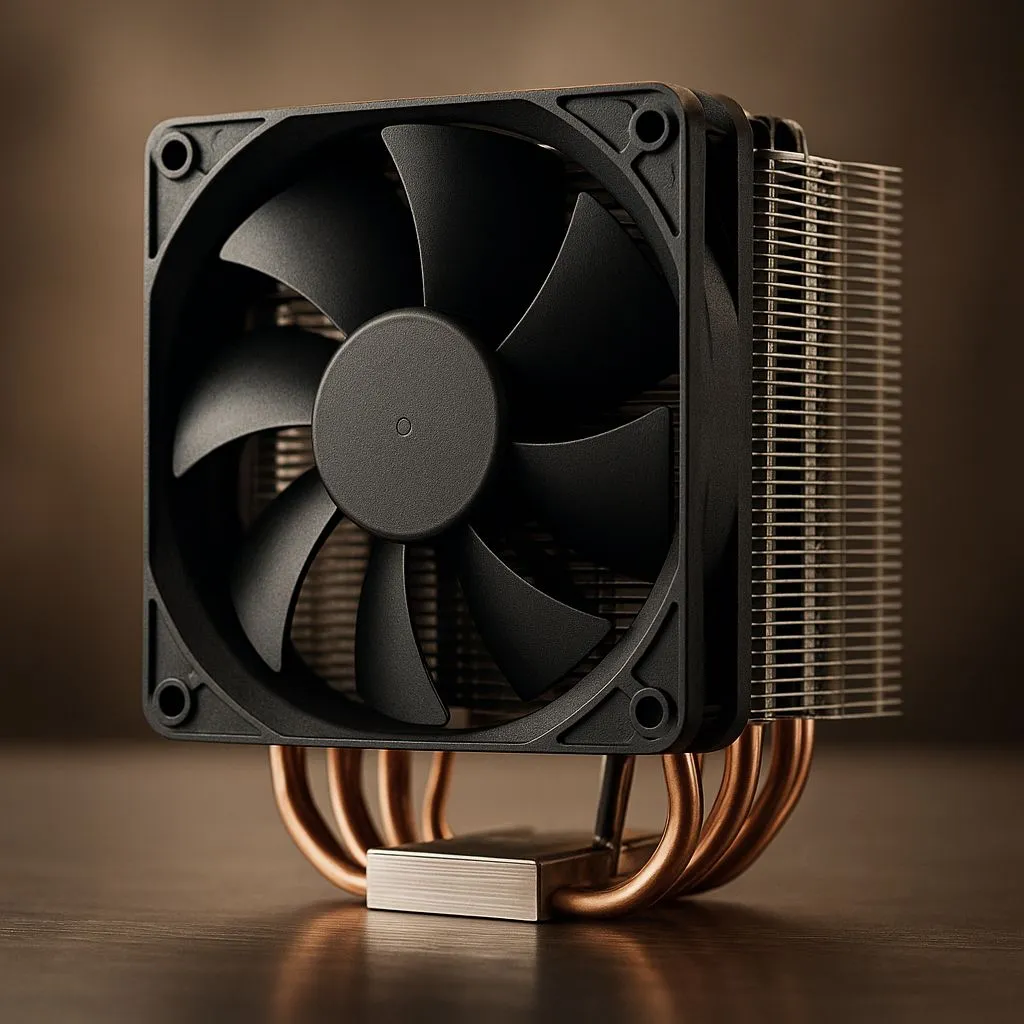
Modern air coolers are engineering marvels. With large heatsinks, multiple heat pipes, and powerful fans, they offer incredible performance, reliability, and simplicity. For many rendering workloads, especially with mid-range CPUs like an AMD Ryzen 7 or Intel Core i7, high-performance air coolers provide a fantastic balance of price and thermal performance without the added complexity of liquids. They are workhorses, built to last.
Temperature Check Pro Tip 🌡️
Download a free tool like HWiNFO64 or Core Temp to monitor your CPU temperatures. Run a test render and watch the 'Package' or 'Core' temps. If you consistently see numbers hitting 90-100°C, you are definitely losing performance to thermal throttling and need a cooling upgrade.
When to Go Liquid (AIO) for Maximum Power 🚀
For top-tier CPUs like the Intel Core i9 or AMD Ryzen 9 series, the heat output can be extreme. This is where liquid cooling truly shines. All-In-One (AIO) liquid coolers use a pump to circulate liquid coolant between a block on your CPU and a large radiator, offering superior heat dissipation capacity.
This system is far more efficient at moving heat away from the CPU socket and exhausting it directly from the case. For the most demanding rendering tasks, an AIO with a beefy 360mm radiator is the gold standard. It ensures your high-core-count processor can maintain its maximum boost clocks for longer, shaving significant time off your projects. You'll find many premium options from brands like Corsair that offer both top-tier performance and clean aesthetics for your build.
Ultimately, the best PC cooling for rendering is the one that allows your CPU to run at its full potential without breaking a sweat. By stopping thermal throttling, you're not just buying a cooler; you're buying back time and unlocking the true power you paid for.
Ready to Stop Throttling for Good?
Don't let heat sabotage your creativity. The right PC cooling for rendering is an investment in faster workflows and peace of mind. Explore our massive range of CPU coolers and find the perfect solution to keep your rig cool under pressure.