


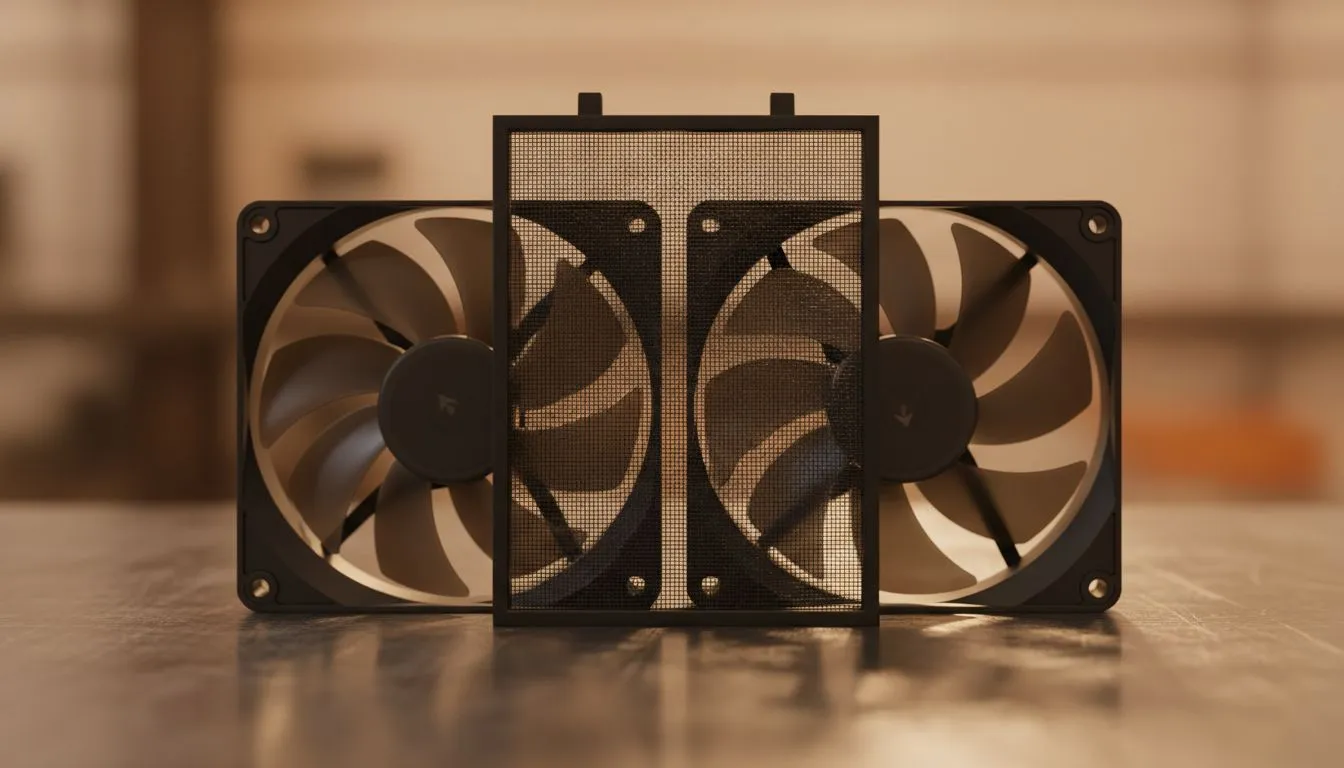
Living in South Africa means battling dust daily... especially during the dry winter months. Your high-end gaming PC acts like a vacuum cleaner... pulling in every bit of grit from the air. To keep your hardware safe, you need to master PC Dust Filters and Fan Direction: Best Combo for Cleaner PCs. It is the difference between a pristine build and a thermal nightmare. 🔧
Mastering Airflow and Pressure for a Cleaner Build
The secret to a clean PC is not just cleaning it every week. It is about controlling how air moves through your chassis. Most modern computer cases are designed with mesh panels, but without the right setup, they still collect grime.
You want to achieve "positive air pressure." This happens when you have more air being blown into the case than air being sucked out. This pressure forces air out of every small crack and hole in the case... preventing dust from seeping in through unfiltered gaps. If you use high-quality Evetech gaming cases, you will often find pre-installed filters that make this job much easier.
Choosing the Right PC Dust Filters and Fan Direction
Your fan orientation is the most critical factor. Fans have a "show" side and a "business" side. Usually, the side with the plastic frame or "X" bracket is where the air comes out. When building in Gamdias gaming cases, always ensure your intake fans are covered by a filter.
Intake fans should be at the front and bottom. Exhaust fans should be at the rear and top. This mimics the natural movement of heat... as hot air rises. By choosing the right case fans, you can balance noise and performance perfectly.
The Incense Test ⚡
Not sure if your airflow is right? Light an incense stick or a small piece of paper (carefully!) near the gaps of your case. If the smoke is pushed away, you have positive pressure. If the smoke is sucked into the cracks, you need to increase your intake fan speed or add more intake fans to keep dust out.
Aesthetics vs Functionality
Many South African gamers love the look of RGB case fans to light up their desk setup. However, if you prefer a professional, industrial look, you might opt for fans without lighting that focus purely on static pressure. High-performance options like CORSAIR fans provide the software control needed to fine-tune your RPMs... helping you maintain that positive pressure even when the PC is idling. 🚀
Protecting Your Core Components
Dust does not just look bad... it acts as an insulator. When dust settles on your CPU coolers, temperatures rise, and performance drops. This is especially true for the delicate fins of a Liquid Cooler (AIO). If your radiator is used as an intake, a dust filter is non-negotiable. Otherwise, you will be spending your Saturday morning with a can of compressed air instead of gaming. ⚡
By combining high-quality filters with a smart fan layout, you can keep your system running cool and looking brand new for years. It is a small investment in time that saves you thousands in potential hardware wear and tear. ✨
Ready to Find Your Perfect Match? Keeping your PC clean starts with the right chassis and cooling setup. For the best airflow solutions and the latest hardware in South Africa, Evetech has you covered. Explore our massive range of computer cases and find the perfect machine to conquer your world.











