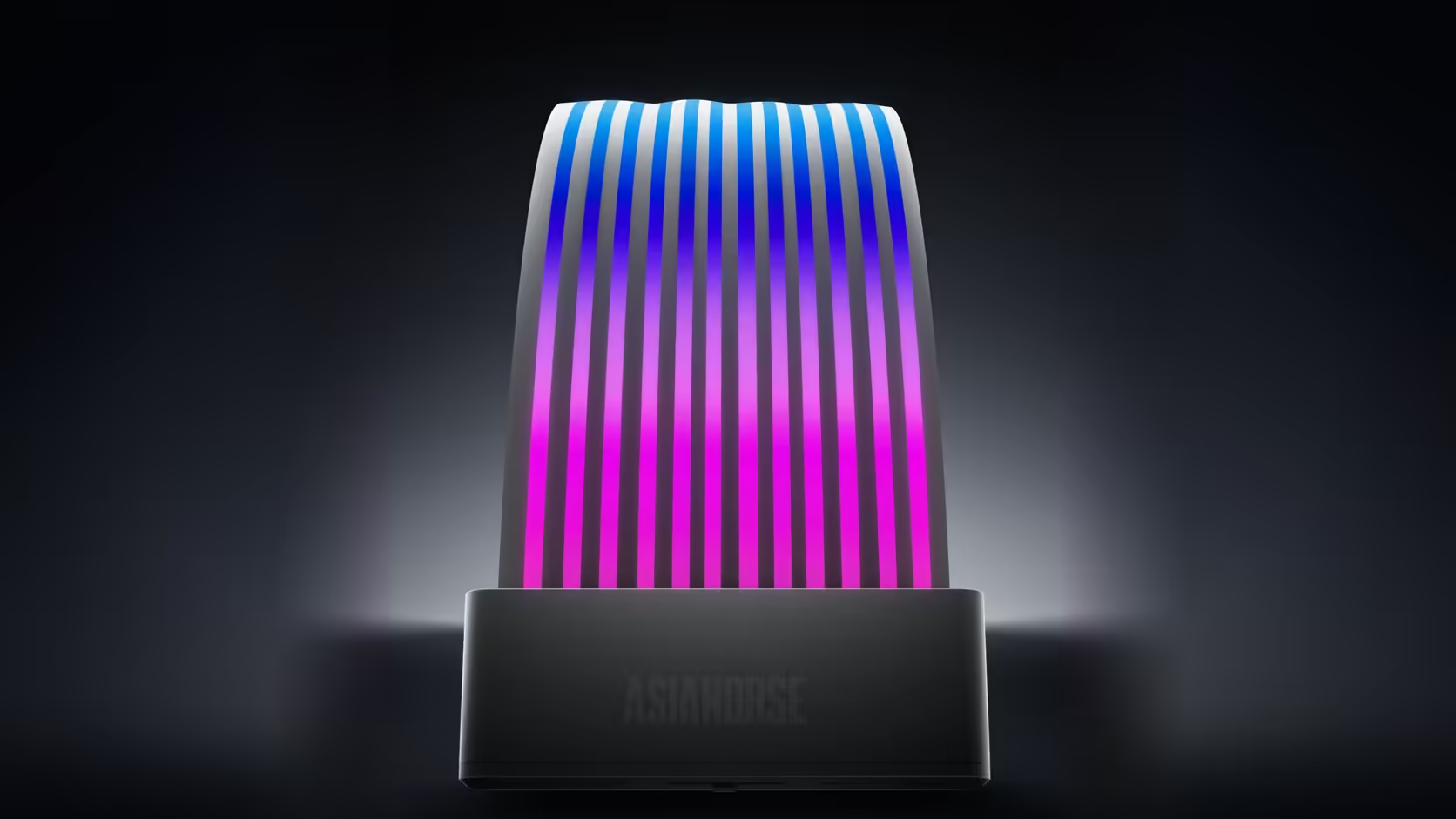
Cable ties have a way of turning a five-minute change into a real project once everything is bundled neatly out of sight, which is exactly the trap waiting for anyone who fits the Aurora Learn ARGB PSU Cable Cover on the remote today and only considers motherboard sync months later.
Quick Answer
If switching the Aurora Learn cover to board sync is even a possibility down the line, route a spare path to a 5V 3-pin header on your motherboard before the controller disappears behind a fully tied cable loom. Switching between the remote and sync modes is straightforward on this R599 cover in principle, but it becomes genuinely awkward once the controller is buried under finished cable work that would need cutting to reach it again. Planning that path now, while cables are still loose, costs almost nothing.
🛤️ Why plan for a mode you might never use
Because switching is a documented, supported option on this product, leaving the route available while everything is still accessible costs essentially nothing at the build stage, whereas retrofitting it later means undoing finished work.
🔧 What the sync route actually requires
A lead from controller to header
Board sync needs a physical connection from the controller to a 5V 3-pin header on your motherboard, so a viable path between those two points has to genuinely exist in the finished build.
Enough slack to reach without tension
Leaving a bit of spare length in that route, rather than pulling everything drum-tight, means the lead can actually reach the header without straining connectors once the switch is made.
🧵 What actually makes switching hard later
A controller tied firmly into a completed cable loom is the real obstacle, since reaching it again means undoing cable work that was finished after the original install, not simply flicking a setting.
🔌 What stays the same regardless of mode
The SATA power connection to the power supply is needed in either mode, since the controller requires its own power whether it is driving the cover from stored presets or simply passing board instructions through.
🧭 Planning this as part of a wider lighting layout
Anyone bringing a case lighting purchase into the same build is already thinking about headers and sync options for those parts, which makes this the natural moment to also reserve a path for the cover rather than treating it as a separate decision later. Tracing every lighting lead in one pass, rather than product by product, tends to catch a routing conflict before any of it gets tied down.
🧵 What "spare length" actually looks like in practice
A gentle loop of a few extra centimetres near the controller, rather than cable pulled drum-tight from its final tie point, is generally enough slack to reach a nearby header without straining a connector once the switch is eventually made. That small allowance costs nothing in tidiness once the loop is tucked neatly out of sight behind the tray, and it is far cheaper to add now than to fight for later once everything is finished and neatly secured in its final resting place.
📌 A cheap insurance policy either way
Even for builders who are fairly sure the remote is all they will ever want, leaving a spare few centimetres of slack near a board header costs nothing at assembly time and removes the single biggest obstacle to changing that decision later, which is a controller buried too deep to reach without real disassembly.
Frequently Asked Questions
Why plan for sync at all if the remote is being used now?
Because switching modes is a documented option, and leaving the route available costs nothing while the cables are still loose and accessible.
What does the sync route physically need in place?
A connection from the controller to a 5V 3-pin header on the board, so a workable path between those two points has to exist.
How much slack should be left in that path?
Enough for the lead to reach the header without tension, which usually means keeping the controller within a short run of it.
What actually makes switching modes awkward later on?
A controller tied firmly into a finished cable loom, where reaching it means undoing work completed well after the original install.
Should a specific header be reserved in advance?
Simply knowing which header would be used is often enough, though leaving it genuinely free avoids a second decision down the line.
Does the SATA connection stay in place either way?
Yes. The controller needs its own power regardless of which mode it ends up driving the cover in.
Is switching back to remote control just as easy?
Moving back to the remote is the same type of change, which is another reason to keep the controller box reachable long term.
Building now but might switch to board sync later?
Check Evetech's power supply range and plan your Aurora Learn routing before the cables get tied down.