Is your gaming rig slowly turning into a dust bunny sanctuary? For South African gamers, dust isn't just an eyesore; it's a performance killer, clogging heatsinks and choking your components. The secret to a cleaner, cooler, and longer-lasting PC isn't more cleaning... it's smarter airflow. By creating a positive pressure PC case, you can actively push dust out before it ever settles, keeping your machine running at its peak. Let's get it sorted.
Understanding PC Case Pressure
Before we start moving fans around, what even is case pressure? Think of your PC case as a box. The air pressure inside can be positive, negative, or neutral compared to the air outside.
- Positive Pressure: More air is being pushed into the case by intake fans than is being pulled out by exhaust fans. This pressurises the case slightly, forcing air (and dust) out through unfiltered gaps and vents. ✨
- Negative Pressure: More air is being pulled out than pushed in. This creates a vacuum effect, sucking air in through every available crack... including unfiltered panel gaps, bringing dust along for the ride.
- Neutral Pressure: Intake and exhaust airflow are perfectly balanced. This is difficult to achieve and offers no real advantage over a positive pressure setup.
For most builds, achieving a positive pressure PC case is the ultimate goal for a clean and healthy system.
Why Positive Pressure is Your PC's Best Friend
The number one benefit is simple: dust control. By ensuring air is always pushing outwards from unfiltered openings, you drastically reduce how much dust settles on your motherboard, GPU, and inside your power supply. This means less time cleaning and more time gaming.
A solid positive pressure PC case configuration also ensures a constant supply of cool, fresh air is flowing over all your components, not just the CPU and GPU. While the right CPU coolers do the heavy lifting for your processor, good overall airflow is the foundation of a cool and stable rig.
Achieving the Optimal Fan Configuration 🔧
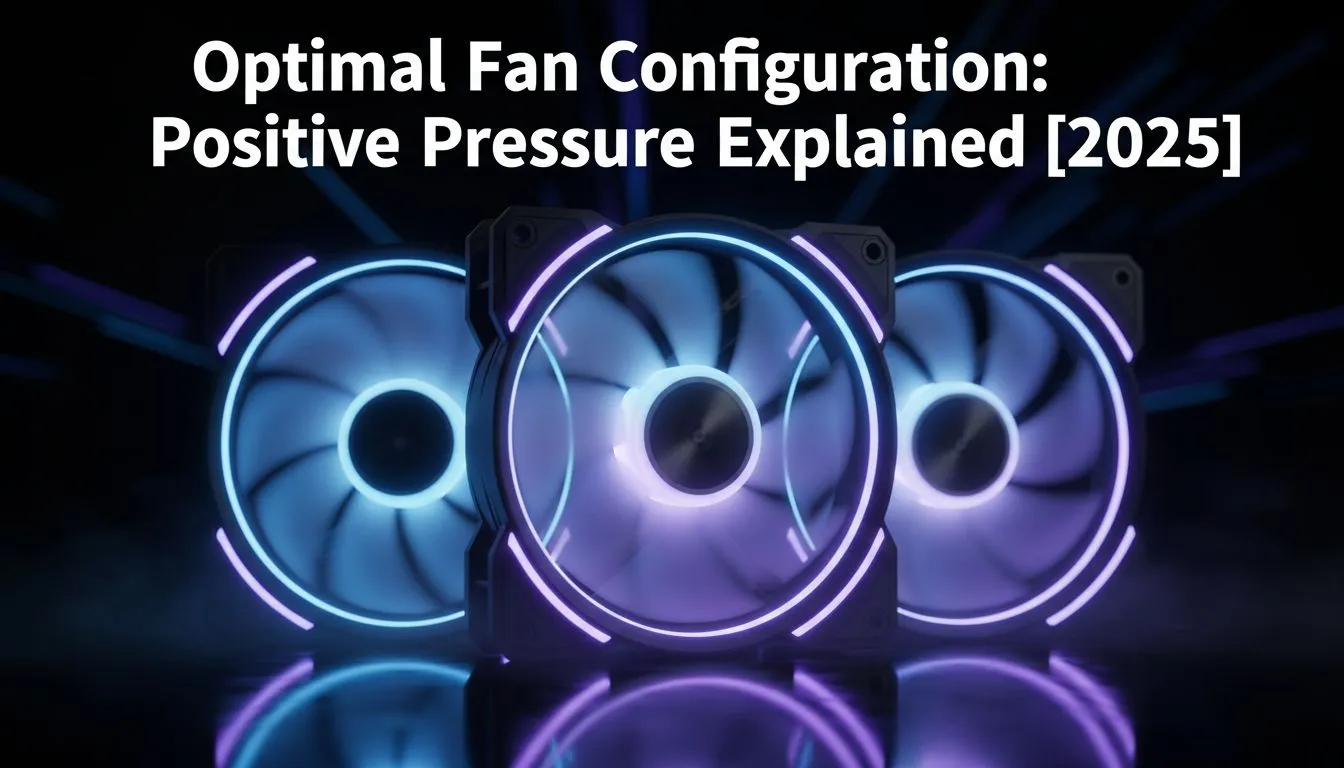
Ready to make it happen? It’s easier than you think. The core principle of an optimal fan configuration for positive pressure is to have a higher total CFM (Cubic Feet per Minute) for your intake fans than your exhaust fans.
Step 1: Tally Your Intake vs. Exhaust
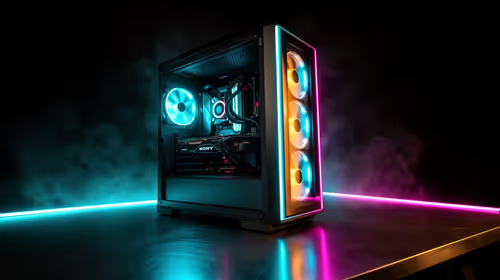
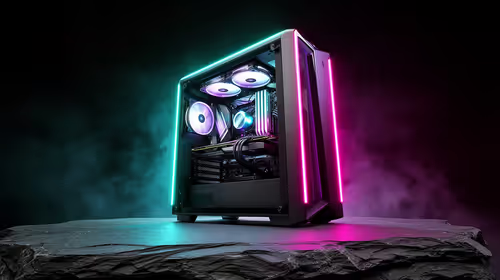
Look at your case. Fans at the front and bottom are typically used for intake (pulling cool air in). Fans at the rear and top are for exhaust (pushing hot air out). The golden rule is simple: have more fans pulling air in than pushing it out. A common and effective setup is three intake fans at the front and one or two exhaust fans at the back and top.
Step 2: Consider Your Cooler
Your CPU cooler plays a big role in airflow. A traditional Air Cooler works with your case fans, pushing air towards the rear exhaust. An All-In-One (AIO) Liquid Cooler (AIO) introduces a radiator, which needs careful placement. Top-mounting a large 360mm Radiator as an exhaust is a popular choice, as it expels the CPU's heat directly out of the case while working with natural convection (hot air rises).
Quick Airflow Check 💨
Not sure which way your fans are blowing? Look at the frame. Most fans have small arrows indicating the direction of the frame (where it's mounted) and the direction the blades spin. The air always flows towards the 'caged' or uglier side of the fan frame.
Step 3: Manage Fan Speeds
If you have an equal number of intake and exhaust fans, you can still achieve positive pressure. Simply run your intake fans at a slightly higher RPM than your exhaust fans using your motherboard's BIOS or software. This ensures your intake CFM is higher, creating that desired pressure.
A Note on Negative Pressure
So, is negative pressure ever good? In some very specific, high-performance scenarios, a negative pressure setup can yield slightly lower GPU temperatures because it aggressively pulls hot air away from the graphics card. However, for the vast majority of South African gamers, the trade-off is a machine that clogs with dust in record time. Premium components from brands like CORSAIR are designed to perform optimally in clean environments, making the dust-fighting power of positive pressure the clear winner for longevity and consistent performance.
Ready to Master Your Airflow?
A cool, clean PC starts with the right hardware. An optimal fan configuration is key, but powerful and quiet coolers make all the difference. Explore our massive range of CPU Coolers and find the perfect solution to keep your gaming rig frosty.