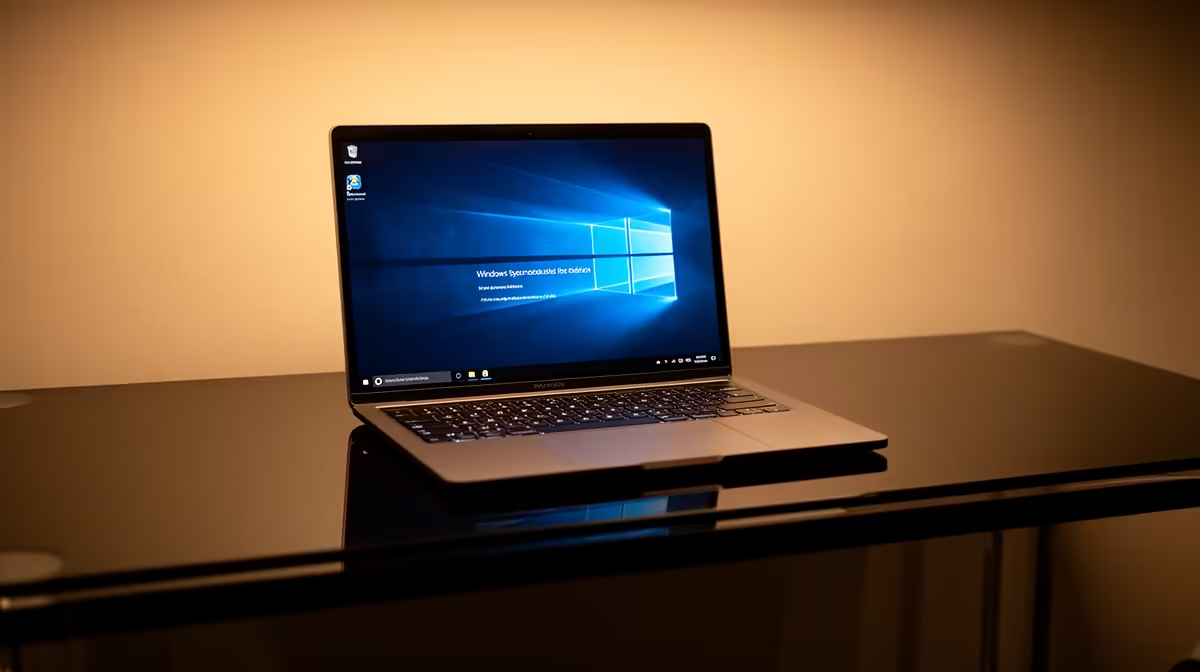
The ASUS ExpertBook P1503 at R9,858 ships with Windows 11 Pro on an i5-13420H, 8GB and 512GB platform, giving a postgraduate student a verified fresh-computer route. A clean Windows installation should use official media, backed-up files and device drivers from trusted vendors rather than unknown images.
Prepare recovery before erasing anything
The ASUS ExpertBook P1503 at R9,858 suits research, writing and university portals through Windows 11 Pro. Record the licence state and download network drivers before any reinstall.
The Lenovo IdeaPad Slim 3 at R13,400 adds an i7-13620H, 16GB, 512GB and Windows 11 Pro for heavier postgraduate analysis. A clean setup should preserve only required applications and documented research tools.
The Hiksemi Pocket 512GB portable SSD at R600 gives installation files and personal documents a temporary verified copy. Keep another backup because one travel drive cannot prove recovery.
Protect research and local access
Download official Windows media through a stable connection, keep university authentication details available and check that specialist licences can reactivate. Windows 10 support ended on 14 October 2025, so avoid reinstalling an unsupported platform.
Open the thesis, reference library and one dataset from backup before formatting the internal drive.
Store BitLocker or device-encryption recovery details in a secure offline place before wiping a business-capable laptop.
Need a supported Windows study machine? > Tell Evetech the postgraduate software and storage needs for a verified laptop shortlist.