


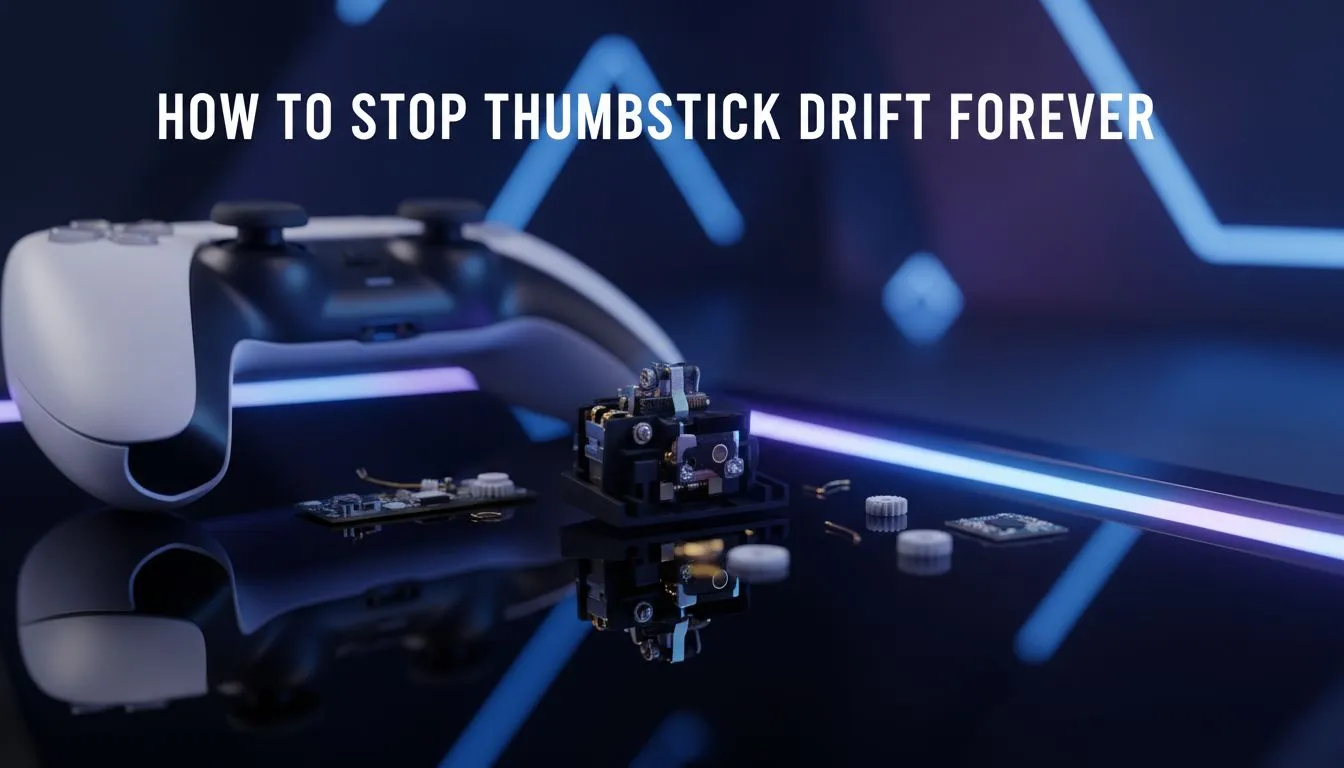
Understanding the PS5 Thumbstick Drift Struggle
Nothing ruins a Sunday afternoon gaming session like your character walking off a ledge on their own. We’ve all felt that frustration when your PS5 thumbstick drift starts acting up during a heated match. Before you consider tossing your DualSense into the bin, there are ways to reclaim your precision. Whether it's a quick clean or a hardware upgrade, you can finally stop drift forever... and get back to winning.
Why Your Controller Starts Drifting
Most standard controllers use potentiometer-based sensors. These rely on physical contact and friction to measure movement. Over time, South African dust or tiny plastic shavings wear these parts down. This creates "ghost" signals that make your camera spin or your character move without input. It’s a hardware limitation that eventually affects almost every standard unit.
If you are looking for a more permanent solution, you might need to buy gaming controllers that utilise different internal tech.
The Isopropyl Trick ⚡
Use 90% or higher Isopropyl alcohol on a cotton bud. Gently rub it around the base of the thumbstick and rotate it for thirty seconds. This often clears out the microscopic debris causing the ghost inputs without needing to open the controller shell.
The PS5 Thumbstick Drift Fix: Cleaning and Recalibration
Before spending R1,500 on a new unit, try a deep clean. Use compressed air to blow out the gaps around the stick module. Sometimes, a software reset can also help. Locate the small reset hole on the back of the DualSense and hold it for five seconds with a paperclip.
However, these are often temporary measures. If you want to stop drift forever, you need to look at Hall Effect sensors. These use magnets instead of physical contact, meaning there is no friction to cause wear.
Upgrading to Pro-Grade Hardware
For competitive players, the best PS5 thumbstick drift fix is moving to a controller built for longevity. Brands like Razer have pioneered high-performance peripherals that withstand intense use. If you want to eliminate the risk entirely, you should explore the range of Razer gaming controllers available.
A standout choice for those who demand precision is the Razer Wolverine V3 Tournament Edition. It features tactile switches and robust build quality designed to outlast standard retail pads. By investing in better hardware, you ensure that your aim stays true for years to come 🚀.
Maintaining Your Gear
To keep your sticks healthy, always store your controller in a case or a drawer when not in use. Dust is the silent killer of electronics in South Africa. A simple microfibre wipe-down after a long session can prevent oils and skin cells from sliding into the sensor housing. It might seem like a small habit... but it makes a massive difference in the long run 🔧.
Ready to Stop the Drift for Good? Don't let hardware failure hold back your K/D ratio. Whether you need a budget-friendly replacement or a professional-grade weapon, we have the stock to get you back in the game. Explore our massive range of gaming controllers and find your next upgrade today.











