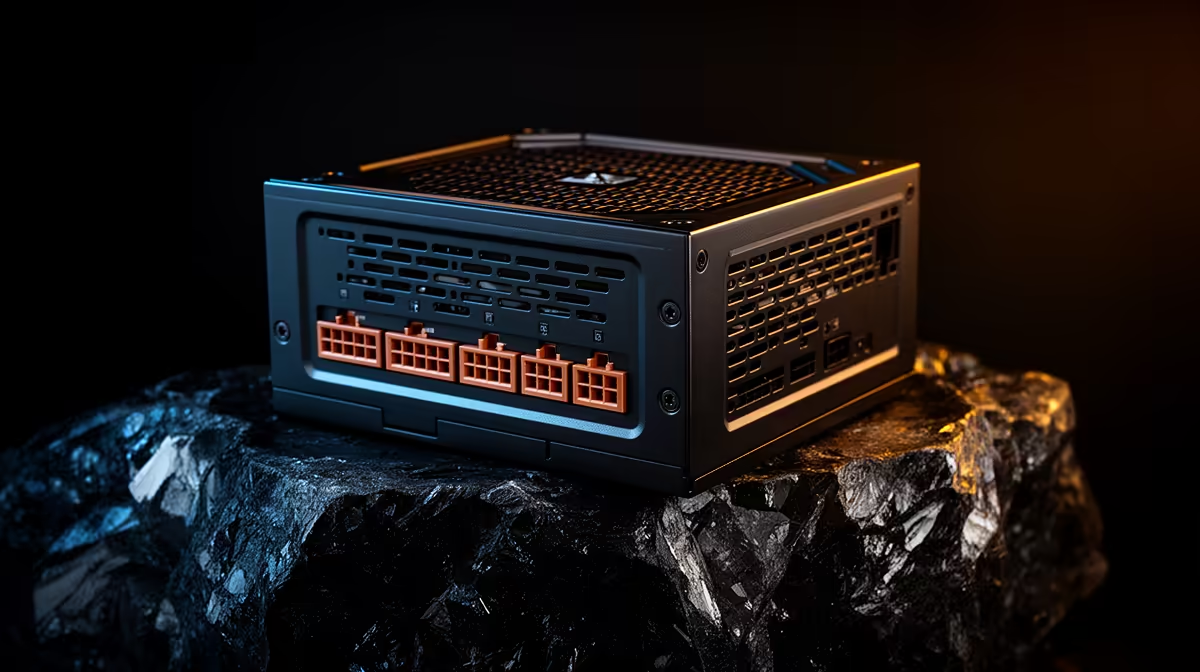
A graphics-card upgrade changes more than the system's average wattage. The power supply must support the GPU maker's recommendation, the correct connectors and short load changes without excessive voltage drop or protection trips. Unit quality, age and cable design matter beside the number on the label.
Quick Answer
Identify the exact PSU model, rated continuous output and age. Check the new GPU maker's recommended system wattage and connector requirements, then list the CPU and other high-draw parts. Use a reputable capacity calculator as a cross-check and leave sensible room for boost, ageing and future additions. Replace an unknown or unsuitable unit before the stress test.
Evetech's Corsair power-supply range lets you compare named PSU families and connector sets. The PSU best sellers give a broader view of current capacities for a complete gaming build.
Read the Exact PSU Label
Do not identify a power supply by case invoice or wattage alone. Shut down, unplug and read the model label through the case panel when accessible. Record its rated output, efficiency certification, connector family and manufacture or purchase age.
Never open the PSU housing. Its capacitors can retain dangerous energy. If the label is hidden by installation, use the build record or arrange safe removal without entering the unit.
A cheap 750W model and a proven 750W platform are not interchangeable. Protection design, voltage regulation, operating temperature and warranty support matter.
Use the GPU Recommendation Correctly
The card maker's recommended system PSU is a starting point built around an assumed CPU and complete system. Read the footnote and whether it applies to the reference card or your factory-overclocked model.
Add high-power CPU behaviour, pumps, drives, fans and USB devices to the context. Capacity calculators estimate this mix, but they cannot certify an ageing unknown unit.
Avoid choosing a supply that will live at its limit during every combined load. Headroom supports transient behaviour, quieter fan operation and later upgrades without implying that bigger is always better.
Match the Connectors
Use the number and type of PCIe power connectors specified by the graphics-card maker. High-power cards can require separate cable runs from the PSU rather than one daisy-chain lead. Follow both PSU and GPU instructions.
For a newer high-power connector, seat it fully and keep the first cable bend outside the distance stated by its maker. Inspect the latch and avoid side load from a tight panel.
Do not mix modular cables from another PSU. The component end can look standard while the supply-side pinout differs, creating a damage risk.
Efficiency Is Not Capacity
An 80 Plus label describes efficiency at defined conditions. It does not add wattage or rank every aspect of build quality. A high-efficiency 650W supply remains a 650W supply.
Efficiency can reduce waste heat and mains draw, but choose capacity and platform quality first. Seek a competent review that measures voltage regulation, protections, noise and temperature on the named model.
Watch for an Existing PSU Problem
Unexpected shutdown or restart under a combined CPU and GPU load can fit PSU protection, but it can also come from unstable memory, GPU drivers or temperature. A black screen is not a wattage measurement.
Return CPU, GPU and memory tuning to defaults. Check power connectors and Windows logs. Test the graphics card in a known suitable system or use a known-good PSU through qualified service when diagnosis remains unclear.
Do not keep repeating a hard shutdown stress test. Stop after the pattern is confirmed.
Test the Upgrade Safely
Install the card with the PC unplugged and use the documented support bracket. Recheck every connector before closing the panel. Start at default settings and confirm driver recognition.
Run a game first, then a controlled combined workload while monitoring power, temperature and stability. Stay with the PC. Stop for electrical smell, connector heat, repeated resets or unusual PSU noise.
Plan for Age and Environment
Power supplies lose useful margin through component ageing and sustained heat. A unit that spent years behind a clogged bottom filter deserves more caution than a recent clean supply with the same label.
Check the warranty period and whether the model's cables are still available from the manufacturer. Do not assume an old modular lead can serve a replacement. When age, history or model quality is unknown, a known suitable new PSU is safer than building a premium GPU upgrade around uncertain power.
Keep the bottom intake clear and clean its filter. A PSU fan needs cool air to deliver its rated behaviour inside the system's specified temperature range.
FAQ
How do I know whether the PSU wattage is enough?
Match the GPU recommendation to the exact PSU, CPU and whole build, then leave headroom and confirm connectors and unit quality.
Does an efficiency rating prove PSU quality?
No. It measures conversion efficiency under a test scheme, not every aspect of regulation, protection or durability.
What can an under-specified PSU look like?
It may shut down or restart under load, but those symptoms overlap with other faults and need controlled diagnosis.
Identify the exact PSU, match capacity and connectors to the upgraded card, and prove the default system with one controlled load rather than repeated shutdowns.