


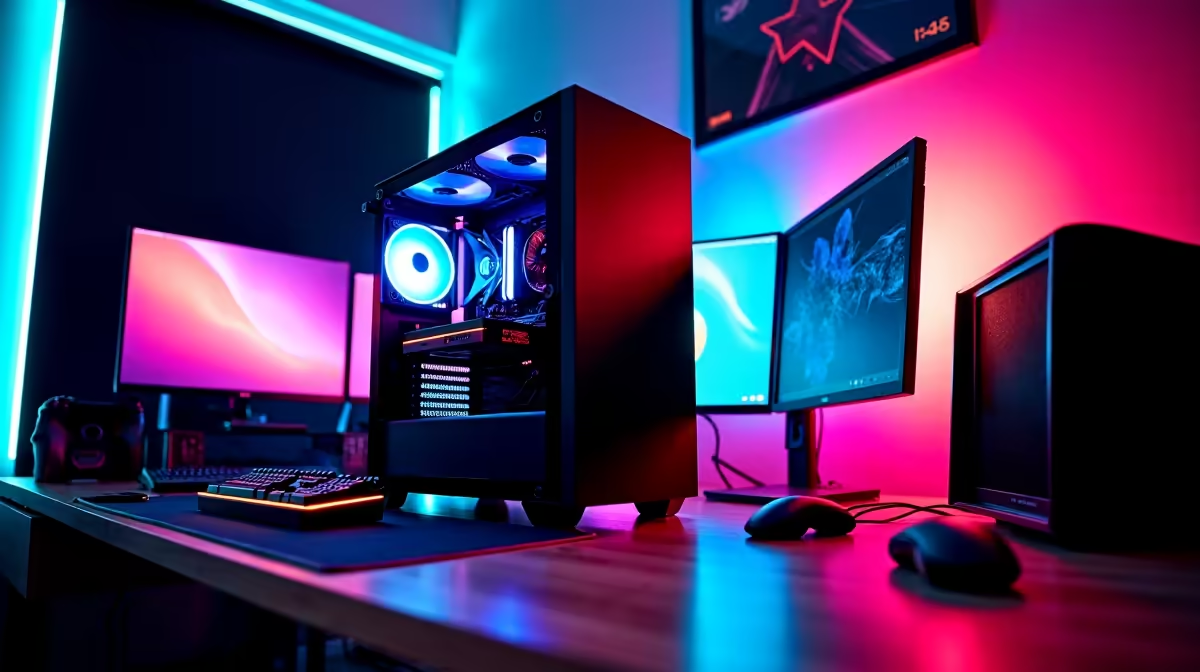
Stretch the budget at UFH's Alice campus to around R20,000 and a res PC moves from entry 1080p into confident 1440p territory. This brief lays out exactly what that buys, with named parts and realistic frame rates rather than vague spec talk.
Quick Answer
A R20,000 UFH res build delivers strong 1440p gaming: a Ryzen 5 7600 or Core i5-13400F, 32GB DDR5, a 1TB Gen4 NVMe SSD, and an RTX 5060 Ti or RX 9060 XT 16GB GPU. That pairing runs Cyberpunk 2077 at 70-90 fps and competitive titles like CS2 at 200 fps-plus on a 1440p 165Hz monitor.
Where the R20,000 Goes
The GPU is the centrepiece. An RX 9060 XT 16GB or RTX 5060 Ti 16GB (roughly R7,500-R9,000) gives you the VRAM headroom for 1440p textures and a few years of life. Behind it, a Ryzen 5 7600 on a B650 board with 32GB of 6000MHz DDR5 keeps frame times smooth. A 650W 80+ Gold PSU and a 1TB Gen4 NVMe SSD round out a build that boots in seconds and loads modern open worlds quickly.
A 27-inch 1440p 165Hz IPS panel (~R5,500) is the right screen to match this hardware; a 1080p monitor would waste the GPU's potential.
Cooling and Connectivity at Alice
A 240mm AIO or a strong dual-tower air cooler keeps the 7600 quiet under load in a warm Eastern Cape room. For ranked play on sometimes-inconsistent Alice networks, run a wired Ethernet connection to your block's port rather than relying on shared Wi-Fi. Two intake and one exhaust fan give the RTX 5060 Ti the airflow it likes.
FAQ
Is R20,000 enough for 1440p gaming at UFH res?
Yes. A Ryzen 5 7600 with 32GB DDR5 and an RX 9060 XT 16GB or RTX 5060 Ti runs most AAA games at 70-90 fps at 1440p and esports titles well past 200 fps.
Should I get the 8GB or 16GB version of these GPUs?
The 16GB version. For 1440p, 16GB of VRAM avoids texture stutter in newer titles and gives the card a longer useful life, which is worth the small price step up.
DDR5 or DDR4 for a R20,000 build?
DDR5 on an AM5 or LGA1700 platform. At this budget you want the newer platform's upgrade path, and 32GB of 6000MHz DDR5 is the right amount for 1440p gaming plus multitasking.
Anchor the build on a 16GB GPU and a 27-inch 1440p 165Hz panel, then enable EXPO in BIOS to run your DDR5 at its rated 6000MHz speed for the smoothest frame times.











