


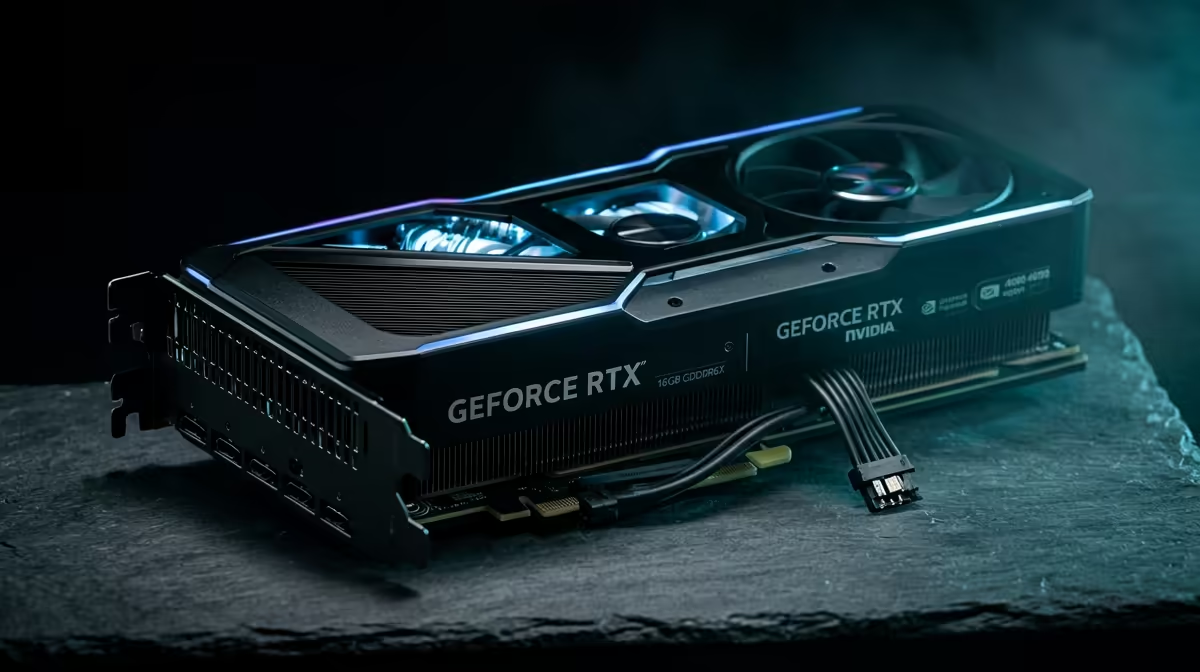
RTX 5060 Ti Build Budget: Your 1440p Gaming Guide in ZAR
So you want to game at 1440p… but you also want the budget to survive payday. In South Africa, that’s the real boss battle. ⚔️ A build around an RTX 5060 Ti Build Budget: Your 1440p Gaming Guide in ZAR is a smart way to target smooth gameplay without overspending on a “maybe later” upgrade.
In this Build Lab guide, I’ll walk you through a practical parts list, explain what to prioritise for 1440p, and share a couple of setup tricks that make a noticeable difference. Then, right at the end, we’ll nudge you toward the easiest way to buy the right components from Evetech.
RTX 5060 Ti Build Budget: Your 1440p Gaming Guide in ZAR (What 1440p actually needs)
1440p is where many systems feel the cost climb. More pixels means more load on the GPU… but the CPU and RAM still matter for smooth frame pacing.
Here’s the simple priority order for most gamers targeting 1440p:
- GPU first: It’s the bottleneck for most modern AAA titles at 1440p.
- CPU next: Enough cores and good single-core performance helps keep frame times stable.
- RAM: 16GB is often “okay”… but 32GB can reduce stutter in heavier games and multitasking.
- Storage: A fast NVMe SSD helps with load times and overall responsiveness.
- PSU: Don’t gamble. A quality PSU protects your components.
If you’re still deciding between GPU brands, start by browsing the categories here so you can compare options quickly: NVIDIA and ATI graphics cards at Evetech
RTX 5060 Ti Build Budget: Your 1440p Gaming Guide in ZAR (Suggested parts strategy)
Instead of pretending there’s one “perfect” ZAR number, use a flexible budget approach. Lock in these targets:
GPU budget: the core of your 1440p plan
Pick an RTX 5060 Ti model that fits your preferred noise and cooling. You’ll also want to confirm compatibility with your motherboard and case size.
For NVIDIA-focused options, use: Explore GeForce graphics cards
Motherboard and CPU: don’t starve the GPU
A good 1440p build won’t be held back by an underpowered CPU. Look for a motherboard with:
- the correct socket for your CPU
- enough RAM slots for future upgrades
- solid VRM cooling (especially if you like adjusting performance)
RAM: aim for smoothness, not just capacity
If you’re playing new releases plus Discord, browser tabs, and maybe a capture session… 32GB tends to feel calmer than 16GB. If your budget is tight, 16GB can work, but plan an upgrade.
Storage: NVMe for speed
A 1TB NVMe drive is the sweet spot for most people because modern games are big. And yes, load times matter more than we admit.
PSU: the “buy once, cry once” component 🔧
A stable PSU improves reliability. If you ever hear odd buzzing, shutdowns, or random reboots, that can point to PSU instability.
RTX 5060 Ti Build Budget: Your 1440p Gaming Guide in ZAR (Where to shop and what to compare)
To keep your shopping process fast, compare GPU choices across brands within your budget. You can browse MSI options quickly here: MSI graphics cards
If you’re open to Radeon cards for value comparisons, check this category too: Radeon graphics cards
That way, you’re not “marrying” a brand before you see the real pricing in ZAR.
RTX 5060 Ti Build Budget: Your 1440p Gaming Guide in ZAR (Practical setup tips that improve FPS)
Let’s make the build feel fast the moment you power it on. ⚡
Windows settings: reduce stutter and wasted GPU work
- Enable Game Mode
- Set your power plan to Best performance
- Turn off unnecessary background overlays (especially if you’re already running multiple capture tools)
Productivity Pro Tip ⚡
On Windows, use the PowerToys FancyZones utility to create custom snap layouts for your windows. It's a lifesaver for managing multiple apps on an ultrawide monitor, letting you organise your timeline, preview window, and asset folders perfectly for video editing.
In-game graphics: the “1440p but stable” approach
Instead of pushing every setting to Ultra, try:
- Texture quality on High or Ultra
- Shadows on Medium to High
- Ray tracing off or “selectively on” if supported and if it fits your FPS target
This keeps image quality strong without turning your frame rate into a slideshow.
Micro-story: the time “Ultra” ruined a great build…
A buddy once bought a solid GPU, then launched a demanding title and wondered why it felt jittery. Turned out it was running a heavy shadow setup at the same time as an aggressive background recording. One quick settings change later… and it felt like a different PC.
RTX 5060 Ti Build Budget: Your 1440p Gaming Guide in ZAR (Ready to finalise your shopping list?)
When you’re buying in South Africa, the real win is choosing parts that work together and match your budget in ZAR today, not some imaginary price later. Use Evetech to confirm stock and compare options quickly, then build your list with confidence.
If you want to take action right now, use the call-to-action below.
Ready to Find Your Perfect Match? The Mac vs Windows debate is complex, but for maximum power, choice, and value in South Africa, Windows is hard to beat. Explore our massive range of laptop specials and find the perfect machine to conquer your world.











