Quick Answer
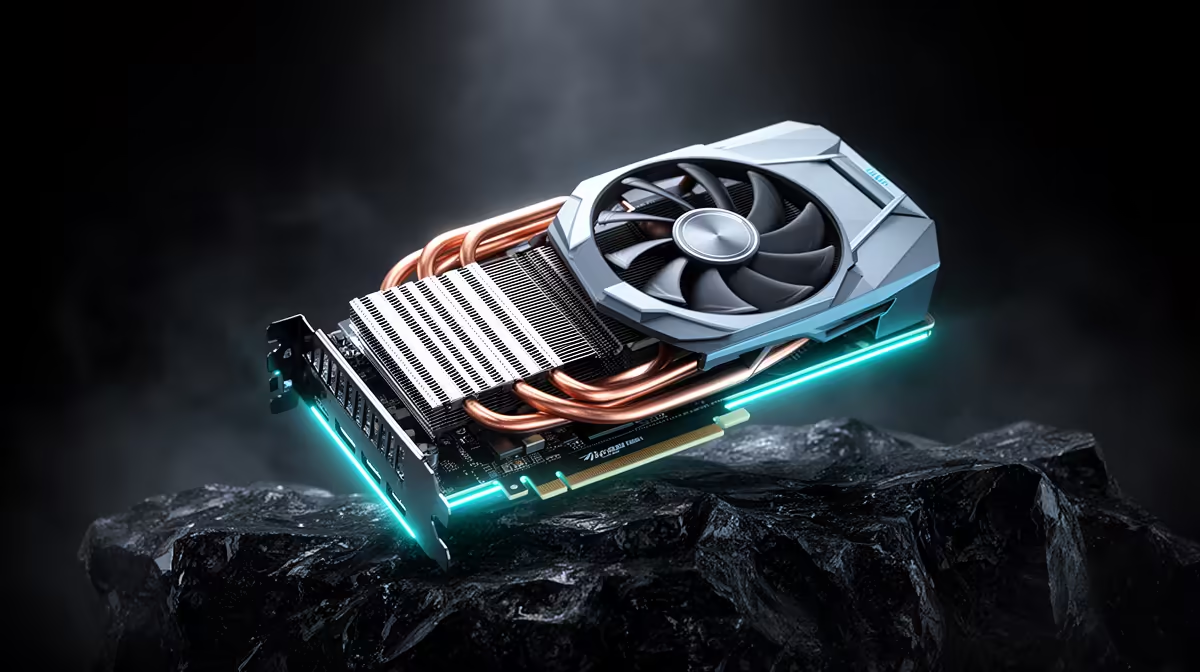
For RTX 5070 build, no-boot after a BIOS update usually points to a board firmware mismatch, corrupted settings, unsupported memory training or a loose power/display connection. The fastest SA-friendly fix is to clear CMOS, boot with one DDR5 stick at stock speed, then reflash the correct BIOS if the board reaches setup before buying replacement parts. Keep the first target simple: one successful cold boot, no BSOD for 30 minutes, and stable USB or display detection.
Start with recovery settings
Disconnect non-essential accessories, switch the PC off at the wall, then reseat RAM, GPU power and display cables. Clear CMOS if the board will not POST. If it reaches BIOS, load defaults and leave XMP or EXPO disabled for the first test. A 16GB or 32GB DDR5 kit should boot at stock JEDEC speed before any performance profile is trusted.
Test memory before replacing devices
A keyboard, headset, DAC, monitor or mouse can appear to be the problem when unstable RAM corrupts drivers or USB handshakes. Run a memory test, then test Windows with the device unplugged and plugged back in. If DDR5-6000 fails, try 5600MT/s, confirm the kit is on the motherboard QVL, and avoid mixing two separate kits.
SA parts and warranty notes
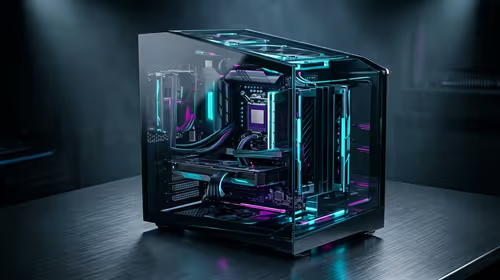
If the fault remains at stock settings, document the motherboard model, BIOS version and RAM kit label before contacting support. A common local gaming build might use a B650, B850, X870E or Z890 board, 32GB DDR5 and a 650W or 750W PSU. Broad replacement costs vary widely, so confirm stock and warranty route before spending R1,500 to R5,000 on parts that may not be faulty.
Also check the courier box size if the item will move between campus and home, because monitors and desktop cases are harder to carry than laptops.
FAQ
Should I keep XMP or EXPO enabled after a crash?
No. Prove the machine is stable at stock first, then retest with a safer profile. If stock is unstable, the problem is not the performance profile alone.
Can a BIOS update make USB devices act broken?
Yes. Firmware changes can reset USB, PCIe and memory training settings. That can make a device look unreliable even when the accessory itself is fine.
When should I replace hardware?
Replace parts only after stock settings, one-stick RAM testing, cable checks and BIOS recovery have failed. Keep proof of the tests because it helps with local warranty handling.
Practical check
Write down the last stable BIOS version, RAM speed and error message before changing anything else; that record prevents repeat testing and speeds up support.