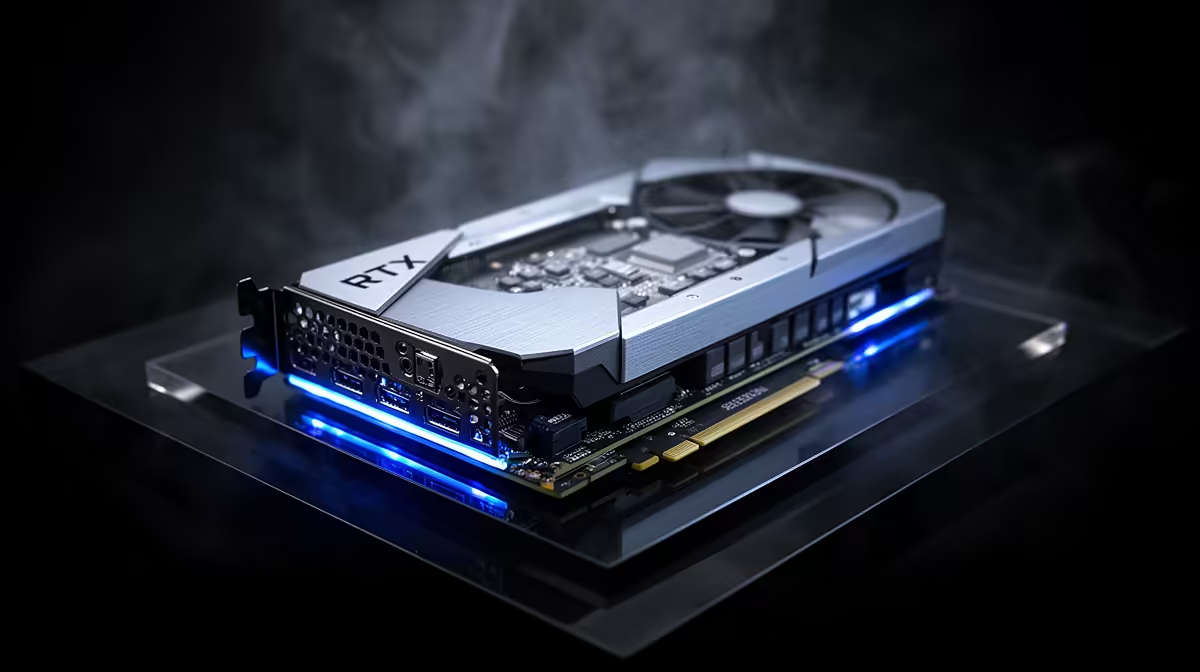
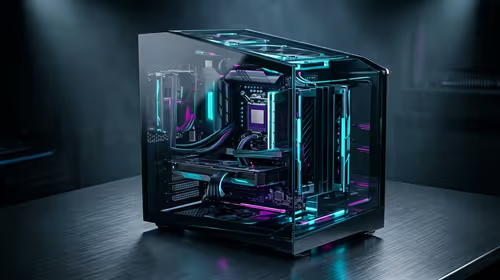
When a RTX 5090 build starts showing won't boot right after a BIOS update, treat it as a change-control problem first: the most recent change is almost always the cause, and rolling it back cleanly is faster than chasing ghosts. This is a tested, ordered fix for South African setups.
Quick Answer
If your RTX 5090 build shows won't boot after a BIOS update, the single most effective fix is to re-flash to the previous stable BIOS or clear CMOS and reload optimised defaults — this resolves the majority of these cases within 15 minutes. If won't boot persists after reverting the BIOS, the cause is hardware or settings, and the steps below isolate it in order.
Step-by-step: fixing won't boot on a RTX 5090 build
- Clear CMOS (jumper or battery pull) and reload optimised defaults to undo any aggressive auto-tuning.
- Re-enable your memory profile (EXPO/XMP) one step at a time and test stability after each.
- If it still will not post, re-flash to the prior stable BIOS using the board's flashback feature.
- Reseat RAM in the correct dual-channel slots (usually A2/B2) and the GPU power connectors.
- Boot with a single RAM stick to rule out a memory training failure before suspecting the board.
Hardware checks for high-end GPU builds
On a powerful card, verify the 12V-2x6 / PCIe 5.0 connector is fully clicked in — a partially seated power plug is a common cause of crashing and shutdowns under load. Confirm the PSU is sized for the card (use a quality 850W–1000W unit), reseat the GPU in the top slot, and keep the card under 70°C with clean airflow, which matters more in warmer South African rooms. Test on stock clocks before re-applying any overclock.
FAQ
Why did my RTX 5090 build start showing won't boot right after a BIOS update?
Because a BIOS update is the most recent change, it is the prime suspect — it can ship a regression, reset a setting, or conflict with an existing overclock. Reverting it is the fastest way to confirm or rule it out.
Will reverting the BIOS lose my data or settings?
No — rolling back the BIOS only changes that component, not your files. Back up first as good practice, but a clean driver reinstall or update rollback leaves your documents and games untouched.
When should I take the RTX 5090 build in for repair?
If won't boot persists after reverting the update, testing on defaults, and reseating connectors, the cause is likely failing hardware. At that point Evetech's support team can diagnose it rather than risking further trial-and-error.
Still stuck after rolling back the update?
If your RTX 5090 build keeps showing won't boot, browse Evetech for a verified replacement part or contact the support team for a guided diagnosis before you spend on parts you may not need.