


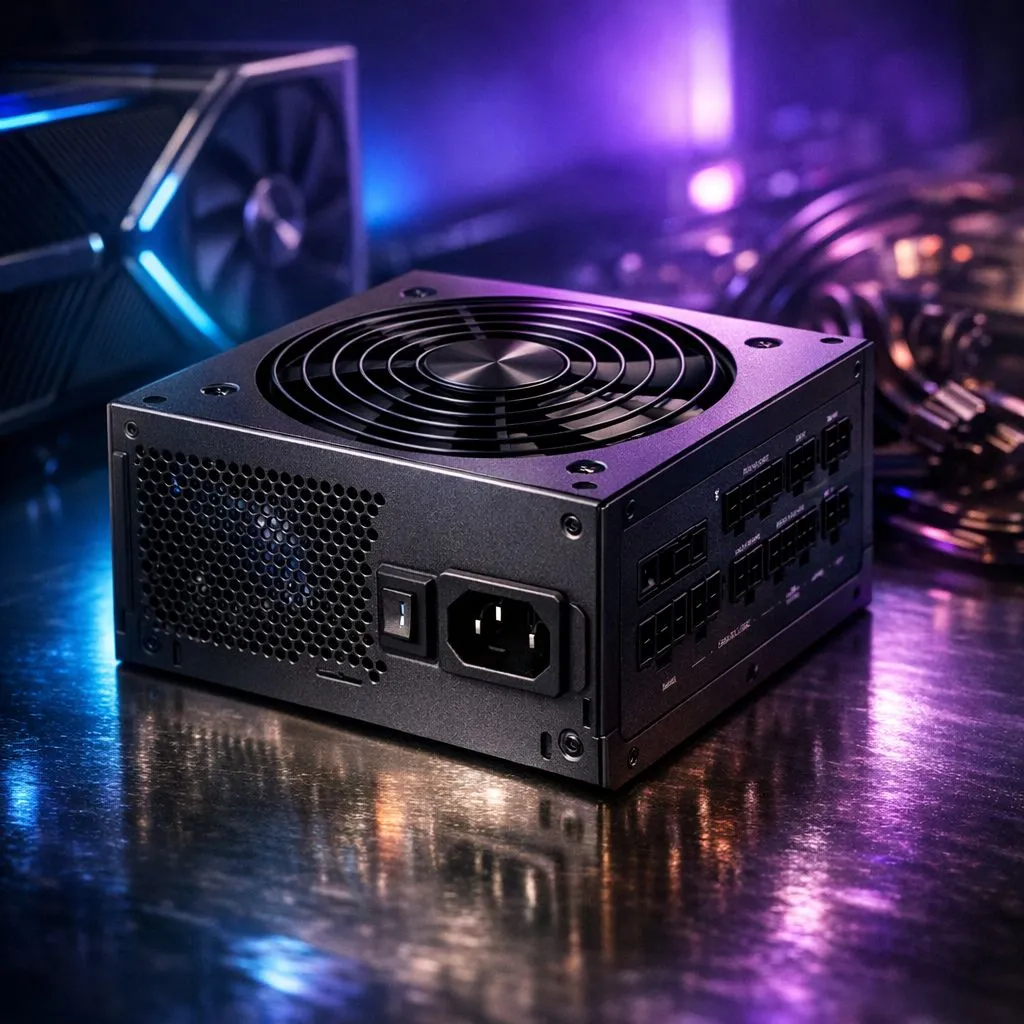
Choosing the right PSU for an RTX 5090 build 🔧⚡
If you’ve landed here, you’re planning a serious South African gaming rig — and that GPU demands respect. Pick the wrong power supply and you risk instability, noisy coils, or a costly replacement. This guide shows practical steps to choose an RTX 5090 power supply that’s stable, efficient, and future-ready, with local context and links to stock you can buy in ZA today.
Match capacity with real-world needs
Start by thinking about total system load, not just the GPU. Factor in CPU, drives, fans, and any overclocking. If you want a quick survey of compatible GPUs while planning, browse our GeForce range to compare models and TDPs. (Evetech lists current GeForce stock and specs.)
Aim for headroom: a PSU rated comfortably above your estimated peak watts will run cooler and quieter. Don’t rely on marketing alone; choose recognised brands with stable rail designs.
Connectors, rails and cable types
Modern high-end GPUs need the right connectors. Confirm the RTX 5090 uses the connector standard your PSU offers — and reserve spare PCIe sockets for multi‑GPU rigs or adapters. For parts browsing, you can also view our full graphics cards selection to cross-check recommended connectors and accessories.
Look for single strong 12V rail designs or well-reviewed multi‑rail PSUs. Modular cables reduce clutter and improve airflow. If you plan external adapters, ensure they are high quality and rated for continuous current.
Efficiency, warranties and real-world reliability
Higher efficiency (80 Plus Gold or better) typically means lower waste heat and longer life. Warranty length matters — longer coverage often indicates manufacturer confidence in longevity. Also check user reviews for coil whine and startup stability.
If you prefer AMD GPUs or mixed systems, compare with our Radeon cards to check compatibility notes and local stock availability.
PSU Pro Tip ⚡
When testing a new PSU, boot with a spare GPU or basic components first. Use a wattmeter to measure idle and load draw. If readings spike unusually, return or RMA the unit. Always let capacitors settle for a minute after shutdown before unplugging.
Installation, safety and local considerations
Install in a well‑ventilated case and ensure cables are not stressed. Use correct screw torque on the PSU bracket. If you’re in South Africa and worried about brownouts, consider a UPS that supplies stable power to protect components. For brand variety and MSI-specific GPUs, check our MSI models to pair with your chosen PSU.
When buying, factor VAT and shipping to keep totals transparent in ZAR. Evetech’s component pages help confirm stock and compatibility before checkout.
Final checklist before you buy
- Confirm connector count and type for the RTX 5090.
- Choose 80 Plus Gold or better for quieter operation.
- Allow 20–30% headroom for peak loads and ageing.
- Prefer modular designs for cleaner builds.
- Keep your invoice and warranty in case of defects.
Ready to match a PSU to your RTX 5090? Look through our GPU ranges above, then pick a PSU that gives headroom, efficiency, and peace of mind. Need help calculating exact watts? Our build guides can help you finalise the numbers.
Ready to Find Your Perfect Match? The Mac vs Windows debate is complex, but for maximum power, choice, and value in South Africa, Windows is hard to beat. Explore our massive range of laptop specials











