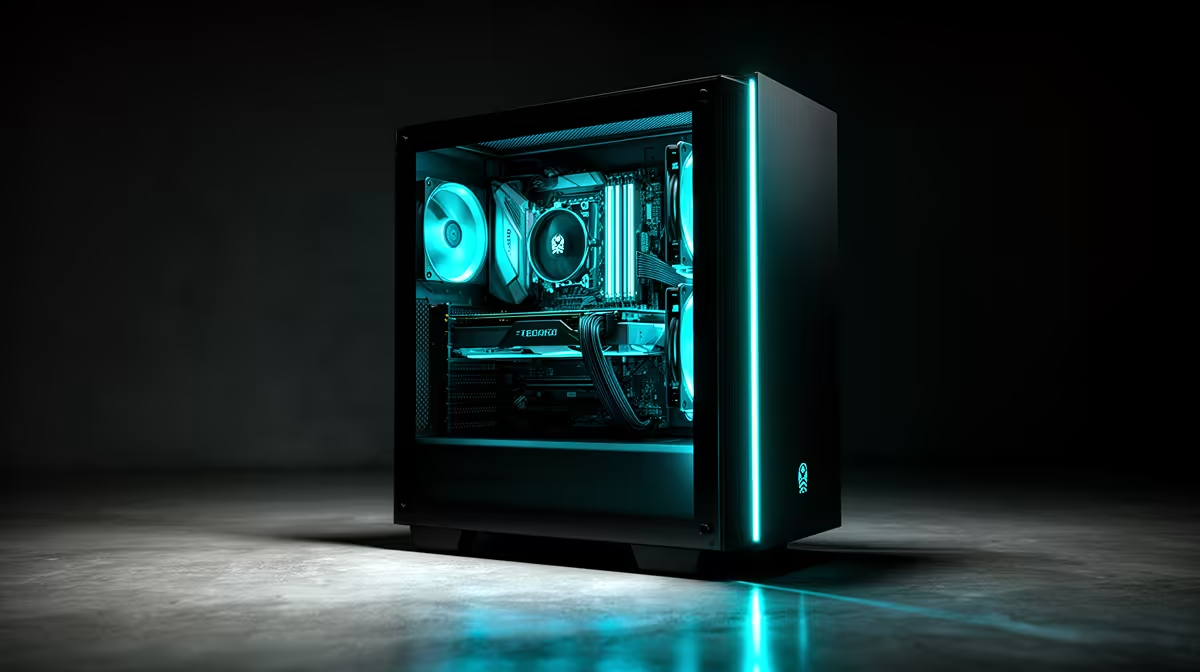
Running an LLM on your own PC puts model weights, the context cache and working data close to the GPU. VRAM sets the first hard boundary: if the model no longer fits, software may move layers into system memory and generation slows. Build around the model size you will use, not the largest demo you have seen online.
Quick Answer
For a responsive local LLM, prioritise a supported GPU with enough VRAM, then add system RAM and fast SSD space. A smaller quantised model that stays in VRAM often feels better than a larger model split across the GPU and CPU. Choose the processor after the GPU unless your chosen runtime relies on CPU inference.
Estimate the memory requirement
Model parameter count is the starting point, while quantisation changes the storage needed for each parameter. A 4-bit version needs far less memory than a full-precision copy, but file size alone does not describe the whole run. The context cache grows as prompts and responses get longer. The runtime also needs working memory.
Leave headroom rather than filling VRAM to the last megabyte. Your display and other applications use some of the same pool. If the runtime supports partial GPU offload, it can run a model that exceeds VRAM, though token speed may fall once data crosses into system RAM.
Before buying, download the exact model card and read the runtime's hardware notes. Check whether it supports your GPU architecture and operating system. Community estimates are useful, but your chosen context length and quantisation decide the real requirement.
Balance the rest of the PC
System RAM holds the operating system, applications and any model layers that cannot remain on the GPU. Thirty-two gigabytes is a practical working target for many local experiments; larger models, multiple services or heavy offload can justify more. Use a matched kit and confirm the motherboard supports the planned capacity.
An NVMe SSD cuts model load times and gives you room for several quantisations. Model folders grow fast, so budget storage before the drive is nearly full. Sequential speed helps when loading a large file, but inference speed after loading is driven by the compute and memory path.
The CPU handles tokenisation, application logic and CPU-offloaded layers. A strong multi-core processor improves mixed workloads, yet it cannot compensate for a GPU that lacks the required VRAM. Power supply capacity and case airflow must suit a high-end card running for long sessions.
Explore gaming PC configurations and current complete-PC favourites. Use them as build starting points, then verify the listed graphics card and memory for your model.
Match hardware to the way you use AI
A private chat assistant may need modest throughput for one person. Coding tools benefit from a useful context window and quick first-token response. Batch summarisation can value total throughput more than interactive latency. Image understanding adds another workload and may need a compatible multimodal model.
Write down one model, one quantisation and one context target. Find measured results for that combination where possible. Tokens per second measured on a different model or backend can mislead you.
If you plan to train adapters or fine-tune, inference guidance is not enough. Training keeps activations and optimiser data in memory, raising the hardware requirement. Check the training framework before choosing the card.
Keep the first setup manageable
Start with a well-supported runtime and a smaller model. Confirm GPU acceleration is active, then measure VRAM use, token speed and output quality with your own prompts. Move up one model size only if the current one misses the task.
This test-first approach prevents a costly build based on parameter count alone. It also shows whether your workload needs more VRAM, a longer context or a better prompt rather than more hardware.
Measure prompt quality beside speed. Faster tokens have little value when the smaller model misses the task.
Frequently Asked Questions
Protect private model data.
Local inference keeps processing on your machine only when the application, extensions and prompts stay local. Review telemetry, update and remote-access settings. Encrypt sensitive project storage and use a separate user account where the workload warrants it.
Keep models and runtime versions in a small manifest. A later update can change memory use or output, and the record gives you a known working combination to restore.
How much VRAM does a local LLM need?
It depends on model size, quantisation, context length and runtime overhead. Check the exact model and leave working headroom.
Can I use system RAM instead of VRAM?
Many runtimes can offload work to system RAM, but generation can slow because data travels through a narrower path.
Is a gaming PC suitable for local AI?
Yes. A gaming PC can provide a supported GPU, strong cooling and upgradeable memory, provided its graphics card has enough VRAM for your target model.
Choose a local-LLM PC from the exact model, quantisation and context you plan to run, with VRAM headroom for real prompts.