


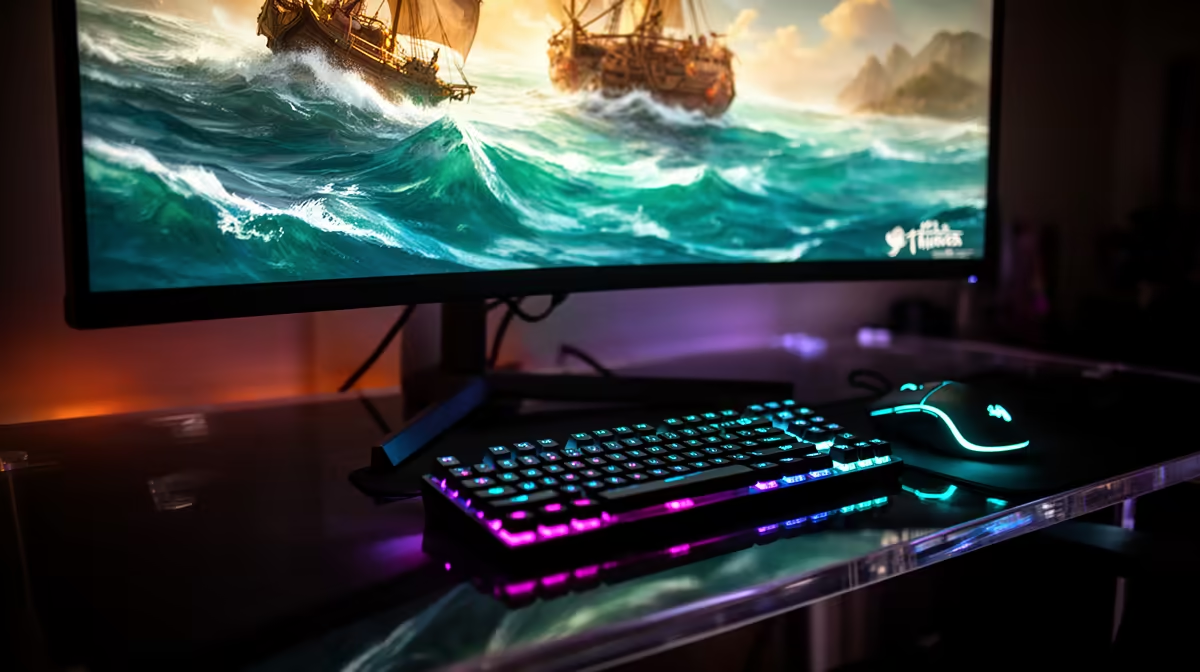
Targeting 120fps in Sea of Thieves at 1440p on an RX 7800 XT is well within reach at native resolution, making this a sharp, high-refresh experience without upscaling. The card sits comfortably in the right performance band for the job.
Quick Answer
The RX 7800 XT averages 100 to 140fps in Sea of Thieves at 1440p on High, so a 120fps target is realistic at native resolution. Run the High preset with a 120fps cap; in dense island or storm scenes you may dip toward 100fps, but the experience stays smooth on a 144Hz panel.
Settings For A Stable 120fps At 1440p
Use the High preset, Shadows High, Water Detail High, and Render Quality 100 percent. Apply a 120fps Radeon Chill cap to smooth frame pacing, and enable Radeon Anti-Lag for crisper input in PvP. The RX 7800 XT's 16GB VRAM keeps Ultra textures cost-free at 1440p, so you never trade visuals for the frame target.
Build Notes For SA Buyers
This GPU lives in Evetech's upper-mid tier and is well matched to 1440p high-refresh play. Pair it with a Ryzen 7 7700 or Core i5-14600K so the CPU sustains 120fps lows, plus 32GB DDR5-6000 and a 650W 80+ Gold PSU for the ~263W board power. A 1440p 165Hz IPS panel (from around R5,000 at Evetech) lets you actually see the frames.
FAQ
Can the RX 7800 XT hold 120fps in Sea of Thieves at 1440p?
Yes, at native resolution it averages 100 to 140fps. You may see brief dips to ~100fps in heavy storm scenes, but a 120fps cap stays comfortable on a 144Hz panel.
Is a 144Hz monitor worth it for this setup?
Definitely. A 1440p 144Hz or 165Hz panel lets you experience the smoothness the RX 7800 XT produces; on a 60Hz screen you waste most of the frames.
Does the CPU matter for 120fps in Sea of Thieves?
It does for 1% lows. A Ryzen 7 7700 or Core i5-14600K keeps minimums high so the 120fps feel stays consistent in crowded scenes.
Cap Sea of Thieves at 120fps with Radeon Chill on your RX 7800 XT and pair it with a 1440p 165Hz panel from Evetech to actually see the frames the card produces.











