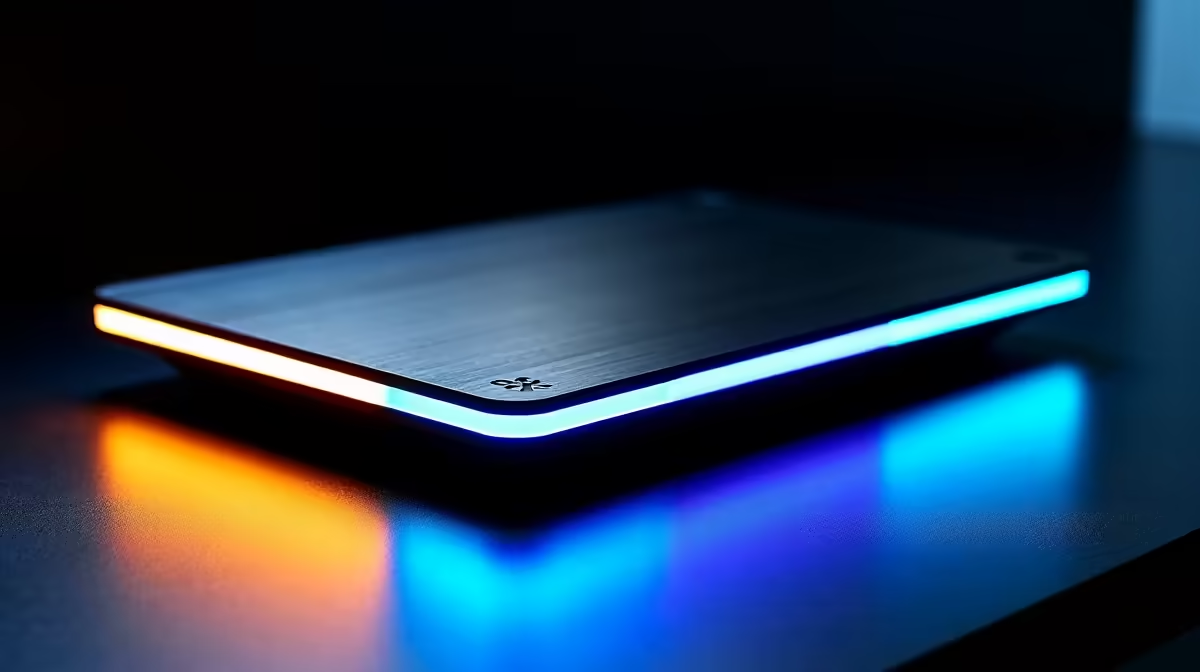
Juggling cables between your work and gaming laptops? That daily dance of unplugging your monitor, mouse, and keyboard is a real pain. What if you could connect everything with a single cable? It's not science fiction. With the right hardware, you can seamlessly switch laptops in seconds, clearing the clutter and getting you into your game or workflow faster. An effortless docking solution is the key to unlocking a truly streamlined setup. ⚡
Why an Effortless Docking Solution is a Must-Have
Let's be honest, nobody enjoys crawling under their desk. The constant plugging and unplugging puts unnecessary wear and tear on your laptop's ports and your cables. A messy desk full of wires isn't just ugly; it's a productivity killer.
A docking station acts as a central command hub for your entire setup. You plug your monitors, keyboard, mouse, headset, and ethernet cable into the dock once. From then on, you only need to connect a single USB-C or Thunderbolt cable to your laptop. This one-cable connection provides display output, data transfer, and even power. This is the secret to effortless laptop switching, and you can find great options even on a tight budget under R1000.
How to Choose the Perfect Laptop Dock
Not all docks are created equal. To find the right one, you need to think about your specific needs. Choosing the perfect model ensures you can seamlessly switch laptops without any frustrating compatibility issues.
Match the Ports to Your Peripherals
Take a quick inventory of your gear. How many monitors do you have? What kind of connections do they use (HDMI, DisplayPort)? Count your USB devices like your mouse, keyboard, and external drives. Make a list, and then find a dock that has enough ports to accommodate everything. More advanced setups with multiple high-resolution screens might require one of these feature-packed options under R2000.
Check Your Laptop's Port! 🔧
Before you buy, confirm your laptop has a USB-C or Thunderbolt port that supports DisplayPort Alternate Mode (for video) and Power Delivery (for charging). A quick search for your laptop's model number and "port specs" will tell you everything you need to know.
Power Delivery and Connectivity
One of the best features of modern effortless docking solutions is Power Delivery (PD). This allows the dock to charge your laptop through the same USB-C cable that handles data and video, eliminating your laptop's original power brick from your desk entirely. ✨
Also, consider internet connectivity. While Wi-Fi is great, a wired ethernet connection offers lower latency and more stable speeds... crucial for competitive gaming or large file transfers. Many docks from trusted brands like Promate include a dedicated ethernet port for just this reason.
Your Tidy, One-Cable Workspace Awaits 🚀
Imagine this: you finish your workday. You unplug one single cable from your work laptop. You plug that same cable into your gaming laptop, and instantly, your dual monitors, mechanical keyboard, and gaming mouse light up, ready for action. No fuss, no tangled wires.
This level of convenience transforms how you use your space. It makes switching from productivity to play an instant, satisfying experience. Your desk stays clean, your ports stay healthy, and you get more time for what matters... whether that's hitting deadlines or hitting headshots.