


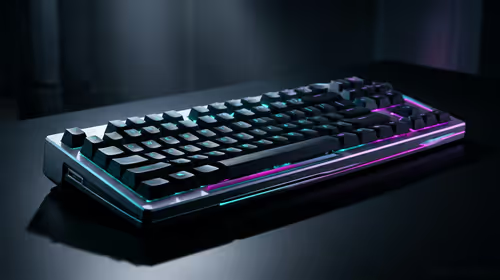
Stuck Pixel Checks for a Mechanical Keyboard Setup
Stuck pixel on a Mechanical Keyboard is likely a display symptom around that setup, not the part itself. Check the monitor, cable, GPU output, drivers, and warranty path first.
Read moreSekiro Shadows Die Twice build guide in SA should be planned around real needs, not headline claims. Compare specs, budget, delivery timing, warranty support, setup limits, and upgrade room before choosing hardware in South Africa.
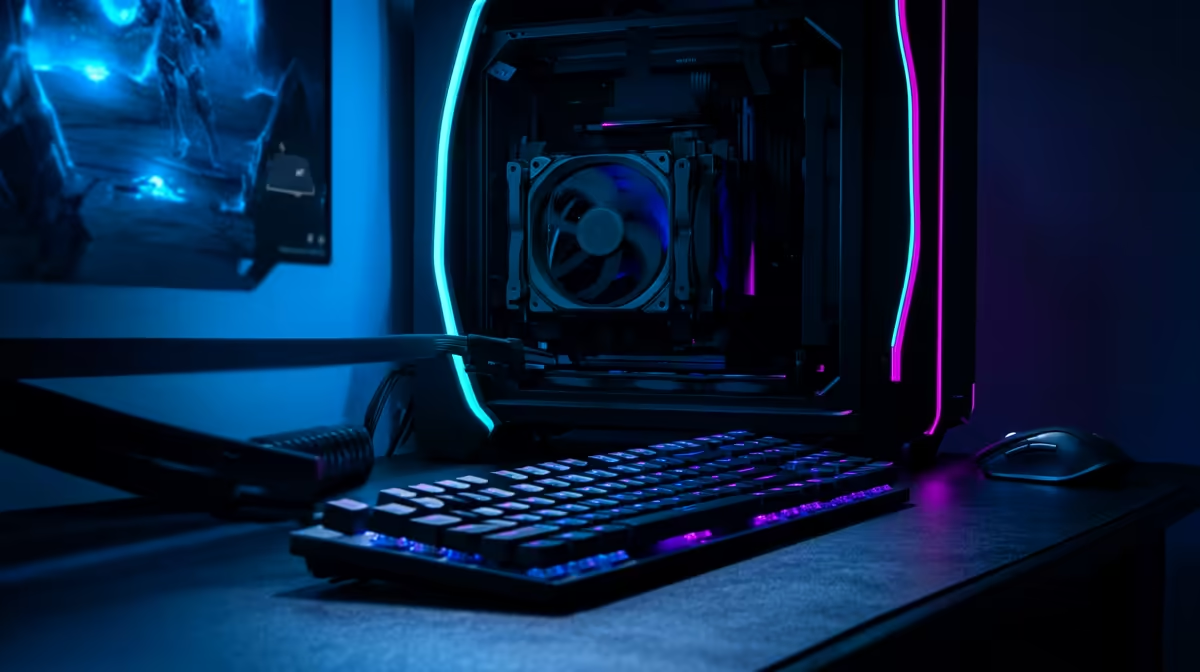
The right PC for Sekiro Shadows Die Twice is a modest modern gaming tower that holds stable FPS before spending on cosmetic extras. Expect about 60-60 fps at 1440p Maximum, with the strongest value coming from local warranty support, a suitable SSD, and a monitor that matches the frame-rate target.
Use the budget on parts that affect play first: AMD Ryzen 5 5600 or Intel Core i5-13400F, Radeon RX 7600 or GeForce RTX 4060 class, 16GB to 32GB DDR4/DDR5, a 1TB NVMe SSD, and a 650W 80 Plus PSU. Sekiro is capped at 60 fps without mods, so stability and input consistency matter more than chasing a huge benchmark number. In South Africa, the practical check is whether the tower ships with clear local support and enough storage for Windows, launchers and the game install.
For a build around R15,000 to R20,000, keep the graphics card as the anchor. Sekiro Shadows Die Twice needs about 25GB of storage, but a smaller SSD fills quickly once Windows, drivers and a few games are installed.
At this tier, expect roughly 60-60 fps at 1440p Maximum. That suits SA buyers using common 1080p or 1440p 60Hz monitors, because extra FPS only matters when the screen can display it and the game engine can use it. Maximum preset, motion blur off, 60 fps lock, and a wired controller or low-latency keyboard setup for parry timing.
If the PC is mainly for Sekiro Shadows Die Twice, do not overspend on the CPU before the GPU and SSD are right. If the same machine must also run newer shooters, video capture, Discord and browser tabs, move up one GPU tier before adding cosmetic case upgrades.
A around R15,000 to R20,000 tower should be judged by what it leaves out as much as what it includes. At the lower end, accepting a simpler case or 500GB SSD can be fine; cutting down to 8GB RAM or a weak PSU is not. Around R20,000, the better short list has 16GB to 32GB DDR4/DDR5, an NVMe SSD, and a named GPU class such as Radeon RX 7600 or GeForce RTX 4060 class.
This tier gives stronger 1% lows and more room for 144hz. For Johannesburg, Cape Town and Durban buyers, local delivery and warranty handling are part of the real value because a gaming PC is heavy and awkward to troubleshoot. Keep the invoice, check the PSU wattage, and make sure the monitor cable matches the GPU output before checkout.
Sekiro Shadows Die Twice is a precision action game, so the spend should match that job. A higher budget can still make sense for quieter cooling, a 2TB SSD, streaming, or a future 1440p game library, but it will not always make Sekiro Shadows Die Twice feel dramatically different. Put the first upgrade money into the monitor if the current screen is still 60Hz.
Expect about 60-60 fps at 1440p Maximum with a Radeon RX 7600 or GeForce RTX 4060 class and AMD Ryzen 5 5600 or Intel Core i5-13400F class build. Heavier scenes can dip, so judge the PC by stable 1% lows rather than only the highest number shown in a benchmark.
Yes, around R15,000 to R20,000 is enough when the GPU class, RAM and SSD are chosen properly. If the budget is tight, keep 16GB to 32GB DDR4/DDR5 and the named GPU class before spending extra on case lighting or oversized cooling.
Buy a complete PC if the current machine is older than a 6-core CPU, has only 8GB RAM, or uses a small SATA SSD. Upgrade one part first only when the existing PSU, case airflow and motherboard can support the new GPU cleanly.
Stuck pixel on a Mechanical Keyboard is likely a display symptom around that setup, not the part itself. Check the monitor, cable, GPU output, drivers, and warranty path first.
Read more
How to fix stuck pixel Windows 11 USB DAC issues starts with display-only tests. Check HDR, scaling, monitor input, USB cable movement, and safe South African support options before connecting the pixel issue to audio hardware.
Read more
Windows 11 Steam Deck monitor issues often start with display mode, USB-C output, drivers, or dock power. Use this how to fix monitor not detected windows 11 steam deck checklist for SA handheld PC setups.
Read more
Stalker 2 Heart of Chornobyl PC build planning at R100,000 should stay cautious about parts and settings. Balance GPU, CPU, RAM, storage, cooling, and upgrade room before picking a South African gaming PC.
Read more
RX 9070 XT build stuttering needs a step-by-step check before replacing parts. Review drivers, settings, thermals, power, background apps, display limits, cables, and game options before changing hardware.
Read more
GTA 6 on R15,000 needs careful part balance. This SA build guide frames CPU, GPU, RAM, SSD, cooling, and upgrade trade-offs without promising live prices, stock, or exact FPS.
Read more
The smallest ATX case 2026 buyers should choose is the smallest chassis that still fits their exact graphics card, cooler, power supply and airflow plan. ATX support alone does not prove a case has the smallest footprint or volume.

The UGREEN LinkStation Pro eGPU dock combines Thunderbolt 5 and OCuLink connections with an integrated 850W ATX 3.1 power supply and up to 140W laptop charging. South African availability is unconfirmed.

The MSI PRO MAX 341QPXW14G is a 34-inch 3440 x 1440 ultrawide QD-OLED monitor with a 144Hz refresh rate and Mac-focused controls. A South African price and release date are still unknown.

NVIDIA lists 550W required system power for the RTX 5060 reference specification, based on a high-end test system. A quality 550W unit can be enough, but CPU draw, transient load, connectors and ageing decide real headroom.
The smallest ATX case 2026 buyers should choose is the smallest chassis that still fits their exact graphics card, cooler, power supply and airflow plan. ATX support alone does not prove a case has the smallest footprint or volume.
NVIDIA lists 550W required system power for the RTX 5060 reference specification, based on a high-end test system. A quality 550W unit can be enough, but CPU draw, transient load, connectors and ageing decide real headroom.

OpenRGB's master branch now carries changes labelled for 1.0 final, including translation and platform work, but the official tags page still lists 1.0rc3.1 as the newest packaged release. Stable users should wait for the signed release channel.

A motherboard can remain useful for many years when power, cooling and connectors stay healthy. Replace it for confirmed faults, damaged power delivery or a blocked platform need, not simply because the calendar reaches a fixed age.
The smallest ATX case 2026 buyers should choose is the smallest chassis that still fits their exact graphics card, cooler, power supply and airflow plan. ATX support alone does not prove a case has the smallest footprint or volume.

In a 6 bit + FRC vs 8 bit comparison, native 8-bit panels can produce 256 levels per colour channel directly, while 6-bit plus FRC rapidly alternates nearby values to approximate the wider palette. Panel quality still depends on more than bit depth.
The UGREEN LinkStation Pro eGPU dock combines Thunderbolt 5 and OCuLink connections with an integrated 850W ATX 3.1 power supply and up to 140W laptop charging. South African availability is unconfirmed.

Windows 11 KB5124008 can leave some USB Audio Class 1.0 devices with no sound, Code 10 or failed multichannel output. Microsoft confirms the issue and says switching to two-channel stereo can restore audio for some users.