Quick Answer
A practical MMO and live-service gaming PC should start with stable frame rates, 32GB RAM, fast storage, strong networking, and enough CPU for crowded hubs. For Westonaria buyers, the sensible SA planning band is R20,000 to R45,000, with Ryzen 5 7600, Ryzen 7 7800X3D, RTX 4060 Ti, RTX 4070 SUPER, Wi-Fi 6 or Ethernet as the kind of shortlist that keeps the build specific without inventing live stock prices.
Core Spec To Prioritise
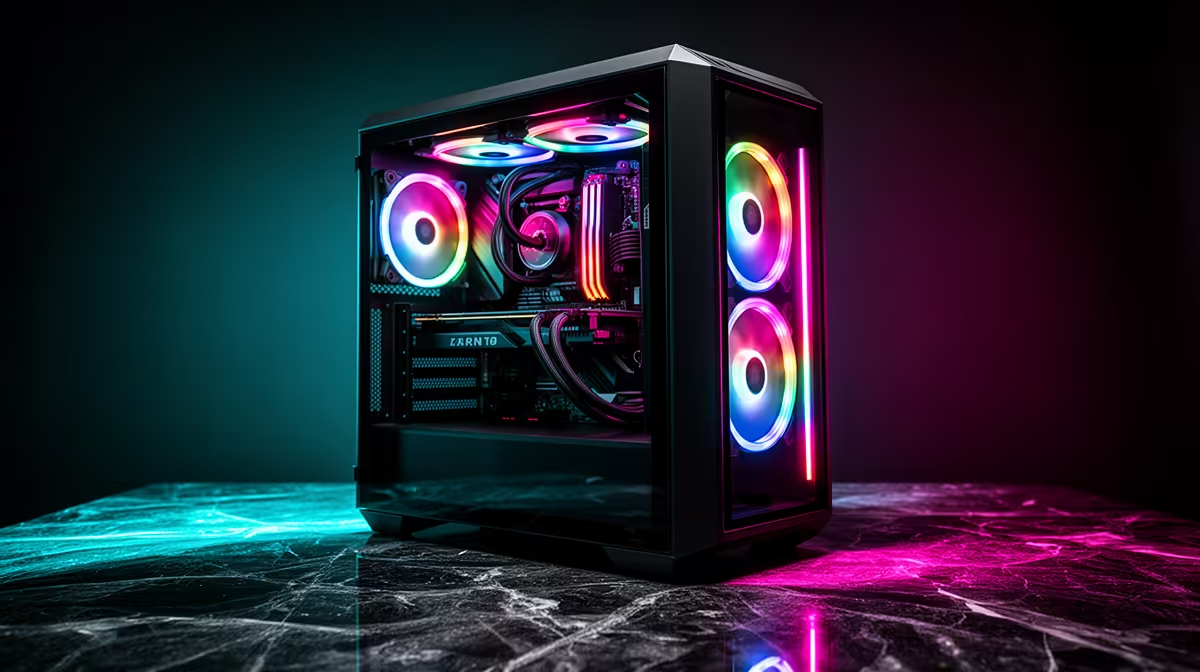
Build around World of Warcraft, Final Fantasy XIV, Destiny 2, Warframe, raids, launchers, Discord, and browser maps. The target is a machine that stays responsive after week one, not a tower that wins one benchmark and then runs short of RAM, VRAM, or storage. Keep the PSU reliable, leave airflow space around the GPU, and choose a motherboard with enough M.2 and USB support for the way the PC will actually be used.
Budget Signals For SA Buyers
Use R20,000 to R45,000 as a cautious category band, then compare current Evetech bundles by CPU, GPU, RAM, SSD size, and warranty clarity. A cheaper build can make sense when it still keeps 32GB RAM and a 1TB NVMe SSD; a pricier build is easier to justify when it adds real VRAM, quieter cooling, or a stronger CPU tier.
Local Setup Checks In Westonaria
In Westonaria, delivery timing, packaging condition, and first-day testing matter as much as the spec sheet. Ethernet is best if the router is close, while good Wi-Fi 6 is the fallback when cable routing is awkward. Test the tower with the exact app or game that drove the purchase, then keep the component list and packaging until the system has passed a real workload session.
FAQ
Do MMOs need 32GB RAM?
32GB is the comfortable target for add-ons, voice chat, launchers, browser maps, and background tools.
Is Wi-Fi good enough for live-service games?
Good Wi-Fi 6 can work, but Ethernet is more consistent for raids, ranked modes, and long sessions.
Which GPU tier suits 1440p?
RTX 4070 SUPER class hardware gives better lows in busy areas while leaving budget for CPU and RAM.