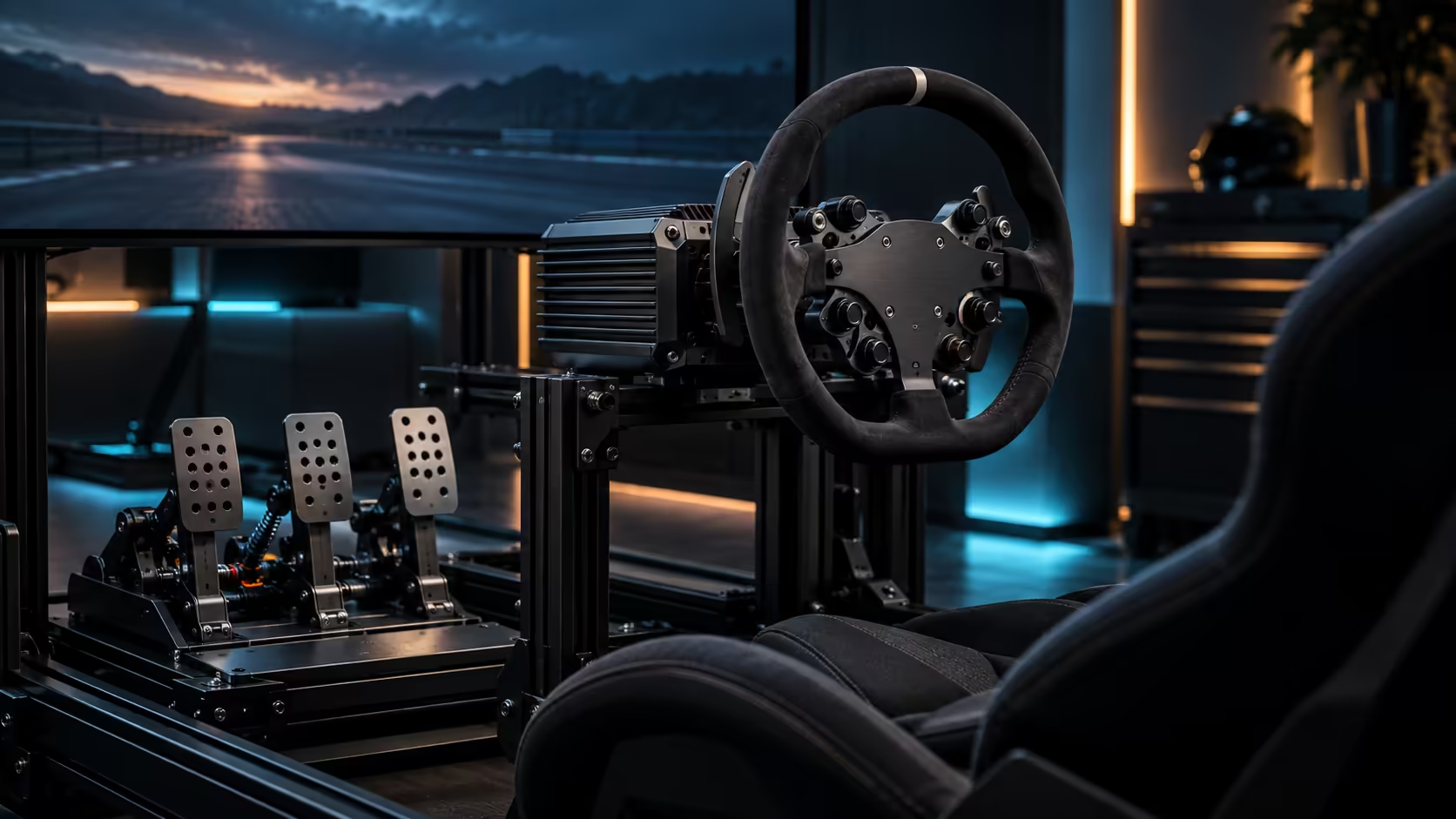
The box for a direct drive bundle says plug and play, and technically it is, right up until the first corner where the wheel feels either numb or violent and you realise the hardware was never the part that needed setting up. SimPro Manager is where that gets fixed, and installing it correctly before your first drive saves an evening of guessing which setting is wrong.
Quick Answer
Install SimPro Manager and update firmware before connecting the wheel to a game, confirm the Alpha EVO base and P700 pedals both show as detected, then work through steering angle, force strength and brake range in that order. Doing it out of sequence, especially skipping the detection check, is the most common reason a fresh R14,999 bundle feels wrong on its first lap.
💾 Installing before you drive, not after
Download SimPro Manager and install it before the wheel touches a racing game for the first time, a job of about 5 minutes on a normal connection. Running a direct drive base on factory defaults through a game's own settings menu, without the manufacturer software configuring the base first, is why so many first impressions of a new wheel are worse than the hardware deserves.
Update firmware as part of this first install, since a base can ship with an older firmware version sitting in a warehouse for a while before it reaches you, and firmware updates are where manufacturers fix the exact quirks new owners tend to notice first. Restart the software after any firmware update rather than assuming it applied silently in the background.
🔌 Confirming detection before touching a single setting
Open SimPro Manager and confirm the Alpha EVO base and, separately, the P700 pedal set both appear as detected devices before adjusting anything. A base that shows up but pedals that do not, or the reverse, points to a USB connection issue rather than a settings problem, and no amount of software tuning fixes a device the computer cannot see properly.
Test each axis independently once both are detected: turn the wheel through its full range and watch the on-screen indicator move smoothly without jumps, then press each pedal fully and confirm the reading reaches its expected end point. Catching a wiring or connection fault here takes 2 minutes and saves a session of chasing a feel problem that was never a settings problem at all.
⚙️ The order that actually matters: angle, then strength, then brake
Set steering angle first, because every other setting is judged against how the wheel is already turning. Match the in-software rotation, commonly somewhere between 540 and 1080 degrees depending on the car or class you race, to what the game itself expects, since a mismatch here makes force feedback feel wrong for reasons that have nothing to do with the force feedback settings themselves.
Set overall force strength second, starting low and working upward over a few short test drives rather than searching for the right number in one sitting. Only once angle and strength feel settled should brake range and curve be touched, since judging brake feel against a wheel that itself still feels off tends to send you chasing the wrong fix entirely.
🧭 Where most new owners get stuck
The most common support question on any direct drive base is not a hardware fault, it is a game not reading the correct steering angle from the base, usually because the in-game setting and the SimPro Manager setting disagree with each other rather than matching. Set the angle in SimPro Manager first, then check the game's own control settings show the same figure, rather than assuming one automatically follows the other.
A close second is force feedback that feels backwards or oddly weighted at centre, which is nearly always a strength setting pushed too high rather than a fault with the base. Bringing strength down before assuming something is broken solves the majority of these reports. Once the software side is sorted, browse the racing simulation shelf or the sim racing range, since a properly configured base makes it obvious whether a remaining rough edge is actually the mount rather than the settings, and simulation accessories has the mounting hardware for that next step.
Frequently Asked Questions
Do I need SimPro Manager if the wheel already works in-game?
Yes, ideally before that first session. Factory defaults rarely match what a game expects, and configuring the base properly first avoids forming a bad first impression of hardware that is actually fine.
What should I check first if the wheel feels wrong?
Confirm both devices are detected and each axis moves smoothly through its full range before touching any strength or curve setting. A connection issue looks exactly like a bad setting until it is ruled out.
Why does my steering angle feel mismatched to the game?
The angle set in SimPro Manager and the angle set inside the game need to match. A mismatch here is the single most common cause of a wheel feeling wrong on a freshly installed setup.
Should I update firmware every time?
Check for updates during the initial install and periodically afterwards. A base sitting in stock for a while before purchase can ship on older firmware that newer updates specifically address.
Ready to set this up properly the first time?
Install and update the software, confirm detection, then work through angle, strength and brake in that order.