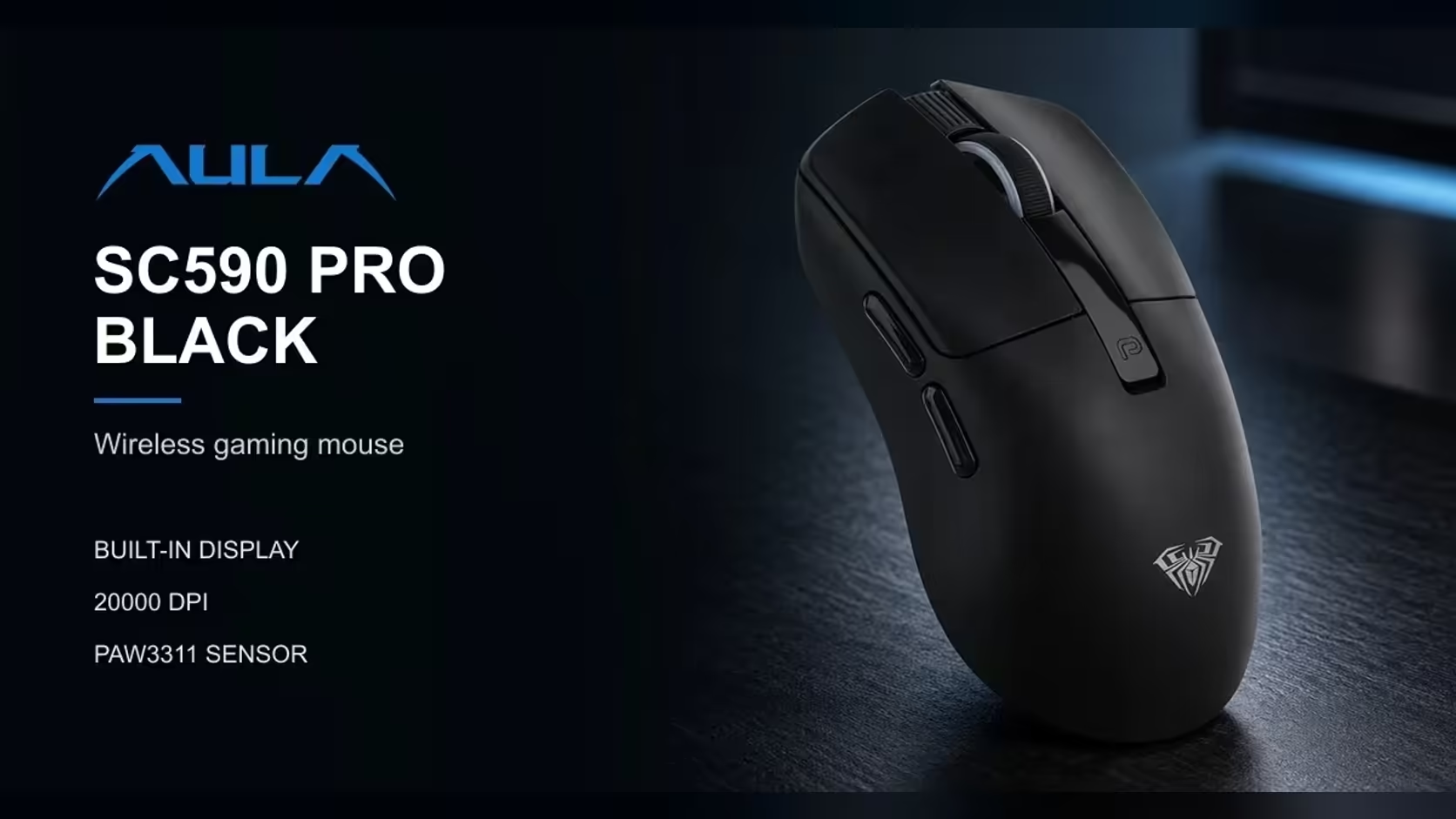
Plenty of people use one mouse for two lives: spreadsheets and email by day, games once the laptop lid closes or the work tabs are shut. The AULA SC590 Pro is built for that split, with six physical buttons, six DPI levels and a small screen that shows which setting is live. This guide covers setting up a mouse for gaming and office work on the SC590 Pro so the switch between the two takes seconds.
Quick Answer
The SC590 Pro has six physical buttons, with DPI buttons beside its built-in display. Use a low DPI level such as 1200 or 2400 for games, and a higher one such as 3200 or 6400 for wide spreadsheets and large monitors. The display shows the active level, battery and connection mode, so you always know which setup you are in. At Evetech the SC590 Pro is R319.
🖱️ Getting to know the six buttons
AULA lists six physical buttons on the SC590 Pro for gaming and everyday work. Alongside the usual left and right clicks and the scroll wheel, the controls include the DPI buttons that sit by the display. Together they cover what most people need without reaching for the keyboard.
The key design choice is that DPI switching happens on the mouse, and the result is shown on the mouse. There is no need to open software to see what changed.
Why on-mouse control matters for mixed use
When you switch from a report to a game, the setting you most often need to change is DPI. Having that on a button, with a number on screen to confirm it, removes the most common source of "why does my aim feel wrong?" moments.
📊 An office setup that works
Choosing a DPI for spreadsheets
Spreadsheets reward a fast pointer. Wide sheets, many columns and big monitors mean a lot of ground to cover. On a single standard monitor, 2400 or 3200 is usually comfortable. On a large or high-resolution screen, or two monitors side by side, 6400 cuts down how far you need to move your hand.
Comfort through a long day
The SC590 Pro weighs about 64g and measures about 118 x 60 x 38mm. AULA says the low weight is meant to reduce arm strain across long stretches, which matters as much at 4pm on a deadline as it does in a late-night match. A light mouse needs less effort to start and stop, so the hundreds of small movements in an office day add up to less fatigue.
Connection for the workday
For a work laptop, Bluetooth avoids using a USB port. For a desk PC, the 2.4GHz dongle is the dependable choice. The USB-C cable doubles as the charging lead and a wired option. The display tells you which link is active at a glance.
🎮 A gaming setup that works
Where to put DPI after hours
For aiming games, start at 1200, the lowest step, or 2400. Then set your in-game sensitivity so a comfortable arm movement turns you a useful distance. Changing in-game sensitivity is usually a better fine-tuning tool than jumping DPI levels.
For strategy games that involve clicking all over the screen, 2400 or 3200 is a sensible middle ground.
Polling and the sensor
The mouse polls at 1000Hz, reporting its position every millisecond, and tracks with a PAW3311 optical sensor. That combination is plenty for casual and regular competitive play, and it means the office settings and gaming settings are running on the same capable hardware.
A quick routine to switch modes
- Close the work apps.
- Press the DPI button to your gaming step and glance at the display to confirm it.
- Check the battery reading on the same screen before starting a long session.
- Reverse the process in the morning.
💻 Does one mouse really cover both desks?
For most people, yes. The SC590 Pro's six buttons handle navigation and gaming basics, its DPI range covers everything from precise aim to huge desktops, and its display removes the guesswork of switching. What it does not offer is a large bank of extra side buttons for complex game bindings, so heavy MMO players may want something with more keys.
AULA lists Windows 2000, XP, 7, 8 and 10 support. For battery, AULA Argentina puts the 500mAh cell at approximately 20 hours when in use non-stop and 120 hours idle, and your own figure will depend on habits.
Evetech carries the SC590 Pro in black. If you want to compare it with other dual-purpose mice, browse the gaming mice section, or see cable-free options through the wireless mouse page. Evetech supplies it with a 1 Year Local Warranty.
Frequently Asked Questions
How many physical buttons are on the SC590 Pro?
Six, including the DPI buttons that sit beside its built-in display.
Which DPI level suits spreadsheet work?
2400 or 3200 on a standard monitor, and 6400 for large or multiple screens.
Where should DPI sit for gaming?
Start at 1200 or 2400 and fine-tune with your in-game sensitivity.
Can one mouse really handle work and play?
For most people, yes. The display confirms which DPI is live, so switching roles is quick.
Which versions of Windows does AULA list?
Windows 2000, XP, 7, 8 and 10.
Is it light enough for a full workday?
At about 64g it takes little effort to move, and AULA designed it to ease the load on your arm.
One mouse for the spreadsheet and the scoreboard?
Explore Evetech's gaming mouse range and see how the SC590 Pro handles both sides of your day.