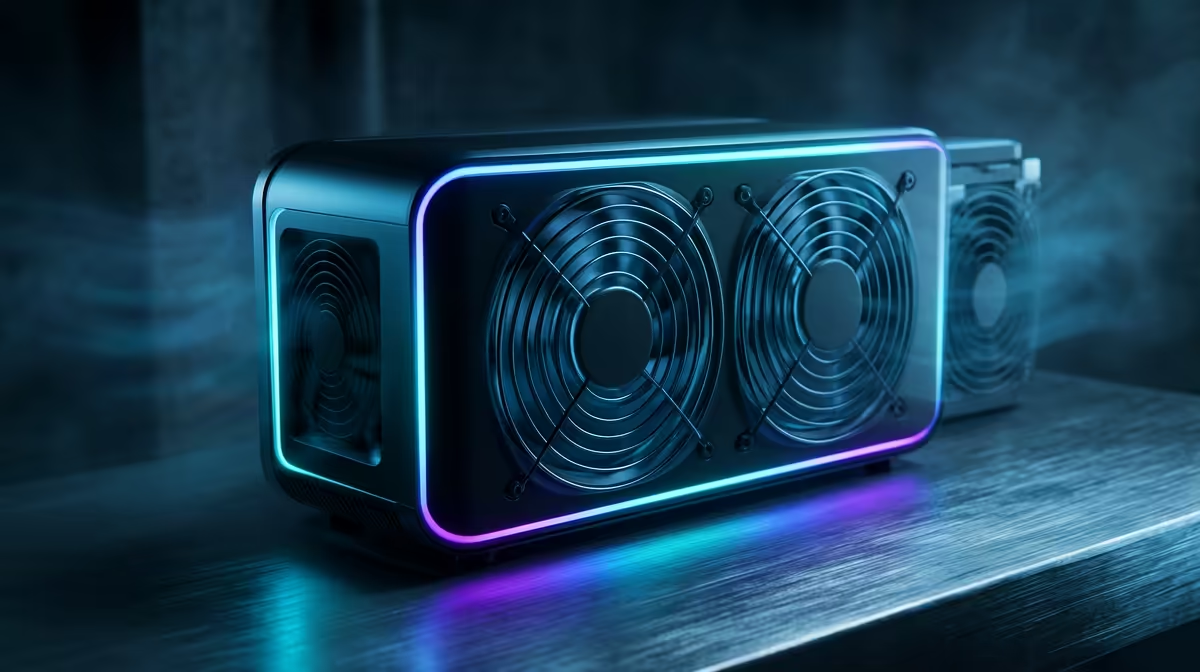
Is your PC sounding more like a jet engine than a high-performance gaming rig, especially during a heated session of Apex Legends? That frantic whirring is your CPU cooler working overtime, often inefficiently. For years, the solution was just "bigger fan, bigger heatsink." But in 2025, the game is changing. Enter the smart air cooler: an intelligent thermal solution that thinks for itself, promising a quieter, cooler, and more powerful gaming experience for your next build.
What Exactly Makes a CPU Cooler 'Smart'?
The term "smart" gets thrown around a lot, but for a modern CPU air cooler, it isn't just marketing fluff. It represents a fundamental shift from reactive to proactive cooling. A true smart air cooler moves beyond simple fan spinning by integrating advanced technology that optimises performance in real-time. It’s less about brute force and more about intelligent thermal management. 🔧
So, what’s under the hood?
Real-Time Sensory Data
At the heart of a smart air cooler are integrated thermal sensors. Instead of relying solely on the CPU's own temperature readings, these coolers can monitor temps across the heatsink itself. This gives them a more accurate picture of the thermal load, allowing for faster and more precise adjustments to fan speeds. This granular control means the fan only spins as fast as absolutely necessary, cutting down on unnecessary noise.
Advanced Software Integration
This is where the magic really happens. A smart CPU cooler connects directly with sophisticated desktop software. Forget fiddling in the BIOS. With intuitive apps, you can set custom fan curves, monitor performance history, and even sync your cooler's RGB lighting with the rest of your system. This level of control is a core feature in many top-tier options from Corsair, which use their iCUE ecosystem to unify component control.
Pro Tip: Tame Your Fan Noise ⚡
When setting up your new smart cooler's software, don't just use the 'Performance' preset. Create a custom fan curve. Set the fan speed to stay low (e.g., 20-30%) until the CPU hits around 60°C. This will keep your PC whisper-quiet during everyday tasks like browsing or watching videos, only ramping up when you actually start gaming.
Smart Air Cooling vs. AIO Liquid Coolers
For years, All-in-One (AIO) liquid coolers were seen as the ultimate cooling solution. And while they offer fantastic performance, the latest generation of smart air coolers is closing the gap, offering compelling advantages.
An intelligent air cooler provides incredible reliability... there's no pump to fail or liquid to worry about. They are often easier to install and can be more cost-effective. While powerful high-performance 240mm AIOs still hold the crown for raw thermal dissipation on high-end CPUs, the performance-per-rand value of a smart air cooler is becoming undeniable. Many gamers are finding that modern air coolers from brands like Gamdias deliver more than enough cooling power for even high-TDP processors, while rivals like Cooler Master and Noctua are also pushing innovation in this space. It’s a great time to explore the full landscape of CPU coolers.
The choice often comes down to aesthetics and specific use cases. If you love the clean look of a water block, many brands offer impressive AIO liquid coolers that sync with their ecosystem. But for pure, hassle-free, intelligent performance, the smart air cooler is a formidable contender for any 2025 build. ✨
Is a Smart Air Cooler Worth It for Your Next Rig?
Absolutely. If you're building a new PC or looking for a meaningful upgrade, a smart air cooler is one of the most practical investments you can make. It’s not just about lower temperatures; it's about creating a better overall user experience. 🚀
You get:
- Quieter Operation: Less noise distraction during focused work or immersive gaming.
- Sustained Performance: Reduced thermal throttling means your CPU can maintain its boost clocks for longer, giving you smoother frame rates.
- Increased Component Longevity: Keeping your expensive CPU running cool can extend its lifespan.
The era of the "dumb" cooler is ending. The future is intelligent, responsive, and quiet.
Ready to Build a Smarter, Cooler PC?
From silent operation to peak performance, the right cooler is non-negotiable. Don't let heat be the boss of your rig. Explore our massive range of CPU coolers and find the perfect smart cooling solution for your 2025 build.