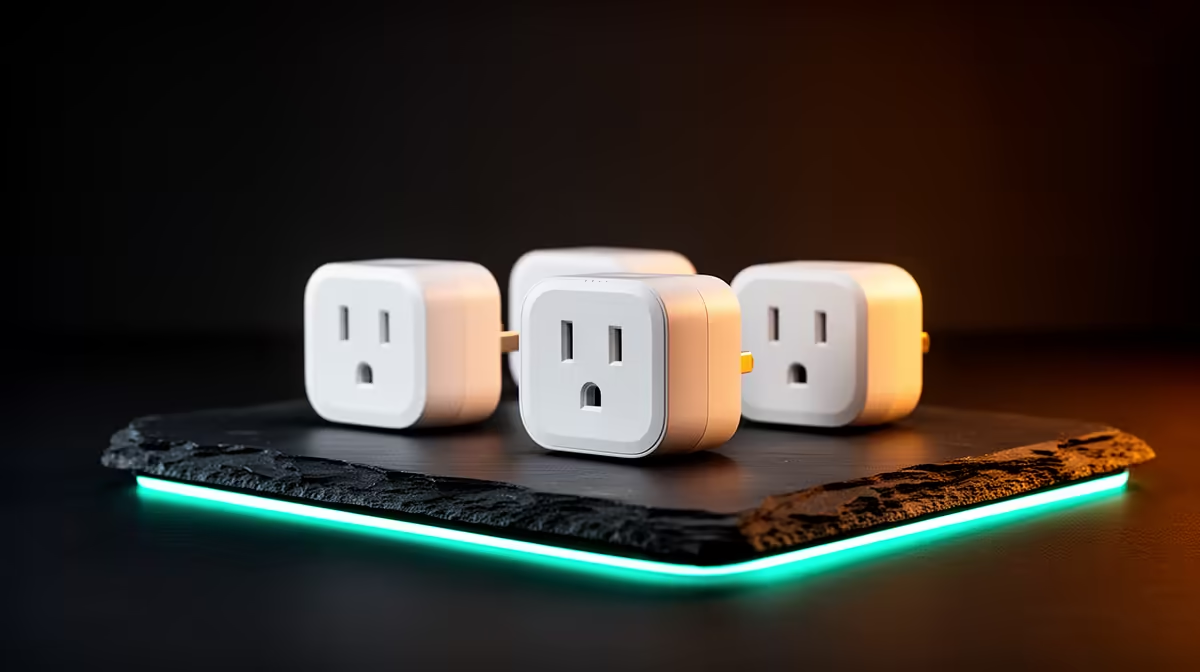
The best smart plug set for a koshuis room is one approved by the residence, correctly rated for each appliance and simple enough to use without weakening electrical safety. Automation should handle low-risk devices such as a lamp, not heating, cooking or high-draw equipment that requires supervision.
Check the room rules first
Ask what plug types, extensions and networked devices are permitted. List each appliance and read its power rating. Confirm that campus Wi-Fi allows the required setup method, since some smart plugs struggle with sign-in portals or networks that isolate devices.
No smart-plug set and current price are confirmed in the factpacks. Inspect Evetech’s live range for South African socket compatibility, maximum load, app requirements, scheduling, manual control, supported Wi-Fi band, safety certification and warranty. Do not use an adapter chain to force an incompatible product into the room.
Place plugs where buttons remain reachable and ventilation is clear. Use unique account credentials, review app permissions and install supported updates. Test one schedule while present before leaving any device unattended. A manual switch should remain available if the network fails.
Buy a set only when residence approval, appliance ratings and Wi-Fi support all align. A plain switched multiplug may be the safer and more dependable answer for a basic desk.
Planning a connected koshuis desk? > Check Evetech smart-home options for verified load and socket support.