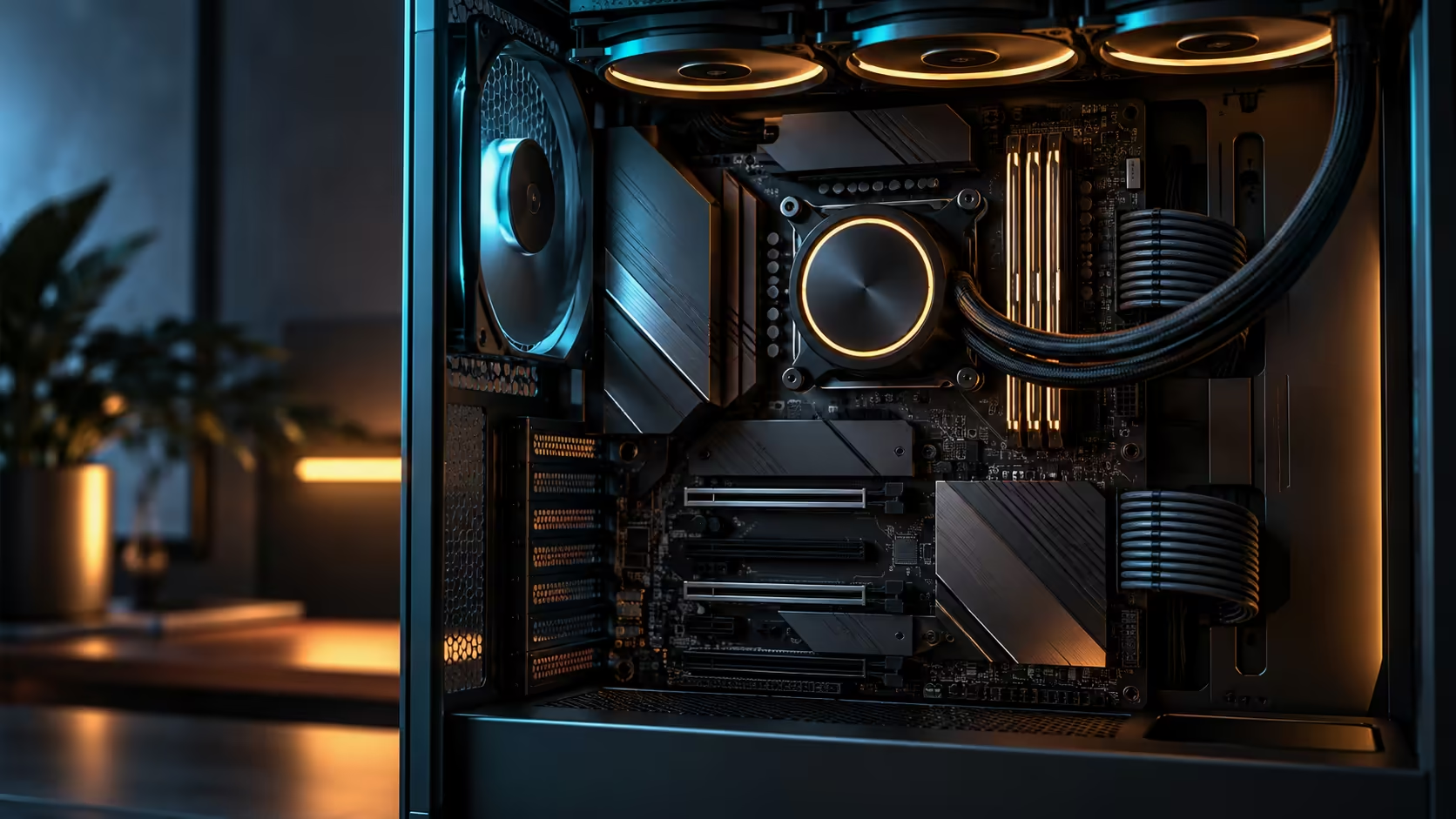
A hot VRM rarely announces itself the way a hot CPU does, with a temperature reading right there in the monitoring software; it shows up instead as throttled boost clocks or an unstable overclock with no obvious cause. Solving VRM heat on a high-core-count Ryzen build, whichever board you picked from the AMD board lineup, is mostly an airflow problem wearing a power-delivery disguise, and treating it as one fixes most cases without touching a single voltage setting.
Quick Answer
VRM heat is usually an airflow problem, not a component problem: a liquid cooler leaves the area around the socket and VRM heatsinks largely unventilated, since the radiator and its fans are doing the CPU's job, not the board's. Add a rear or roof-adjacent case fan aimed across the VRM heatsinks rather than assuming a bigger cooler will fix it. This particular board's 24+2+2 power stages, priced at R54,999, already spread the delivered current across more, cooler-running stages before heat becomes a real limitation, which buys real margin before airflow even enters the picture.
🌬️ Why a liquid cooler can make VRM heat worse, not better
An air tower cooler pulls air across the socket area as a side effect of cooling the CPU, and that incidental airflow also happens to move air across nearby VRM heatsinks. A liquid loop removes that side effect entirely: the radiator and its fans sit elsewhere in the case, often in the roof or front, and the socket area is left with whatever ambient airflow the case provides on its own.
That is the counterintuitive part people miss when troubleshooting. Switching from a 240mm to a 360mm liquid cooler solves the CPU's own temperature but does nothing for the VRM, and can occasionally make it worse if the case's remaining fan positions are now dedicated to the radiator instead of general airflow.
🔧 Where to add the fan that actually fixes it
A single 120mm case fan positioned to blow across the VRM heatsinks, rather than into or away from them, restores the airflow a liquid cooler removed. A rear exhaust fan angled slightly toward the socket area, or a small intake near the top-front of the case if the layout allows it, both work by moving air across the top of the board rather than through it.
Check your case's fan mounting options in the case fan range if the stock fan layout does not already cover this area, since some cases ship with front and rear fans positioned for general chassis airflow rather than aimed at the VRM specifically.
🇿🇦 A warm room removes more margin than people expect
VRM thermal design accounts for a specific ambient temperature assumption, typically somewhere near 25 degrees in most manufacturer testing. A study running at 30 degrees or more on a hot afternoon, common enough in Gauteng without air conditioning running constantly, eats directly into that margin before the CPU has done anything demanding at all.
The practical fix costs nothing beyond opening a window or running a small room fan during the hottest part of the day, since the case's internal airflow can only work with the air it is actually given. A build that runs fine in winter and shows VRM-related instability only in summer is very often reporting exactly this, rather than a hardware fault.
🛠️ How the board's own design already helps
Power stage count matters here more than most builders realise. Splitting the CPU's current delivery across 24 core stages instead of a handful of bigger ones spreads the heat far more evenly across the whole VRM area. That headroom is why the liquid cooler fitted to this board can focus entirely on the CPU without the VRM becoming the limiting factor nearly as quickly as it would on a lower-tier board.
Frequently Asked Questions
Why would VRM heat get worse after switching to a liquid cooler?
Because a liquid cooler removes the incidental airflow an air tower provided across the socket area, leaving VRM heatsinks with only whatever general case airflow remains.
Where should I position a fan to cool the VRM specifically?
Aimed across the VRM heatsinks near the socket, either as a rear exhaust angled toward that area or a dedicated intake if your case layout supports one.
Does a hot room actually affect VRM stability?
Yes. VRM thermal design assumes a specific ambient temperature, and a room running well above that assumption removes real margin before the CPU is even under load.
Does a higher power stage count mean the VRM runs cooler?
Generally yes for a given total current, since spreading the same load across more individual stages leaves each one doing noticeably less work.
Is VRM instability more likely with a high-core-count CPU?
Yes, since a chip with more cores at boost can draw 200W or more of sustained current through the VRM, which is exactly why board power stage count matters more as core count rises.
Ready to fix instability that looks like a CPU problem but isn't?
Add airflow across the VRM area first, then check your room temperature before assuming a hardware fault.