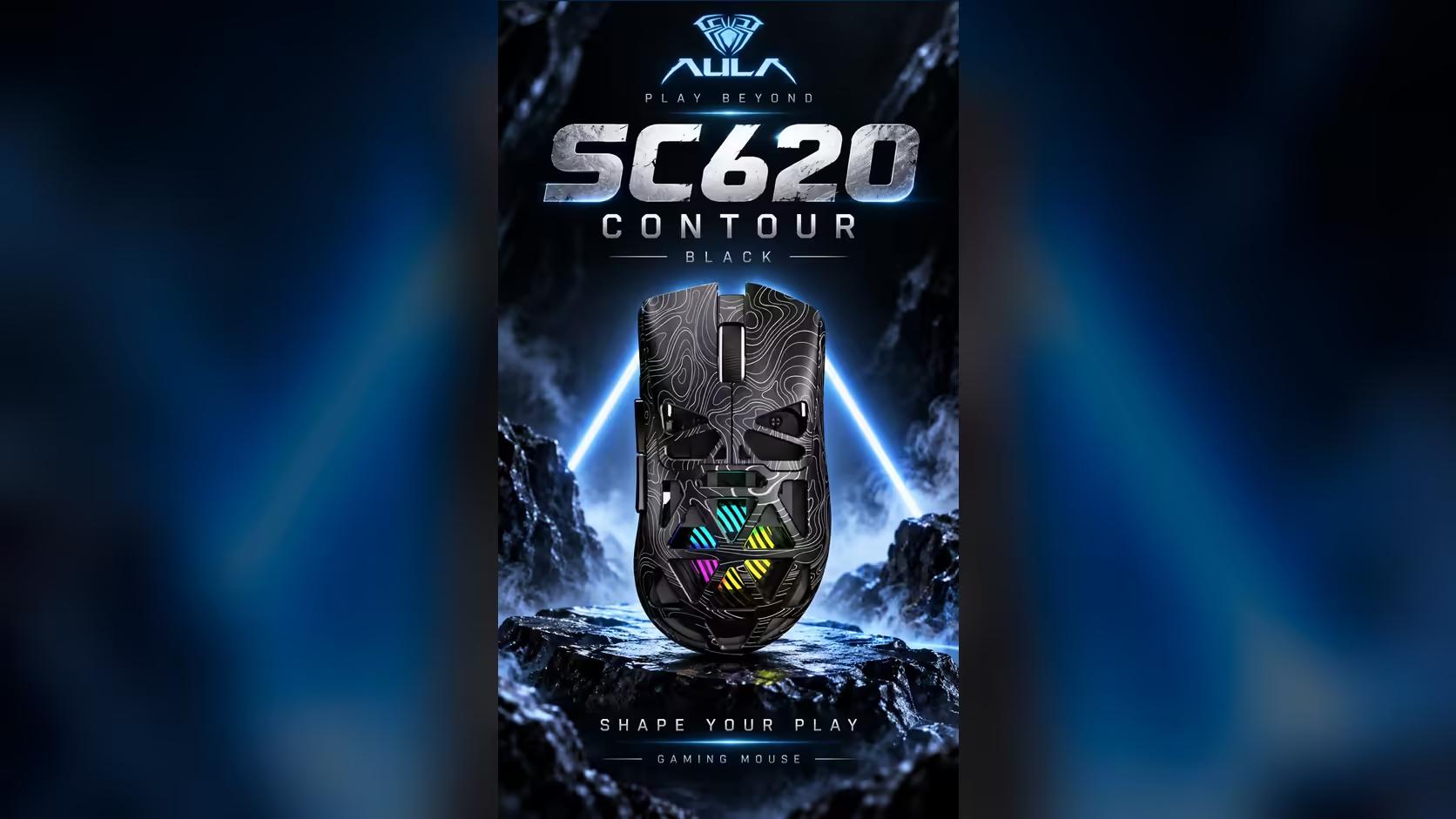
A knocked-over glass is a bad moment for any mouse, and a worse one for a mouse with holes in the top. The AULA SC620 Contour's honeycomb shell exists to save weight and let the RGB shine through, which also means a spill has a direct route to the lighting and electronics underneath. What you do in the next few minutes decides how this ends, so here is a calm, practical plan for liquid spilled on a mouse with an open shell.
Quick Answer
Stop using the SC620 Contour straight away, unplug the cable if one is attached, and turn the mouse cut-outs down so the liquid can drain. Blot the outside, then leave it somewhere dry and airy for at least 24 to 48 hours before you charge the 400mAh battery or switch it on. Do not use heat to speed it up. The mouse is priced at R349 at Evetech.
🚨 The opening five minutes
Stop, unplug, turn it over
Current plus liquid is what causes lasting damage, so the priority is to stop power reaching the parts. If the mouse is on its USB cable, pull it out. If it is running on the battery, stop using it at once. Then turn it cut-outs down over a towel so gravity pulls liquid back out through the same openings it came in.
Blot, do not wipe
Press a dry, absorbent cloth or paper towel against the outside. Wiping across the honeycomb can push liquid sideways into more cells. Pat the base and the button seams, and gently tip the mouse at different angles over the towel to let pooled liquid run out.
Leave the receiver out of it
The 2.4GHz receiver was probably nowhere near the spill. Put it somewhere safe and dry so it does not get lost while the mouse recovers.
⏳ Drying it properly
Patience matters more than technique. Leave the mouse cut-outs down on a dry towel in a room with moving air, away from direct sun. Give it at least a full day, and two if the spill was large. The battery should not be charged until you are confident the inside is dry.
Why a hair dryer is a bad idea
Hot air can warp thin plastic walls like the honeycomb cells, and it can push moisture deeper rather than drawing it out. Heat near a lithium battery is also something to avoid. Room temperature and time are safer.
Does rice help?
It is a common tip, but rice does little that open air does not, and small grains or dust can lodge in the cells. A dry towel and airflow are the better choice.
🥤 Water is one thing, cola is another
Plain water that dries fully often leaves little behind. Sugary drinks, coffee with milk and energy drinks are harder: they leave a sticky residue on switches and contacts as the water evaporates. You may notice buttons that feel tacky, double-click or stop registering once the mouse is dry.
Do not open the shell to clean residue yourself. The clips, battery connection and lighting board are easy to damage. If buttons misbehave after a sugary spill, that is the moment to contact the seller. The mouse is covered by a 1 Year Local Warranty through Evetech, but read Evetech's warranty terms before assuming a spill is covered, since accidental damage is usually treated differently from a manufacturing fault.
🧭 Preventing the next spill
The simplest fix is distance. A few habits make a big difference:
- Drinks on the keyboard side, away from where your mouse arm swings.
- A lidded bottle or travel mug at the desk, especially during long gaming sessions.
- A coaster placed beyond your monitor stand rather than beside the pad.
- No drinks on the mouse pad, however big it is.
If you are deciding between an open shell and a closed one for a busy desk, the gaming mice section on Evetech shows both styles, and the wireless mouse listing focuses on cable-free options. The SC620 Contour comes in black and white, weighs 67g and connects by 2.4GHz, Bluetooth 5.3 or cable.
Checking it once dry
When the drying time is up, connect the cable or receiver and test every button, the scroll wheel and the tracking. Watch the RGB for dead patches, then check that AULA's driver still sees the mouse over 2.4GHz or cable.
Frequently Asked Questions
Is a spill more serious on a honeycomb mouse?
Usually, yes. The open cells give liquid a quicker path to the electronics than a solid shell does, so fast action matters more.
What should happen immediately after the spill?
Unplug it, stop using it, turn it cut-outs down to drain and blot the outside with a dry cloth.
How long before charging the battery again?
Wait at least 24 hours, and closer to 48 after a larger spill, until you are sure the inside is dry.
Would a hair dryer dry it faster?
Avoid it. Heat can warp the thin shell walls and is best kept away from the battery. Air-drying at room temperature is safer.
Are sugary drinks worse than water?
Yes. They leave sticky residue that can make buttons misbehave even after the liquid has dried.
Where is the safest place for a drink at a desk?
On the keyboard side, beyond your mouse arm's reach, preferably in a lidded bottle or mug.
Rebuilding a safer desk setup?
Browse Evetech's gaming mouse range for open and closed shell designs, and pick the style that suits the way you work.