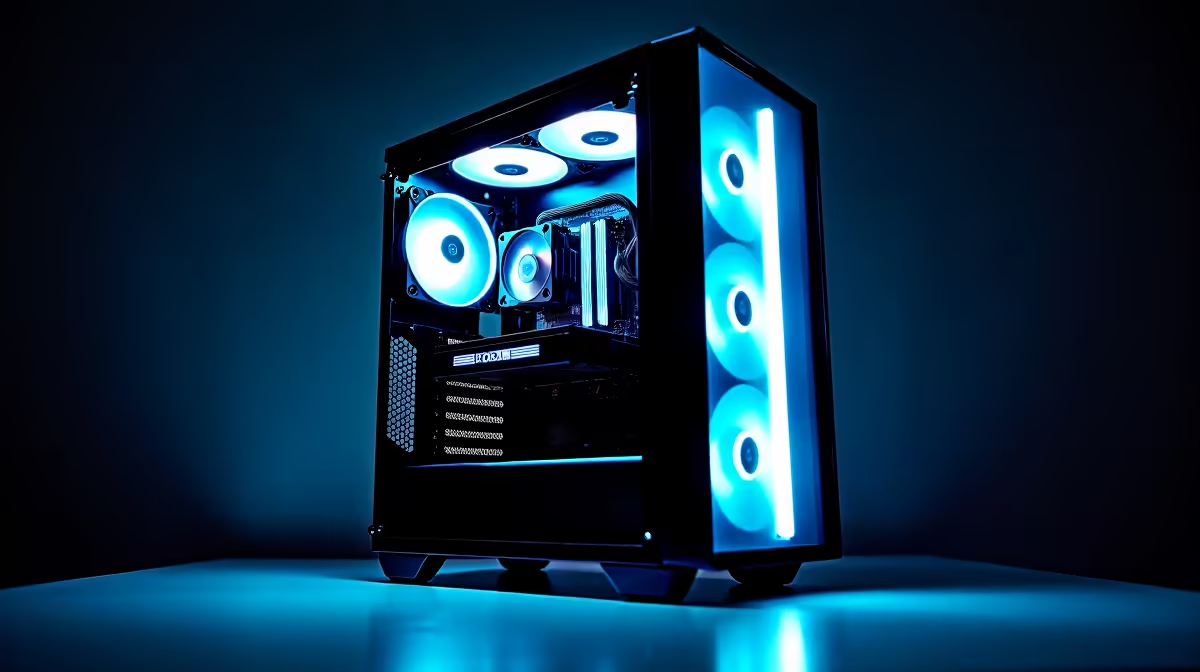
Dreaming of hitting 'Go Live' while dropping into Apex Legends without your PC breaking a sweat? You're not alone. For many South African gamers, building an audience on Twitch or YouTube is the ultimate goal. But juggling high-fidelity gaming and smooth, high-quality streaming can feel impossible without the right hardware. A laggy stream or stuttering gameplay is the quickest way to lose viewers. This guide is here to help you choose the perfect streaming and gaming PC in South Africa.
Why Your Standard Gaming Rig Might Stutter
A PC that runs your favourite games perfectly might not be ready for the dual workload of streaming. Why? Because gaming and streaming are two very different beasts fighting for the same resources. Gaming primarily hammers your Graphics Card (GPU), while streaming encoding heavily taxes your Central Processing Unit (CPU). When you do both at once, your system can choke, resulting in dropped frames, pixelated broadcasts, and a frustrating experience for you and your audience. A dedicated streaming and gaming PC is optimised to handle both tasks simultaneously. 🚀
The Core Components for a Flawless Broadcast
Building the ultimate machine means balancing a few key parts. Let's break down what truly matters for achieving that pro-level stream from right here in SA.
The CPU: The Brains of the Operation
Your CPU is the director of the show. It runs your game, your operating system, Discord, and crucially, it often encodes your video stream, compressing it in real-time to send to your viewers. For this, more cores and threads are your best friends.
- Intel's Core i5/i7 series offers fantastic single-core performance for gaming and enough multi-core muscle for streaming. You can explore a wide variety of powerful Intel PC deals that are perfect for getting started.
- AMD's Ryzen 5/7 processors are famous for their excellent multi-threaded performance, making them a popular choice for content creators. A PC built around the latest AMD Ryzen CPUs can chew through encoding tasks with ease.
The GPU: More Than Just Pretty Pictures
While your GPU renders those glorious game worlds, modern cards from NVIDIA and AMD have a secret weapon: dedicated hardware encoders. NVIDIA's NVENC and AMD's AMF encoders can take over the streaming workload from your CPU, freeing it up to focus on delivering maximum gaming FPS. This is a massive advantage for any gaming and streaming PC. Look for NVIDIA RTX series or AMD RX 6000/7000 series cards for the best results.
Streaming Pro Tip ⚡
For South African internet, your upload speed is critical. Before you go live, run a speed test. Aim for a stable upload speed of at least 6 Mbps for a quality 1080p stream. In OBS, set your video bitrate to around 4500-6000 kbps, but never more than 80% of your total upload speed to maintain stability.
RAM and Storage: The Unsung Heroes
Don't neglect your memory and storage. 16GB of RAM is the minimum for a smooth experience, but 32GB is the sweet spot, giving you plenty of headroom for games, streaming software, and browser tabs. For storage, a fast NVMe SSD is non-negotiable. It ensures your games and applications load in a flash, keeping you in the action without any frustrating delays.
Finding Your Perfect Streaming PC in South Africa
Now that you know what to look for, how do you get your hands on the right machine? You have a couple of great options. You can either pick the parts and build it yourself, or you can save time and potential headaches with a professionally built system.
For many aspiring streamers, expertly assembled pre-built PCs are the ideal solution. They come tested, optimised, and ready to go right out of the box, letting you focus on creating content. ✨
Worried about your budget? You don't need to spend a fortune to get a capable rig. Technology has advanced so much that you can find a fantastic streaming and gaming PC that delivers excellent performance without breaking the bank. In fact, there are many powerful PCs under R20,000 that can handle 1080p gaming and streaming beautifully.
Ready to Go Live?
Building a powerful streaming and gaming PC in South Africa has never been easier. Stop the stutter and give your audience the quality they deserve. Explore our massive range of pre-built PC deals and find the perfect machine to launch your streaming career today.