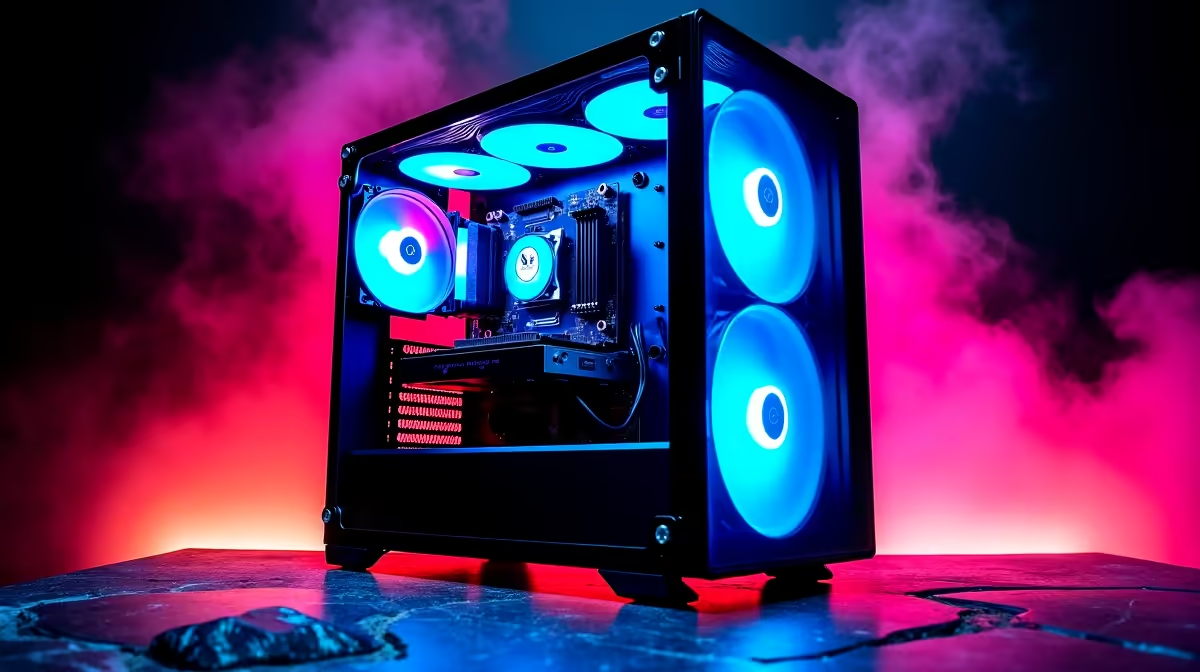
So, you're ready to go live. You've got the skills, the personality, and the drive to become South Africa's next big streamer. But there's one crucial piece of the puzzle: your rig. A standard gaming PC can buckle under the pressure of playing and broadcasting simultaneously, leading to dropped frames and a laggy experience for your viewers. This guide is your blueprint for a powerful streaming PC build in South Africa, ensuring your gameplay is smooth and your stream is flawless. 🚀
The Core Challenge: Gaming vs. Streaming
When you're just gaming, your PC dedicates all its resources to rendering beautiful graphics and maintaining a high frame rate. The moment you hit "Go Live," you introduce a demanding new task: video encoding. Your PC must capture your gameplay, compress it into a video stream in real-time, and send it to platforms like Twitch or YouTube.
This is where a purpose-built streaming PC shines. It’s not just about having the flashiest components; it's about building a balanced system where the CPU, GPU, and RAM work in harmony to handle both tasks without breaking a sweat.
Choosing Your Engine: CPU and GPU Breakdown
The CPU and GPU are the heart and soul of any streaming PC build. Getting this combination right is the most important step.
The Brains: Central Processing Unit (CPU)
For streaming, the CPU does the heavy lifting. A processor with more cores and threads can juggle gaming and encoding more effectively.
- Intel: Known for exceptional single-core performance which is great for high-frame-rate gaming, many modern Intel CPUs also pack enough cores to handle streaming. You can find many powerful Intel-based systems that offer a fantastic balance for this dual workload.
- AMD Ryzen: Often praised for their excellent multi-core performance, Ryzen CPUs are a popular choice for content creators. The extra cores provide serious muscle for video encoding without impacting your game's performance. Our range of versatile AMD Ryzen PCs are perfect for streamers who need that multi-tasking power.
Ultimately, both brands offer incredible options. The best choice depends on your specific budget and the games you plan to stream.
The Muscle: Graphics Processing Unit (GPU)
While the CPU can handle encoding, modern GPUs have a secret weapon: dedicated hardware encoders. NVIDIA's NVENC and AMD's AMF are built specifically for this task, taking the strain off your CPU. This means your processor is free to focus on gaming, resulting in higher, more stable frame rates. ✨
For a streaming PC build in South Africa, an NVIDIA RTX series card is often recommended for its mature and highly efficient NVENC encoder, which is widely supported by streaming software like OBS.
Streamer Pro Tip ⚡
In your streaming software (like OBS or Streamlabs), make sure to select the NVENC (NVIDIA) or AMF (AMD) encoder instead of the default x264 (CPU) option. This single setting change can dramatically improve your in-game performance by offloading the encoding work to your GPU, freeing up valuable CPU resources. It's the easiest performance boost you'll find!
Building the Foundation: RAM, Storage, and Power
With the core components chosen, let's round out the build with the supporting cast.
- RAM: 16GB is the absolute minimum for a smooth experience. However, 32GB is the sweet spot for a dedicated streaming PC. It gives you plenty of overhead to run your game, OBS, Discord, browser tabs, and music without your system slowing down.
- Storage: A fast NVMe SSD is non-negotiable. It ensures your operating system, games, and applications load in a flash. A 1TB NVMe for your OS and most-played games, paired with a larger, more affordable SATA SSD for storing stream recordings, is a winning combo.
- Power Supply (PSU): Don't cheap out on the PSU! A reliable, high-quality power supply from a reputable brand ensures system stability and protects your valuable components. Use a PSU calculator online to determine the wattage you need based on your chosen CPU and GPU. 🔧
Your Budget: Smart Choices for a South African Streaming PC
Building a top-tier PC from scratch can be a significant investment. The good news? You don't need the most expensive hardware to create a high-quality stream. It's all about smart allocation of your budget. For many aspiring streamers, finding a balance between performance and price is key. You can find fantastic gaming PCs under R20,000 that serve as an excellent starting point.
If sourcing individual parts and building it yourself feels a bit daunting, don't worry. Opting for one of our expertly crafted pre-built PCs takes all the guesswork out of the equation. These systems are professionally assembled, tested, and backed by a warranty, giving you a plug-and-play solution to start your streaming journey immediately.
Ready to Go Live?
Building the perfect streaming PC is the first step to sharing your passion with the world. Whether you're customising every detail or want a rig that's ready to go out of the box, we've got you covered. Explore our massive range of custom and pre-built PC deals and find the perfect machine to launch your streaming career.