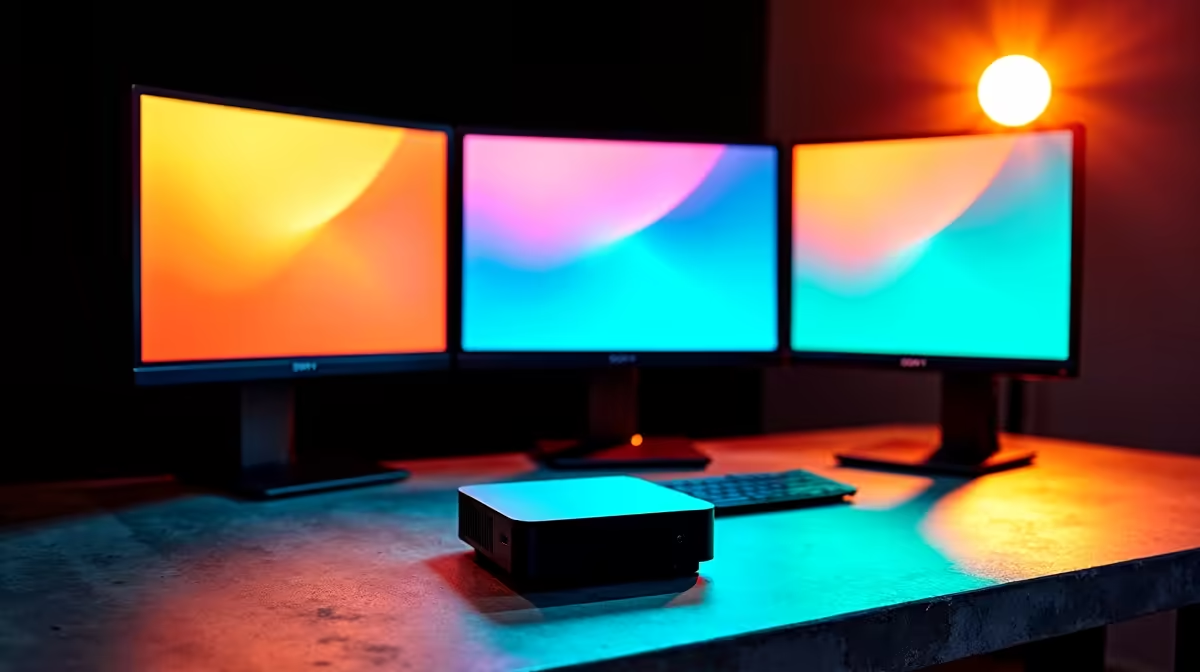
Triple the Screens, Triple the Output ⚡
Tired of Alt-Tabbing your productivity away? A triple monitor mini PC setup might be your secret weapon. Whether you're editing video, day-trading, coding, or streaming, the right compact build can drive three screens with precision—without hogging desk space or power. This setup guide is for South Africans who want workstation-level multitasking in a small, silent footprint. Let’s maximise productivity the smart way.
Why Triple Monitors? Why Now?
In 2025, more professionals are going multi-screen than ever. Here’s why:
- More Real Estate = More Output: One screen for work, one for tools, one for comms.
- Task Separation: Keep email and WhatsApp Web out of your workflow space.
- Improved Focus: No more overlapping windows and constant switching.
For creators and professionals working in tight spaces—like studio flats or co-working spots—a mini PC with triple monitor support is the ideal match.
Can Mini PCs Handle Three Displays? 🖥️🖥️🖥️
Short answer: yes—but only if you choose wisely.
Modern mini PCs equipped with Intel Iris Xe, AMD Radeon 780M, or low-profile NVIDIA GPUs can output to three screens at once, provided they have:
- 2× HDMI + 1× DisplayPort, or
- 1× HDMI + USB-C w/ DP Alt Mode + DisplayPort
Evetech’s mini PC collection includes models specifically designed for high-res multi-display output—perfect for trading desks, content creators, and devs.
HDMI ≠ HDMI
Not all HDMI ports are equal! Look for HDMI 2.0 or higher to ensure full 4K60Hz support on all three screens.
Triple Monitor Workflow Ideas 🚀
🎬 Video Editor
- Screen 1: Premiere timeline
- Screen 2: Preview window
- Screen 3: Reference material or file explorer
📈 Trader or Analyst
- Screen 1: Trading platform
- Screen 2: Live chart feeds
- Screen 3: News & Discord alerts
🧑💻 Developer
- Screen 1: Code
- Screen 2: Terminal / Build logs
- Screen 3: Documentation or project tracker
In all cases, you’re reducing context switching and boosting efficiency.
Cables & Mounting Tips 🧩
Want a clean triple monitor mini PC setup? Here’s how to do it like a pro:
- Use a 3-arm desk mount to save table space.
- Route all cables under the desk with Velcro ties or trunking.
- Get matching monitor sizes to avoid janky alignment.
- Use short, high-quality cables (preferably braided) to reduce clutter.
Most mini PCs support VESA mounting too—meaning you can attach the PC behind your monitor or under the desk for a minimalist look.
When You Should Upgrade to Tower PCs 🔧
While a mini PC is often enough for 2D workloads or light 3D rendering, you’ll hit limits if:
- You're editing 4K footage with multiple effects layers
- You need a discrete GPU for simulation or machine learning
- You want to upgrade storage or RAM frequently
If that’s you, explore full pre-built towers or NVIDIA-powered gaming rigs for serious horsepower and upgrade flexibility.
South African Desk Goals: Less Space, More Power 💪
Local energy constraints and space challenges make a mini setup even more appealing. Triple monitor mini PCs draw less power, generate less heat, and stay whisper-quiet—all while giving you serious screen space.
Bonus? just another reason to consider this compact powerhouse route.
Conclusion: Streamline Your Workspace
The age of cramming everything onto one screen is over. A smartly set up triple monitor mini PC setup lets you reclaim control of your time, attention, and workflow—without cluttering your environment.
Build Your Triple-Screen Command Centre
Power meets precision in compact form… Shop now at Evetech and take your workspace to the next level.