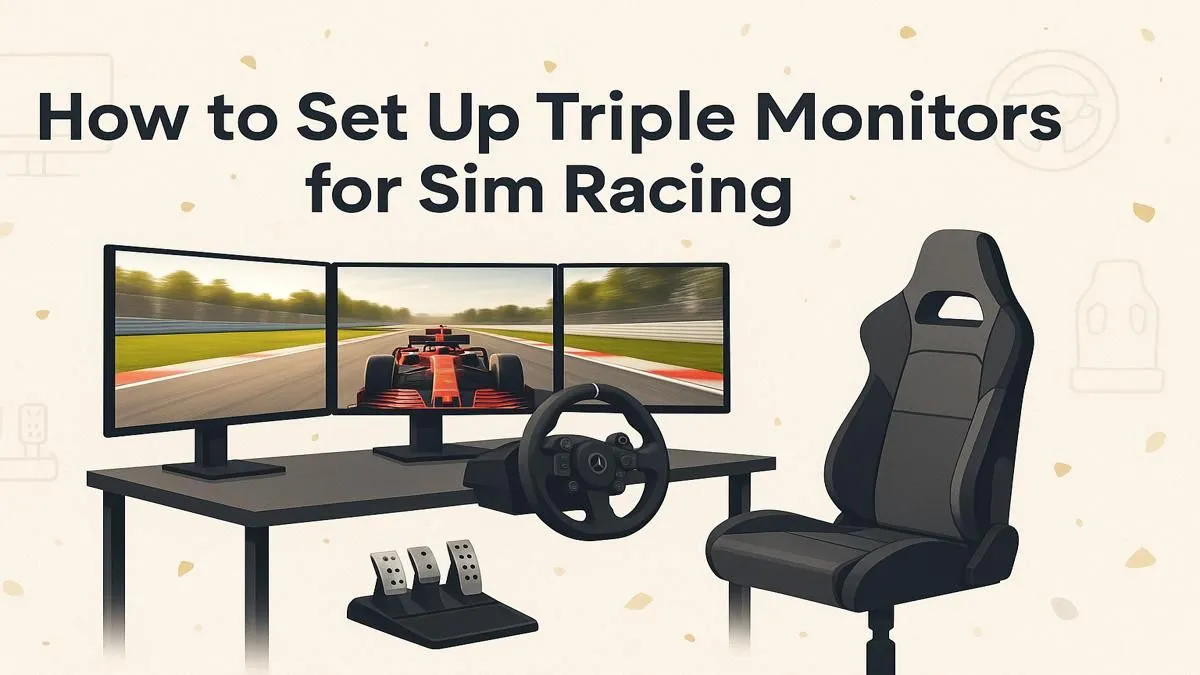
Tired of that cramped, letterbox view of the track? You line up the perfect overtake, but a rival you never saw in your mirrors clips your rear wheel... race over. For serious South African sim racers, a single monitor just doesn't cut it. A triple monitor setup for sim racing isn't just an upgrade; it's a fundamental shift in how you experience the virtual cockpit, giving you the immersion and peripheral vision you need to truly compete. 🏎️
Why Go Triple for Your Sim Rig?
The biggest advantage of a triple monitor setup for sim racing is the incredible Field of View (FOV). Instead of feeling like you're looking through a window, you feel like you're in the car. You can see cars alongside you, spot braking points sooner, and judge apexes with far greater accuracy. This isn't just about looking cool; it's about gaining a tangible competitive edge by having more information to react to.
This level of immersion makes every race more thrilling. You'll feel the speed more intensely and connect with your car in a way a single screen simply can't replicate. It’s a core component of building the ultimate sim racing rig.
Choosing the Right Screens
When building your sim racing triple monitor setup, consistency is key. You'll want three identical monitors to ensure a seamless image with consistent colour and brightness. Here’s what to look for:
Key Monitor Specs
- Size: 27-inch to 32-inch monitors are the sweet spot, offering a great balance of immersion and desk-friendly size.
- Resolution: 1080p is the minimum, but 1440p (QHD) provides a significant jump in sharpness and detail without demanding a top-of-the-line GPU to run smoothly.
- Refresh Rate: Aim for 120Hz or higher. A high refresh rate delivers a smoother, more fluid image, which is crucial for reacting quickly in a fast-paced race.
- Response Time: A low response time (ideally 1ms GtG) reduces motion blur and ghosting, keeping the action crisp as you fly down the main straight.
- Bezels: Look for monitors with the thinnest bezels possible. This minimises the distracting black bars between your screens, creating a more cohesive panoramic view.
FOV Pro Tip 🔧
a perfect setup, use an online FOV calculator. By inputting your monitor size, viewing distance, and desired angle, it will give you the precise in-game FOV setting needed to create a 1:1 realistic view. This makes judging distances and cornering speeds feel incredibly natural.
Mounting and Ergonomics
How you position your screens is just as important as the screens themselves. A dedicated triple monitor stand is the best option, allowing you to precisely adjust the height, tilt, and angle of each display. The goal is to wrap the side monitors around you, typically at an angle between 45-60 degrees, to create that immersive, cockpit-like feel.
For the ultimate setup, mounting your screens directly to a dedicated Playseat cockpit ensures everything is perfectly aligned and stable, even during the most intense force feedback moments. ✨
The Power Behind the Pixels
Driving three monitors, especially at 1440p, requires a decent amount of graphics horsepower. You'll need a modern GPU with at least three DisplayPort or HDMI outputs. A card like an NVIDIA GeForce RTX 4060 or an AMD Radeon RX 7600 is a great starting point for a smooth 1080p triple-screen experience. For 1440p, you'll want to step up to an RTX 4070 or RX 7800 XT for consistent frame rates.
Remember, your GPU is just one part of the puzzle. A powerful PC ensures that your inputs from high-quality peripherals like Thrustmaster wheels and pedals are processed instantly, with zero lag.
Software Configuration 🖥️
Getting your PC to see three monitors as one giant screen is straightforward.
- NVIDIA: Use the "Surround" feature in the NVIDIA Control Panel.
- AMD: Use the "Eyefinity" tool in the AMD Software: Adrenalin Edition.
Both tools will guide you through arranging your displays and correcting for bezels, which makes the image appear to flow continuously across the monitors. Once that's done, simply launch your favourite racing sim, head to the graphics settings, and select your new, massive resolution.
Ready to Build Your Dream Cockpit?
A triple monitor setup is the key to unlocking true racing immersion. From the screen to the seat, we've got everything you need to hit the track. Explore our complete range of sim racing gear and start building your path to the podium today.