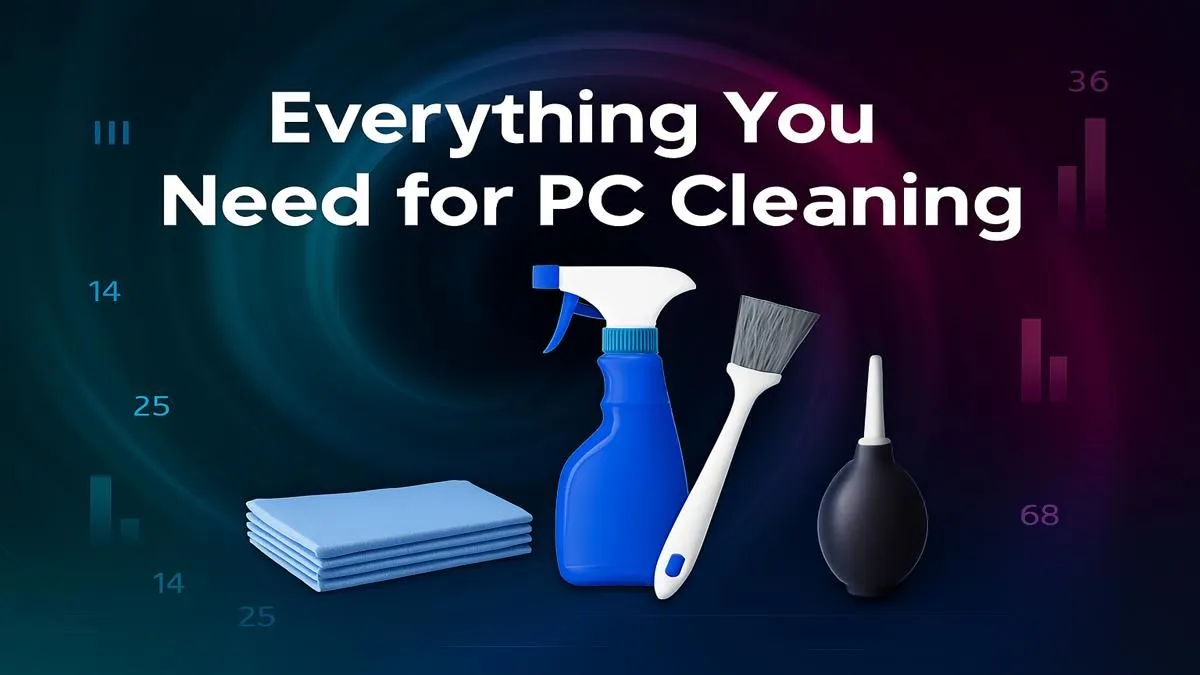
That thick blanket of Highveld dust isn't just ugly; it's a performance killer. A hot, dusty rig means lower frame rates and a shorter lifespan for your precious components. But don't stress, getting it back to pristine condition is easier than you think. All you need is the ultimate PC cleaning kit, and we'll show you exactly what goes into it for a truly dust-free rig.
Why a Clean PC is a Happy PC 🚀
Let's be honest, dust is the arch-nemesis of performance. It clogs up heatsinks and smothers your components in an insulating blanket, forcing your fans to work overtime. This leads to thermal throttling—your CPU and GPU intentionally slowing down to avoid overheating. The result? Stuttering gameplay and sluggish performance, right when you need it most.
Regular maintenance with a good PC cleaning kit doesn't just boost your FPS; it extends the life of your hardware. Protecting your investment, whether it's one of our best gaming PC deals or a custom build, starts with keeping it clean.
Assembling Your Ultimate PC Cleaning Kit 🔧
You don't need a professional workshop to get the job done. A few key items will handle 99% of cleaning tasks. Think of this as your essential PC maintenance kit.
The Must-Haves
- Compressed Air: This is your primary weapon against dust. A can of compressed air is great for blasting dust out of tight spaces like fan blades and power supply vents. For the serious builder, an electric data-vac is a fantastic long-term investment.
- Isopropyl Alcohol (90%+): Perfect for cleaning off old, crusty thermal paste from your CPU or wiping down surfaces to remove grime. It evaporates quickly and leaves no residue.
- Soft Brushes: A set of small, soft-bristled brushes (like paintbrushes or makeup brushes) is invaluable for gently dislodging stubborn dust that compressed air can't move.
- Microfibre Cloths: Forget paper towels. Microfibre cloths trap dust effectively without leaving lint behind or scratching your case panels.
This basic kit will keep most machines in top shape, from entry-level builds to premium rigs over R20k that deserve the extra care.
Your Step-by-Step Guide to a Dust-Free Rig ✨
Got your PC cleaning kit ready? Let's get to work. This process is safe and simple, whether you're cleaning affordable budget gaming PCs or top-tier battle stations.
- Power Down & Prep: Shut down your PC completely. Switch off the power supply at the back and unplug it from the wall. Move your PC to a well-ventilated area—your garage or balcony is ideal to avoid filling your room with dust.
- Open Up: Remove the side panel(s) to get full access to the interior.
- The Big Blast: Using your compressed air, work from the top of the case downwards. Use short, controlled bursts to blow dust out of the case, not deeper into it. Pay special attention to the CPU cooler, graphics card fans, and case fans.
- Detail Work: Use your soft brushes to gently scrub any remaining dust from fan blades and heatsink fins. For any sticky spots or fingerprints, apply a small amount of isopropyl alcohol to a microfibre cloth and wipe gently.
Pro Fan Cleaning Tip 💨
Always hold the fan blades with one finger while you blast them with compressed air. Letting them spin freely from the air pressure can generate a small electrical charge and potentially damage the fan motor. It's a small step that protects your hardware.
The fundamental cleaning process is the same for nearly all builds, including the most popular powerful PCs under R20k, ensuring everyone can maintain their gear.
How Often Should You Clean Your PC?
For the average South African setup, a light dusting every 3-6 months is a great schedule. A full, deep clean (including reapplying thermal paste if you're comfortable) is recommended every 12-18 months.
However, if you have pets, live in a particularly dusty area, or keep your PC on the floor, you might need to clean it more frequently. A quick visual check every month will tell you if a clean-up is due. Consistent maintenance is the best way to ensure the components in our pre-built PC deals keep running at peak performance for years to come.
Ready for a Fresh Start?
A clean PC runs cooler and faster, but if your rig is still struggling after a thorough dusting, it might be time for an upgrade. Explore our massive range of PC components and find the perfect gear to conquer your world.