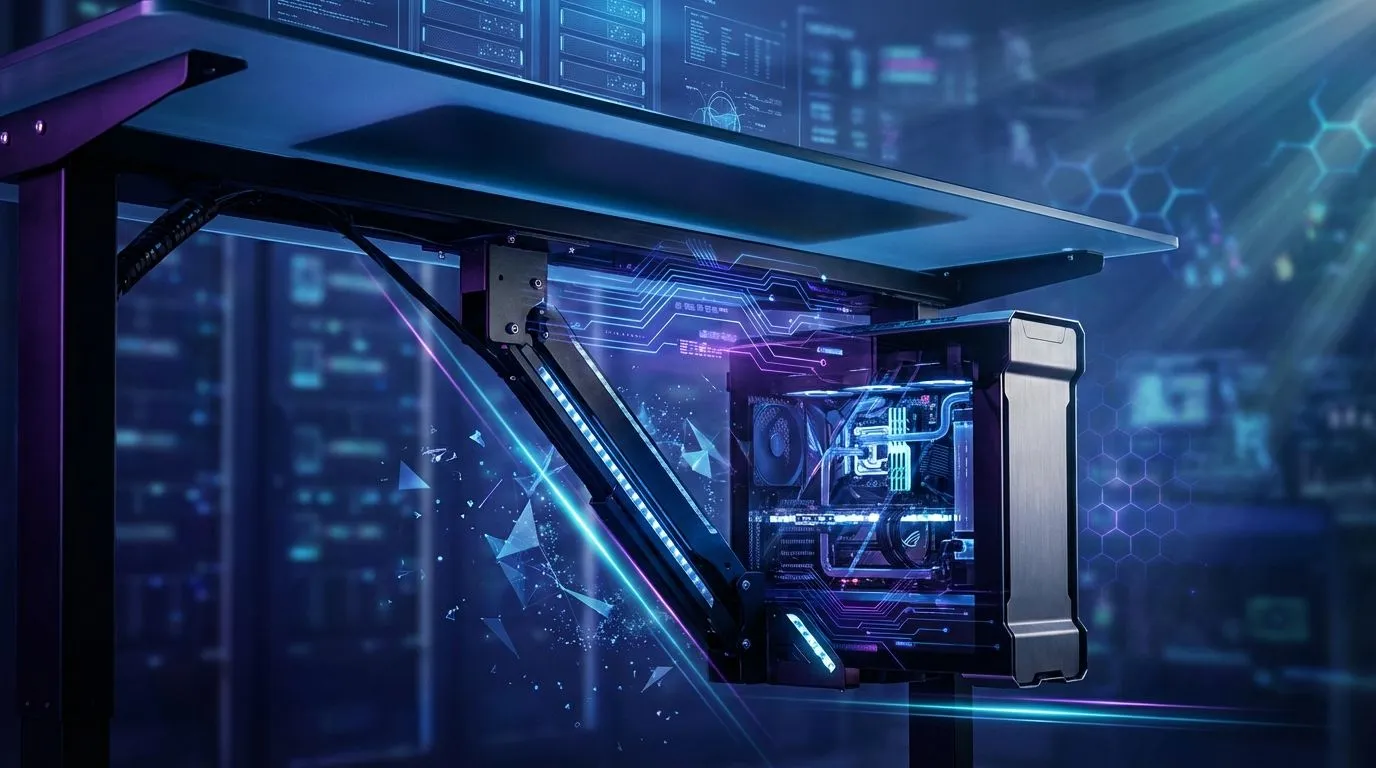
So, you’ve spent a fortune on your glorious gaming rig. It’s a beast. But right now, it’s just a big, beautiful box hogging your mousepad space or collecting dust bunnies on the floor. You dream of that clean, minimalist setup you see online... but the thought of drilling into your desk and trusting a few screws with your prized PC is a bit terrifying, right? Let's get it done safely.
This guide covers the essential safety checks and best practices for your under desk PC mount installation.
Why an Under Desk PC Mount is a Smart Move
Before we grab the drill, let's talk about the "why". Moving your PC off your desk or floor isn't just about aesthetics. An under desk PC mount installation offers some serious practical benefits:
- Reclaim Your Desk Space: Suddenly you have room for that bigger monitor, a stream deck, or just space to breathe.
- Better Airflow: Lifting your PC off the floor protects it from the dust and fluff that clog fans and suffocate components, potentially improving thermals.
- Accident Prevention: No more accidentally kicking your PC or spilling a Coke on it during a heated session.
- A Cleaner Look: It’s the final touch that transforms a cluttered corner into a professional-looking battlestation. ✨
The Pre-Installation Checklist: Measure Twice, Drill Once
Proper preparation is the difference between a secure rig and a catastrophic crash. Don't skip these steps.
Check Your Desk's Integrity
This is the most critical step. What is your desk made of?
- Solid Wood / Butcher Block: The ideal choice. These can hold significant weight.
- MDF or Particleboard: Most common for desks. They are usually fine, but you must use the correct screws and avoid overtightening.
- Hollow-Core / Honeycomb: STOP. Do not mount a PC to a hollow desk. It will not hold.
If you're unsure about your current surface, investing in a quality gaming desk designed to support heavy equipment is the safest bet.
Know Your PC's Weight & Dimensions
Don't guess. Check the specs of your case and components, or use a bathroom scale to weigh your PC. Ensure the mount you choose is rated to hold at least 1.5x your PC's actual weight for a solid safety margin. Measure your case's height, width, and depth to ensure it fits within the mount's adjustable range.
Gather Your Tools 🔧
You don't need a full workshop, just the basics:
- A drill with the correct size bits
- A screwdriver (usually a Phillips head)
- Measuring tape
- A pencil for marking
- A spirit level (optional, but recommended for a pro finish)
Step-by-Step Under Desk PC Mount Installation Guide
Alright, you've done your homework. Let's get this PC airborne.
- Plan the Placement: Sit at your desk. Where do you want the PC? Make sure you leave enough legroom and that you can easily access USB ports and the power button. Also, consider airflow; don't shove it right against a wall.
- Mark Your Drill Holes: Position the mount bracket under the desk and use a pencil to mark where the screws will go. Double-check that it's straight and where you want it.
- Drill Pilot Holes: This is key for preventing the wood from splitting. Use a drill bit that is slightly smaller than the screw's diameter. Don't drill all the way through your desk! A piece of tape on the drill bit can act as a handy depth guide.
- Secure the Mount: Screw the bracket firmly into the pilot holes. It should be snug and not wobble at all.
- Mount Your Rig: Carefully secure your PC into the mount according to its instructions. Check that all straps or clamps are tight before letting go. Your PC should now be floating securely. 🚀
Cable Management Pro Tip 💡
Once your PC is mounted, use the opportunity to perfect your cable management. Invest in some adhesive cable clips or a cable sleeve. Running your cables along the mount's bracket and down a desk leg creates an incredibly clean look and prevents snagged wires.
Optimising Your New, Spacious Setup
With your PC neatly tucked away, your entire gaming space feels bigger and more organised. This is the perfect time to fine-tune your ergonomics with an ergonomic gaming chair that lets you take full advantage of your newfound legroom. Now that your PC is a feature, not an obstacle, you can even show it off with some sleek case lighting that adds to the atmosphere. A successful PC mount installation is often the first step towards achieving that dream setup, inspiring many to go all-in with complete Arozzi gaming setups for a truly unified look.
Ready to Elevate Your Battlestation?
A clean, organised setup is the foundation of a great gaming experience. Now that you've mastered the mount, it's time to build your dream rig. Explore our range of custom-built PCs and find the perfect machine to complete your world.