


Clean Gaming Keyboard: Guide for Dusty & Humid Conditions
Clean gaming keyboard quickly and safely in dusty or humid conditions with step-by-step tips, tool checklist, and maintenance routines to prevent corrosion and switch failure. 🧼💨
Read moreReady to build the ultimate VR streaming setup in South Africa? This guide covers everything from the best PC specs to essential gear for a lag-free broadcast. 🖥️ Dive in to discover the components you need to captivate your audience and become a top VR streamer in SA! 🚀
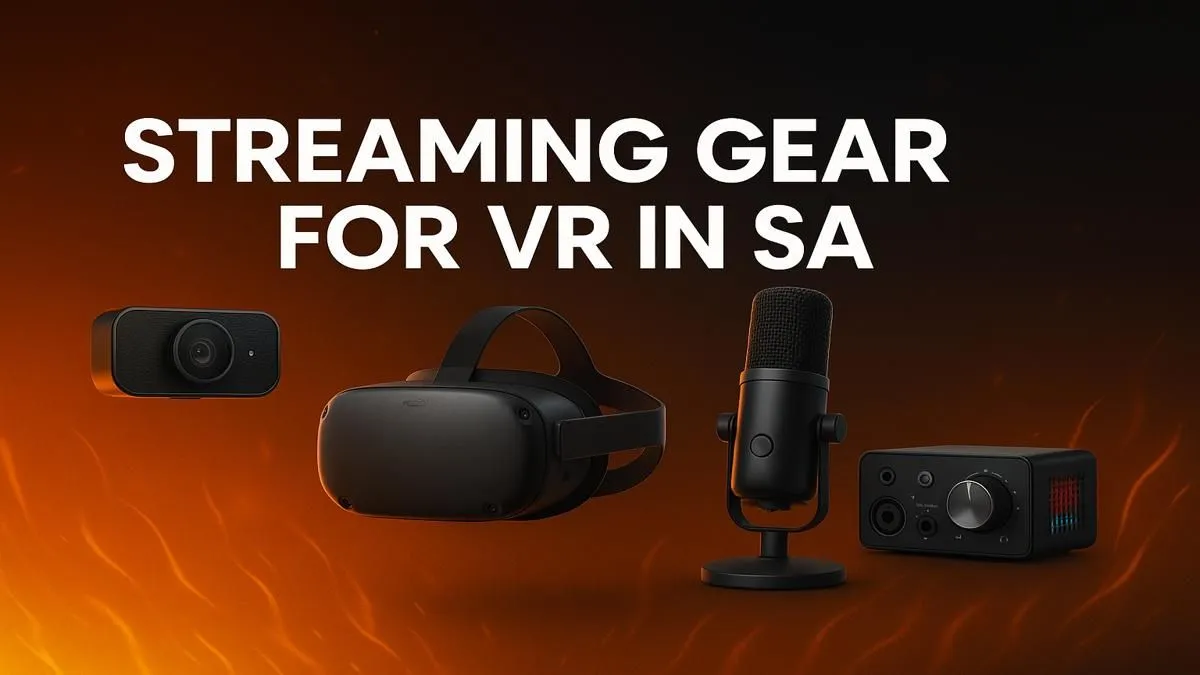
So, you’ve got the VR headset and the dream of becoming South Africa’s next big streamer. Awesome! But translating those epic Beat Saber sessions or VRChat moments into a smooth, watchable stream can be a real challenge. Lag, dropped frames, and poor quality can quickly turn viewers off. This guide breaks down exactly what you need for the ultimate VR streaming setup in South Africa, from the powerhouse PC to the peripherals that make you look pro. 🚀
Unlike standard game streaming, VR streaming is a beast. Your PC has to do two incredibly demanding jobs at once: render a high-resolution, high-framerate world for your VR headset and simultaneously encode and broadcast that gameplay to your audience. Skimping on the core components isn't an option.
Think of the CPU as the brain of your operation. While your game hammers a few cores, streaming software, OBS, Discord, and background apps all need their share of processing power. For a smooth VR streaming setup, look for a CPU with a high core and thread count. Something like an AMD Ryzen 7 or Intel Core i7 is a fantastic starting point, ensuring you have enough power to juggle everything without choking your stream.
This is where most of your budget should go. The graphics card is critical. You need a GPU powerful enough to drive your VR headset at its native resolution and refresh rate (typically 90Hz or more) while leaving enough overhead for the stream encoder. Modern NVIDIA RTX cards are king here, thanks to the dedicated NVENC encoder. It handles the video encoding with minimal performance hit on your game, which is a massive advantage for VR.
16GB of RAM is the absolute minimum, but 32GB is the real sweet spot for a modern VR streaming setup in South Africa. It gives you the headroom to run your game, VR software, streaming tools, and a few browser tabs without your system slowing to a crawl. For storage, a fast NVMe SSD is non-negotiable. It ensures your games and operating system load in a flash, keeping downtime between scenes to a minimum.
In OBS Studio, use the 'OpenVR Input Plugin' instead of a standard Game Capture. This allows you to capture a specific eye's view directly from the headset, crop it, and even apply a smoothing filter to reduce the shaky 'head cam' effect. It results in a much more watchable experience for your viewers!
A powerful PC is only half the battle. If your audience can't see or hear you clearly, they won't stick around. This is where quality peripherals make all the difference and turn a good stream into a great one.
A crisp, clear microphone is arguably more important than your camera. A dedicated USB microphone is a massive step up from any headset mic. It captures your voice with richness and clarity, making you sound professional and engaging. For the visual side, while you can get by with a basic webcam, investing in a quality one like a 1080p model that handles low light well will make your "face cam" pop. You can find a great selection of high-definition webcams right here to get started.
From microphones to capture cards, kitting out your station with the right streaming essentials is key to producing a high-quality broadcast.
Your physical space is part of your stream's personality. Good lighting is the single most effective way to improve your camera quality. You don't need a massive, expensive setup. A simple key light and a fill light can eliminate harsh shadows and make you look fantastic. For extra flair, consider adding some RGB background lights. Smart lighting panels from brands like Cololight add dynamic colour to your room, creating a vibe that matches your game or brand.
Ensure your VR play space is clear of obstacles for safety and has a clean background. A simple green screen can work wonders, allowing you to superimpose yourself directly into the game for a truly immersive mixed-reality effect.
Finally, let's talk about the gear that makes streaming easier and more interactive. A tool like the Elgato Stream Deck is invaluable. It lets you switch scenes, trigger sound effects, launch media, and interact with your chat with the press of a single button, all without ever leaving your VR environment.
Top-tier brands have developed entire ecosystems around streaming. For instance, the range of Corsair streaming gear integrates seamlessly, from keyboards with dedicated macro keys to headsets with broadcast-quality microphones, helping you build a cohesive and powerful setup. Building a reliable VR streaming setup in South Africa is about creating a seamless workflow, and the right tools are essential for that.
Ready to Build Your Ultimate Streaming Rig? A world-class VR stream starts with a world-class PC. Don't let lag or poor quality hold you back. Use our powerful, easy-to-use tool to design the perfect machine for your needs. Build Your Custom Streaming PC with Evetech today!
For smooth VR streaming, aim for an NVIDIA RTX 3070 or higher, an Intel Core i7/AMD Ryzen 7 CPU, 16GB+ RAM, and a fast NVMe SSD for optimal performance and low latency.
The Meta Quest 3 and Valve Index are top choices. The Quest 3 offers great standalone and PC VR flexibility, while the Index provides superior tracking for PC-based streams.
Use a wired Ethernet connection, ensure your PC specs for VR streaming are adequate, and use a powerful single PC with an NVIDIA NVENC encoder to handle the load effectively.
Not usually. You can capture VR gameplay directly using software like OBS Studio. A capture card is mainly beneficial for a more complex dual-PC streaming setup.
Start with a VR-ready PC, a quality headset like the Meta Quest 3, a good microphone (like a Blue Yeti), OBS Studio software, and a stable fibre internet connection.
Yes, you can stream directly from a Meta Quest headset, but for higher quality streams on Twitch or YouTube, connecting to a powerful PC via Air Link or a Link Cable is best.
A stable fibre connection with at least 10-15 Mbps upload speed is recommended for streaming VR in high quality (1080p at 60fps) without interruptions or lag.
Clean gaming keyboard quickly and safely in dusty or humid conditions with step-by-step tips, tool checklist, and maintenance routines to prevent corrosion and switch failure. 🧼💨
Read more
Best gaming keyboard features to prioritize when building a high-end setup: mechanical switches, low latency, hot-swap, RGB, macros, durability and ergonomics 🎮⌨️
Read more
Custom actuation point keyboard setup guide: learn to set per-key actuation on your analog gaming keyboard for faster, precise inputs and better control 🎮⚙️
Read more
Cable management for home entertainment helps you eliminate cable clutter quickly and safely. Learn routing, concealment, and product picks to tidy your setup fast 📺🔌
Read more
conference room setup Microsoft Teams Zoom: Upgrade AV, camera, mic, and network to ensure seamless meetings, clear audio, and crisp video 🎯🔧
Read more
• Audit setup • Link accounts • Configure ViewBoard • Test workflows Integrate Google Workspace with ViewSonic ViewBoard to enable secure SSO, calendar and Drive sync, and smooth collaborative whiteboarding 🔗📋
Read more
Discover webcams that automatically adjust light and color for crystal-clear video calls 🎥✨. Boost your streaming quality today!

Discover webcams that blend into your workflow 🎯 Capture moments while you work, stream, or create. Upgrade your setup with smart, multitasking tech!

Dedicated media keys give streamers one-touch control to mute, switch scenes, clip highlights, and adjust audio — cutting task time and boosting consistency 🎛️⚡

PBT vs ABS keycaps: Clear, local guide for South African gamers—compare feel, sound, durability and where to buy. Find the best material for your budget and playstyle 🎮🇿🇦

- Multi-Function Digital Dial: define benefits - Show gamer setups and macros - Offer buying and setup tips Multi-Function Digital Dial puts programmable control at your fingertips for faster actions and smoother streaming. 🎮⚙️

- Explain benefits; - Show the science; - Compare options; - Recommend picks. Magnetic wrist rest for gaming cuts wrist strain and boosts comfort during long sessions 🕹️✨