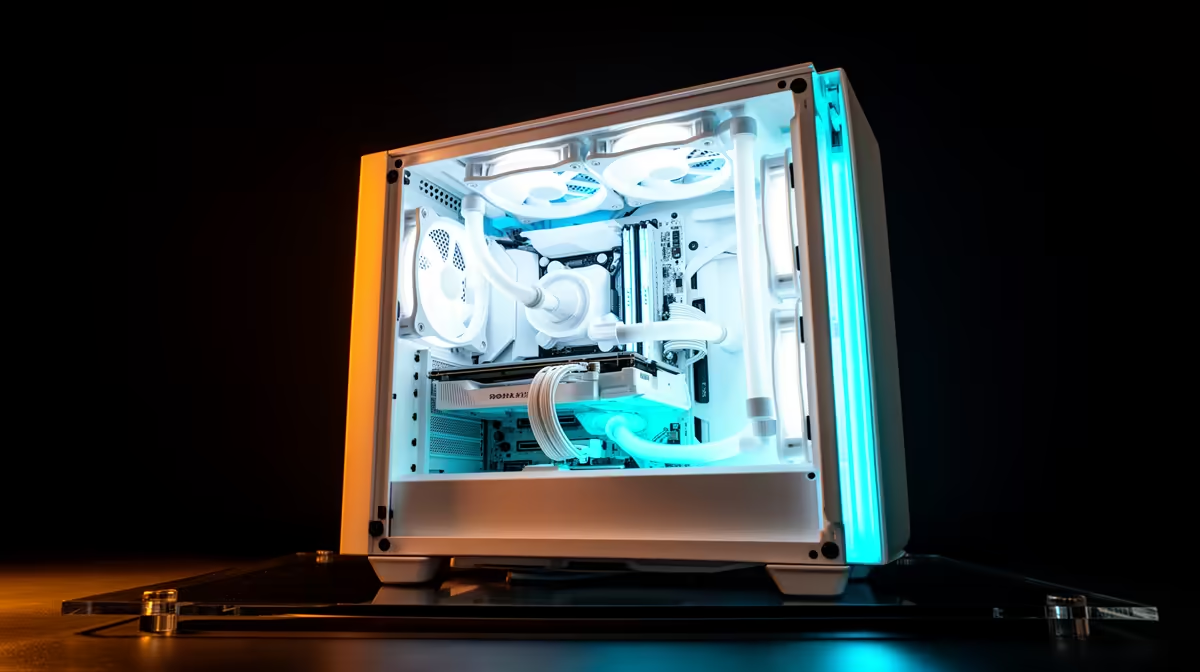
That clean, all-white PC build... it's a thing of beauty. A crisp, minimalist setup that looks incredible on any desk. But then the doubt creeps in, especially during a scorching South African summer. Does all that white make your PC run hotter? Will your aesthetic choice lead to thermal throttling? Let's settle this debate once and for all and look at the facts of white PC build cooling. The answer might surprise you.
The Science Behind Colour and Heat
You probably learned this in school: black absorbs light and white reflects it. That's why wearing a black shirt on a hot day in Jozi feels warmer than wearing a white one. So, a white case should be cooler, right? Well... it's not that simple.
Inside a PC case, away from direct sunlight, another principle of physics is more important: thermal radiation. Darker, matte surfaces are actually better at radiating heat away. This is called black-body radiation.
So, which is it? Does the reflective nature of white win, or the radiative power of black?
Does White PC Build Cooling Actually Suffer?
Here’s the straight-up answer: no. The colour of your components has a negligible, near-zero impact on their temperature. ❄️
Why? Because the vast majority of heat inside your PC is transferred through conduction (from the CPU/GPU die to the heatsink) and convection (air from your fans or liquid from your AIO carrying the heat away). Radiative cooling from the surface of a GPU shroud or a RAM stick is a tiny, tiny fraction of the total thermal transfer.
The difference in temperature between a white and a black component, all else being equal, is less than a single degree Celsius... a difference you'd never notice outside a lab. So, don't let the colour hold you back when browsing for components, even if you're looking at affordable budget-friendly gaming PCs.
What Really Matters for PC Cooling in South Africa 🇿🇦
Instead of worrying about colour, focus on the factors that make a real difference to your PC's temperatures. Effective cooling is crucial for performance, whether you're building a monster rig or looking for powerful options under R20k.
1. Case Airflow
This is the big one. A case with a solid front panel might look sleek, but it’s suffocating your components. Look for cases with mesh front panels and good ventilation. The number and placement of your case fans are also critical for creating a clear path for cool air to enter and hot air to exit.
2. The CPU Cooler
That stock cooler that came with your CPU? It’s... adequate. But for serious gaming or productivity, especially in our climate, a decent aftermarket tower air cooler or an All-in-One (AIO) liquid cooler is a must. This is non-negotiable for the powerful CPUs found in high-performance rigs over R20k.
Keep It Clean! 🔧
Dust is the enemy of cool. In South Africa, dust buildup can quickly clog filters and heatsink fins, choking airflow and raising temps. Make it a habit to clean your PC's dust filters every month or two. A quick rinse or a blast of compressed air is all it takes to keep your system breathing easy and performing optimally.
3. GPU Heatsink and Fan Design
The cooling solution on your graphics card matters far more than the colour of its plastic shroud. A GPU with a beefy heatsink and three fans will always run cooler than a single-fan model with a tiny heatsink, regardless of its colour.
Build Your Dream White PC Without the Worry ✨
So, go ahead and plan that incredible all-white build. The key to great white PC build cooling isn't avoiding white parts; it's choosing high-quality components engineered for excellent thermal performance.
Many of the best-performing components on the market come in white variants, from GPUs to AIO coolers and fans. The performance comes from the engineering, not the paint. You can see this dedication to quality across many of the best gaming PC deals available today.
And if you want that perfect aesthetic without the stress of building it yourself, our range of pre-built PC deals includes stunning white systems that are professionally assembled and tested to guarantee they run as cool as they look.
Ready to Build a PC That's Cool in Every Sense?
The myth is busted: white components don't run hotter. Now you can build that clean, aesthetic rig without worrying about temps. It’s all about smart component choice and airflow. Explore our massive range of gaming PCs and find a system that performs as cool as it looks.