Quick Answer
Pair a Ryzen 7 7700, 32GB DDR5, an NVMe SSD and a colour-accurate IPS monitor for under R20,000. For Lightroom and Photoshop, CPU, RAM and screen quality matter far more than a powerful GPU - this build nails all three.
Photo Editing Is CPU, RAM And Screen
Lightroom and Photoshop lean on CPU cores for batch exports and on RAM for large files and many layers. A Ryzen 7 7700 (around R6,500) speeds catalog operations and exports; 32GB DDR5 (around R3,000) keeps big PSD files responsive. The GPU matters less, so an entry RTX 4060 or integrated graphics suffices for most retouching.
The Monitor Is Half The Build
A colour-accurate 27-inch IPS panel covering 99% sRGB (around R4,500) ensures your edits look correct everywhere - it matters as much as the PC. A 1TB NVMe Gen4 SSD (around R1,100) keeps Lightroom catalogs and large RAW files loading instantly, with an HDD for archives. Together these keep the full build under R20,000.
Worcester Notes
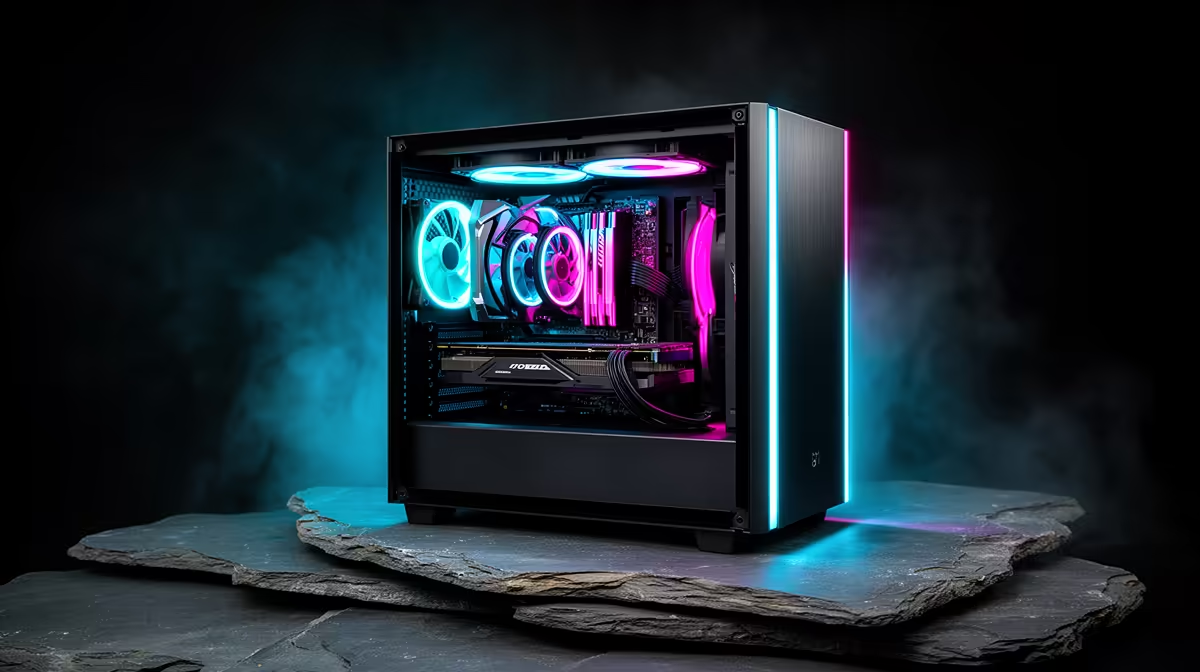
Evetech ships assembled editing rigs to Worcester and across the Western Cape by courier. The warm inland climate suits a mesh case and a quiet cooler so the studio stays comfortable. Openserve and Vumatel fibre serve parts of Worcester for uploading edited galleries and downloading client RAW files.
FAQ
Do I need a powerful GPU for photo editing under R20,000?
No. Spend on a Ryzen 7 7700, 32GB RAM and a colour-accurate monitor. The GPU matters little for Lightroom and Photoshop retouching.
How much RAM should I get?
32GB is the sweet spot for large RAW files, panoramas and many-layer PSDs. 16GB works for lighter editing but fills quickly on big projects.
Why prioritise the monitor?
A colour-accurate IPS panel ensures edits look right when printed or shared. For photo work it is the single most important purchase.
Allocate around R4,500 of your Worcester R20,000 budget to a 99% sRGB IPS monitor - accurate colour matters more than GPU power for photo retouching.