


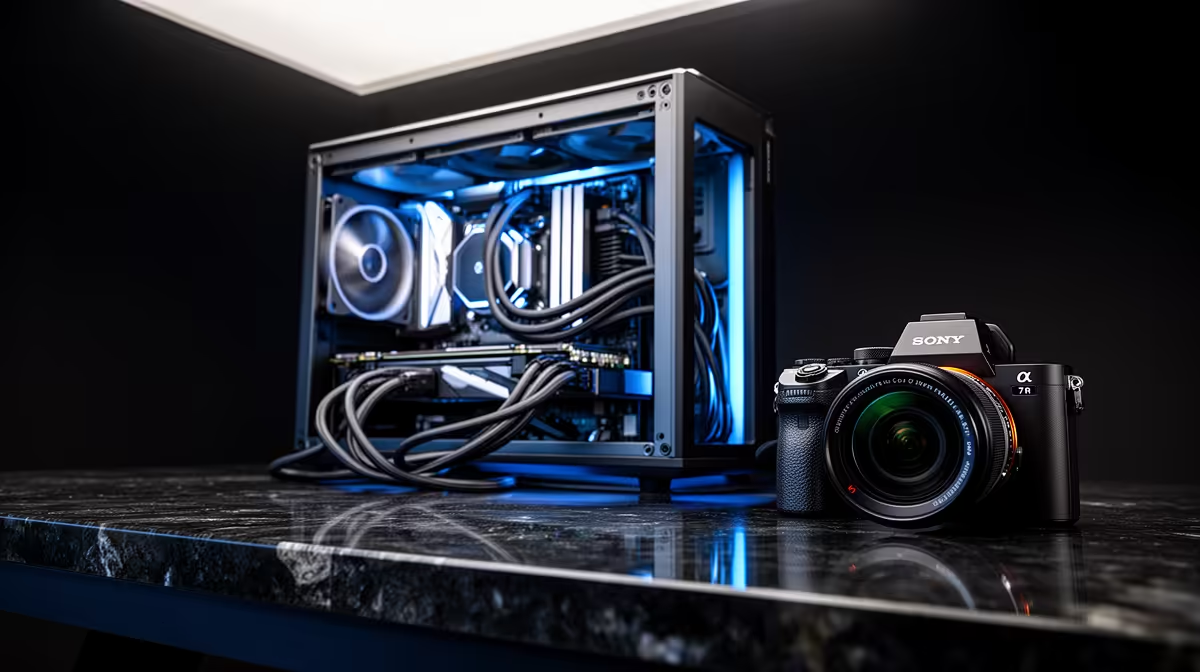
Workstation adapter cable management essentials 🔧
If your desk looks like a router exploded, you’re not alone. South African gamers and creators want clean, efficient setups that stay cool and look sharp. This guide shows practical cable-routing, adapter choices, and quick fixes that save time, reduce noise, and make your workstation feel pro. Read on for tips you can apply in under 30 minutes.
Workstation adapter cable management: planning and routing
Start with a map. Trace every adapter and cable from power bricks to peripherals. Group by function: power, display, data. Use Velcro straps and adhesive channels behind the desk to keep runs straight. For external adapters, place them under the desk or in a drawer with ventilation... not on top of components.
A tidy plan reduces strain on USB ports and keeps airflow unobstructed. For PCIe or PSU adapter extensions that need cleaner aesthetics, consider individually sleeved options like these NZXT individually sleeved premium cables to match your build colour and hide bulky adapters.
Workstation adapter cable management: tools and parts you need ✨
Essential toolkit:
- Cable ties (reusable Velcro)
- Cable combs for sleeved runs
- Under-desk channels and adhesive clips
- A metres tape, marker, scissors
If you’re extending or reorienting power leads, get quality extensions and ARGB options for neat, safe connections. For example, modular extension kits and ARGB extensions can both tidy messy cable junctions and add a professional look; check a practical ARGB extension option here: GameMax ARGB extension cables. 🔌
Desk Setup Tip ⚡
Use a single anchor point under your desk for major runs. Bundle power cables on one side and signal cables on the other to reduce interference. Label both ends with masking tape and a permanent marker — it saves hours the next time you upgrade.
Workstation adapter cable management: quick wins and pro moves
- Anchor long runs to the desk underside with adhesive channels.
- Leave a small loop near connectors to avoid tension.
- Use braided sleeves where several cables run together; they look smarter and protect cables.
- For docking stations and multi-adapter hubs, mount them vertically to save desk depth and keep airflow clear.
Micro-story: I once rescued a client’s streaming day by re-routing a GPU power brick to a vented drawer and replacing a chewed USB cable with a short, high-quality lead. Instant stability; zero dropout. Small buys can have big returns.
Workstation adapter cable management: maintenance and safety
Inspect connectors every 3 months. Replace frayed cables and avoid running power leads under carpets. If you use ARGB or powered extensions, double-check your PSU connections and clear any dust from connectors.
Ready to Find Your Perfect Match? The Mac vs Windows debate is complex, but for maximum power, choice, and value in South Africa, Windows is hard to beat. Explore our massive range of laptop specials and find the perfect machine to conquer your world.











