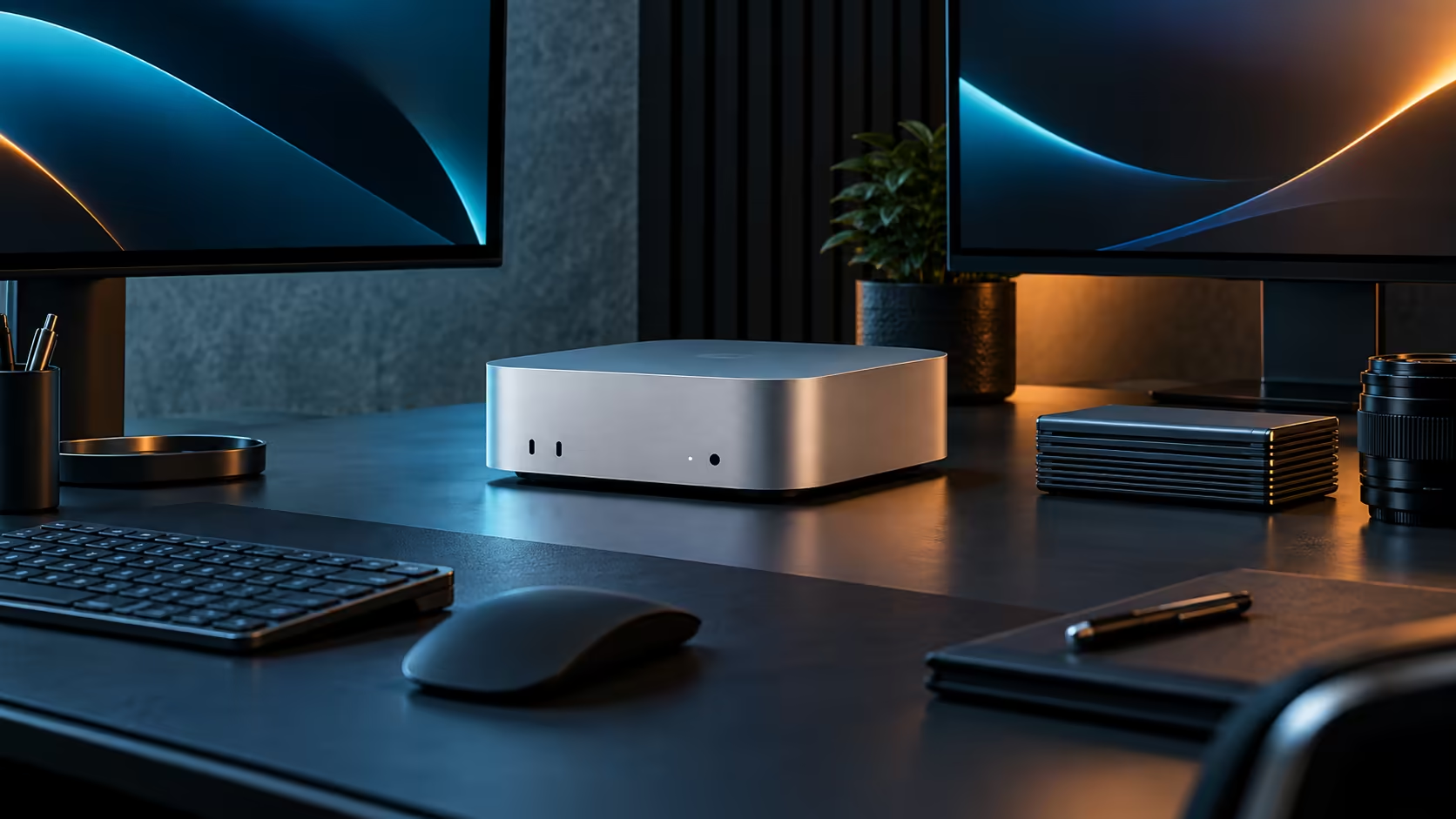
Spend on the memory tier first, well above everything else sitting on the order form, because it is the one single part of a Mac Mini M5 Pro that stays fixed permanently for the entire working life of the machine. Storage and Thunderbolt accessories both come well after that decision, and getting this order backwards is the most common way a South African buyer overspends on the wrong line item first.
Quick Answer
Settle the memory tier first, weighing 24GB against the single heaviest job you expect to run, since it cannot be upgraded later. Then budget for storage, both the internal 512GB drive and an external drive for archiving. Thunderbolt 5 accessories, such as docks and fast enclosures, come last and can be added gradually as a genuine, named need for each one actually appears. The base configuration is R33,599.
💾 Memory: the decision you cannot revisit
Unlike a traditional desktop where memory can often be added later, the M5 Pro's 24GB unified memory is fixed at purchase. Spend the most planning time here, because a mistake on this line cannot be corrected without replacing the whole machine, unlike every other item on this list.
🗄️ Storage: budget for growth, not just the launch day
The internal 512GB drive holds the operating system, applications and current projects comfortably, but video and large creative files fill it faster than most first-time buyers expect. Price an external hard drive or SSD into the initial budget rather than treating it as a future purchase, since archiving finished work early keeps the internal drive free for active projects.
🔌 Thunderbolt 5 accessories: buy as the need appears
A dock, a fast external SSD enclosure, or additional cables can all be added after the initial purchase without penalty, since Thunderbolt accessories are a genuinely modular part of the setup. Resist the temptation to buy every accessory on day one; wait until a specific bottleneck actually shows up in real use.
🖥️ The monitor sits between memory and accessories in priority
A proper monitor matters more than any Thunderbolt accessory and roughly as much as the storage plan, since it directly limits what you can see and judge in your own work. Budget for it in the same early pass as storage, rather than lumping it in with "accessories" that can wait, because a poor screen undermines colour and detail work regardless of how capable the machine itself is.
🧾 Buying the whole plan locally
Ordering the machine, storage and accessories together through Evetech keeps every warranty on one invoice, which matters if any single piece needs attention later. The memory tier that anchors this whole budget is easiest to pick with the rest of the Mac Mini lineup, and the alternatives in the mini PC category, open in front of you.
Frequently Asked Questions
Why does memory get priority over storage in this budget order?
Because it cannot be changed later, while storage can always be extended externally at any point after purchase.
Should I buy Thunderbolt accessories at the same time as the machine?
Only the ones you already know you need. Buying accessories as a real bottleneck appears avoids spending on gear that turns out unnecessary.
Is external storage really necessary from day one?
For video-heavy work, yes; the internal drive fills faster than expected. For light document and photo use, it can reasonably wait.
Where does the monitor fit in this spending order?
Right alongside storage, in the early planning pass, since it affects daily work quality as directly as the machine itself does.
Is it wasteful to buy a Thunderbolt accessory I only use occasionally?
Not if it solves a real, if infrequent, need; the waste is in buying a full set of accessories speculatively before any bottleneck has actually appeared.
How do I know when it is finally time to buy a specific accessory?
When a specific, named task is genuinely slowed or blocked by not having it, rather than a general sense that it might one day be useful.
Is it reasonable to buy the memory tier now and everything else next month?
Yes, this is a sensible way to spread a workstation budget, since the memory tier is the one decision that must be right at purchase, while storage and accessories can follow later without penalty.
Does the order of purchase actually affect the total amount spent?
Not the total, but it affects cash flow and how quickly regret sets in over an unused accessory bought too early; spreading purchases out as real needs appear tends to feel less wasteful.
Is it worth keeping a small buffer in the budget for unexpected accessories?
Yes, a buffer of a few hundred rand covers the small cable or adapter that almost always turns out to be missing once the desk is actually assembled.
Ready to budget a Mac Mini M5 Pro setup in the right order?
Settle the memory tier first, then plan storage and accessories around your actual habits.