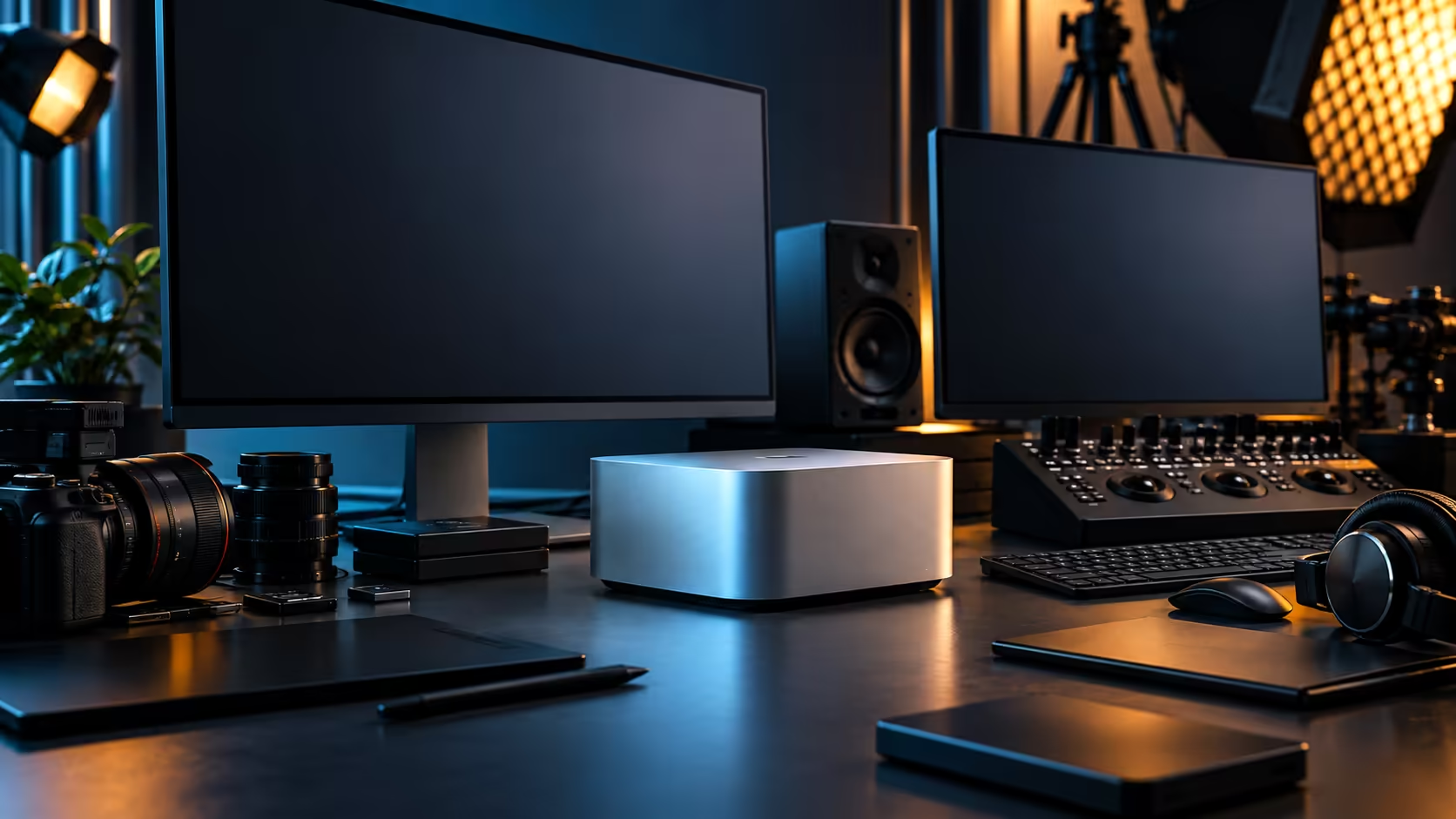
Run a large language model on your own desk instead of someone else's server, and the question that actually decides whether it works isn't the chip's reputation, it's whether the model fits in memory. The Mac Studio M5 Max answers that question with a specific number, not a general promise.
Quick Answer
Yes, within the limits of 36GB shared between the model and everything else running at the time. Quantised models in the 7B to 13B parameter range sit comfortably; the largest open-weight models do not, because macOS and your other applications also draw from that same pool. The machine is R49,499 with a 512GB SSD.
📏 Why the model's own published size is what matters
Skip the general claims about "AI-ready" hardware and go straight to the number that decides the outcome.
Model publishers state a memory requirement for each size and quantisation level they release, and comparing that figure directly against 36GB tells you far more than any marketing claim about a machine's AI capability in the abstract. A 7B parameter model, quantised appropriately, typically needs a fraction of that 36GB pool, leaving comfortable room for macOS and other open applications. Larger models close that gap quickly, and the largest open-weight releases exceed what 36GB can hold at all.
🧠 What unified memory changes about running these models
The architecture behind this machine is part of why local LLM work is realistic on it at all.
Because the processor's eighteen cores, the thirty-two-core graphics engine and the sixteen-core Neural Engine all draw from the same 36GB pool rather than separate memory spaces, a model loaded once stays available to whichever part of the chip is doing the processing, without a copy step between a CPU-side pool and a GPU-side one. This is a genuinely different arrangement from a Windows tower with a discrete graphics card, where a model too large for the GPU's own VRAM either fails or has to be split awkwardly between memory pools.
⚖️ Running a model alongside other work
The comfortable headroom you calculated in isolation shrinks the moment real multitasking starts.
Running a language model beside a video timeline, a browser with several tabs and typical background processes eats into the same 36GB the model itself needs, so the honest test is your actual working session, not the model running alone on an otherwise idle machine. If your plan involves a model running continuously alongside demanding creative work, size your expectations against that combined load rather than the model's isolated requirement.
🔍 Checking before you buy or before you try a specific model
A few minutes of checking avoids a disappointing first attempt.
Look up your target model's published memory requirement at your intended quantisation level, add a reasonable allowance for macOS and whatever else you typically run alongside it, and compare the total against 36GB. If it fits comfortably, you have your answer. If it's close, expect some compromise on session length or concurrent app use rather than a hard failure. Browse the mini PC range with that number in hand, and if your model's requirement runs close to the edge, weigh it against the memory tiers available across Apple's wider lineup too.
🏗️ When to step up to a dedicated workstation instead
Local LLM work is only one part of most people's actual workload, and it's worth being honest about where a heavier build makes more sense.
If your primary work is running large models continuously alongside heavy 3D or simulation tasks, rather than occasionally alongside general creative work, a workstation build with a memory tier or architecture chosen specifically for that combined load may serve you better than stretching a 36GB configuration bought primarily for other reasons.
Frequently Asked Questions
What size language models run well on 36GB unified memory?
A model in the 7-to-13-billion-parameter class, properly quantised, runs comfortably here alongside whatever else you typically keep open.
Can I run the largest open-weight models on a Mac Studio M5 Max?
Generally not the very largest releases, since their published memory requirements exceed what a 36GB pool can hold once macOS and other applications are accounted for.
Does running an AI model slow down other work on the machine?
It can, since the model and your other applications share the same 36GB pool. Running a model alongside heavy creative work should be tested directly rather than assumed to be free.
Is unified memory better than a discrete GPU's VRAM for running local models?
For models that fit within the pool, yes, since there's no data copying between separate CPU and GPU memory. For models sized specifically around a discrete GPU's dedicated VRAM, that traditional arrangement can still be the better fit.
How do I check if a specific model will fit before buying the machine?
Look up the model's published memory requirement at your intended quantisation level and compare it against 36GB, allowing headroom for macOS and any other applications you typically run alongside it.
Ready to check whether your target model actually fits?
Compare its published memory requirement against this configuration before committing to a Mac Studio M5 Max.